
Lieferung heute & morgen

Qualitätsgarantie

Willkommens-Angebote freischalten: KOSTENLOSE Lieferung | Bis zu 80 % RABATT | Kostenlose 30-Tage-JoyPlus-Testphase
App herunterladen
Finding the right 100W USB-C cable can be complex, given the vast array of standards, speeds, and power ratings. An unsuitable cable can not only slow down the charging of your laptop or smartphone but also make data transfers a test of patience. For users of high-end devices who depend on maximum efficiency, choosing the right cable is crucial.
As a Joybuy Product Recommendation Officer, my job is to filter technical information and provide you with objective guidance. This article explains the essential criteria for selecting a high-performance USB-C cable and presents a selection of models tailored to specific use cases.
To make an informed decision, three technical parameters are of central importance. Considering these points ensures that the cable meets your requirements for charging and data transfer performance.
The term Power Delivery (PD) refers to a charging standard that allows significantly higher amounts of energy to be transferred via a USB-C connection. A 100W Power Delivery cable is capable of powering high-performance devices like modern laptops, tablets, and docking stations at maximum speed. To utilize the full power, all three components—the end device (e.g., your laptop), the power adapter, and the USB-C to USB-C cable—must support the 100W PD standard. For a USB-C laptop charging cable, 100W support is often a prerequisite for fast and efficient charging.
The speed at which data is transferred is another key differentiator. Specifications range from USB 2.0 (up to 480 Mbit/s) to USB 3.2 Gen 2x2 (up to 20 Gbit/s).
A cable that supports high data rates can also function as a 4K USB-C video cable, provided it supports DisplayPort Alternate Mode.
The durability of a cable is heavily dependent on its build quality. A braided USB-C cable, often with a sheath made of nylon or a similar robust material, offers enhanced protection against kinks, abrasion, and breakage. Reinforced connector housings and solid strain relief are other features that indicate longer durability, especially with frequent mobile use.
Based on the criteria above, we have compiled a selection of cables that cover different needs—from maximum data transfer to reliable charging performance.
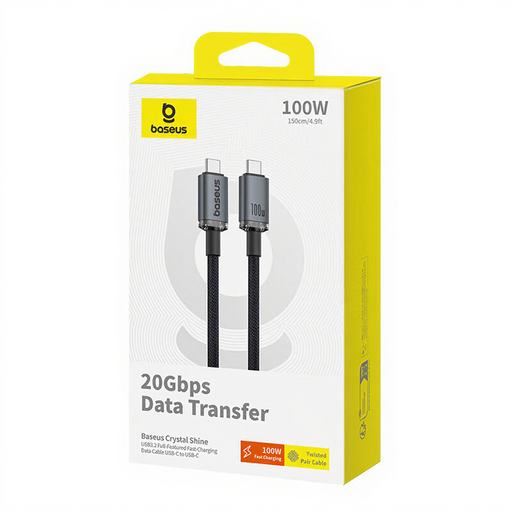
Why It Stands Out This cable from Baseus combines high charging power, very fast data transfer, and a robust design. It is designed as an all-in-one solution for demanding users who want to make no compromises on performance.
Advantages
Who It's For Creative professionals, video producers, and tech enthusiasts who need a single, powerful cable for fast charging, extremely fast data transfers, and connecting to 4K monitors.
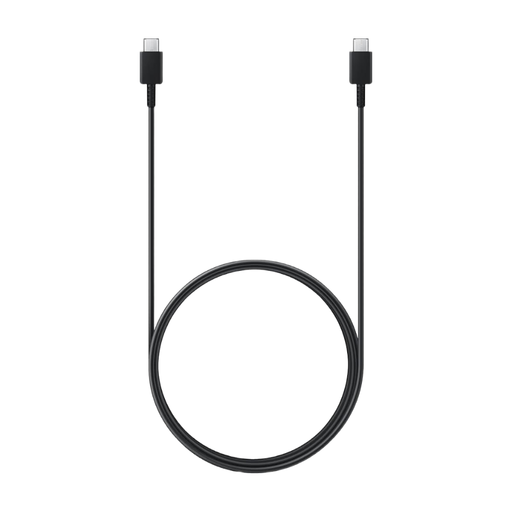
Why It Stands Out The Samsung EP-DX310 is a reliable and long cable from an established manufacturer that focuses on stable charging. At 1.8 meters, it offers extra flexibility at the office or at home.
Advantages
Who It's For Users looking for a long and dependable fast-charging USB-C cable primarily for charging their smartphones, tablets, and laptops (up to 60W), who also value the quality of a brand-name manufacturer. Data transfer is limited to USB 2.0 speeds.
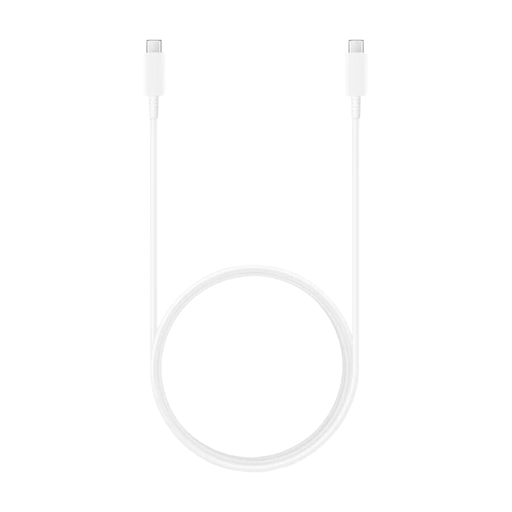
Why It Stands Out This cable is Samsung's high-performance model, designed to power the most demanding devices. It supports the full 100W charging power, making it an excellent choice as a primary USB-C laptop charging cable.
Advantages
Who It's For Owners of high-performance laptops (e.g., MacBook Pro, Dell XPS) and modern Samsung smartphones who want to take advantage of the 45W fast-charging feature. The focus is clearly on maximum charging power, while the data rate is at the USB 2.0 level.
Haven't found the right cable for your specific needs yet? If you're looking for other lengths, colors, or specific technical configurations, you can find a broader selection in our main category.
? Discover more models in the USB-C to USB Cables category
Do I need a 100W USB-C cable for my smartphone? Not necessarily. Most smartphones use charging powers between 25W and 45W. However, a 100W cable is fully backward-compatible and represents a future-proof purchase. It won't harm the device, as the charging power is intelligently negotiated between the device, power adapter, and cable. It's especially useful if you want to use the same cable for your laptop.
What is the difference between USB 3.2 and Thunderbolt on USB-C cables? Both standards use the physical USB-C connector but differ in performance. Thunderbolt cables typically offer higher data rates (up to 40 Gbps) and advanced video capabilities. A 20Gbps USB 3.2 cable is more than sufficient for most use cases, including transferring large 4K files, and is often a more cost-effective solution. Check your devices' specifications to ensure compatibility.