
Lieferung heute & morgen

Qualitätsgarantie

Willkommens-Angebote freischalten: KOSTENLOSE Lieferung | Bis zu 80 % RABATT | Kostenlose 30-Tage-JoyPlus-Testphase
App herunterladen
A 240 Hz gaming monitor can display fast motion more smoothly than a 60 Hz or 144 Hz model. However, buying one isn't automatically worthwhile: if you only look at the refresh rate or a flashy response time, you often overlook important limitations in resolution, connectivity and ergonomics.
The refresh rate describes how many times the monitor can update the image per second. To make use of 240 Hz, your PC needs to deliver roughly 240 frames per second in the game you're playing. For demanding titles at a high resolution, you'll need a sufficiently powerful graphics card.
The situation is different with a console: the PlayStation 5 and Xbox Series X|S output a maximum of 120 Hz in many games. A gaming monitor with HDMI 2.1 can be useful for 4K at 120 Hz, but it won't turn a console into a 240 Hz system.
Figures like 0.03 ms or 1 ms refer to different measurement methods and panel technologies. OLED models often achieve very short GtG values according to manufacturer specifications. With LCD models, the measurement method, overdrive setting and picture mode can all influence the result.
A low response time alone doesn't guarantee a clean image. You should also pay attention to the actual motion handling, Adaptive Sync and suitable settings in the monitor's on-screen menu.
An HDR gaming monitor shouldn't just say "HDR Ready" on the spec sheet. Certifications like VESA DisplayHDR are more meaningful, along with details on brightness, contrast and panel type. OLED models can display very dark areas by design, while IPS and VA monitors may have different characteristics when it comes to brightness and contrast.
With OLED, there's another consideration: prolonged static elements like HUDs, taskbars or channel logos can make panel maintenance important. Features such as Pixel Refresh or OLED Care should be used according to the manufacturer's instructions.
A 27-inch gaming monitor with Full HD places a relatively low demand on your graphics card. A QHD gaming monitor with 2,560 × 1,440 pixels shows more image detail at this size and is a balanced choice for PC gaming at 240 Hz.
A 4K gaming monitor with 3,840 × 2,160 pixels is suitable for detailed games, creative applications and current consoles. However, 4K at 240 Hz requires a powerful graphics card and an appropriate signal connection.
For a PC, DisplayPort 1.4 with DSC or newer DisplayPort versions are often crucial when combining high resolutions and refresh rates. HDMI 2.1 is relevant for modern consoles and 4K-120 Hz signals. A gaming monitor with USB-C can transmit picture, data and sometimes power over a single cable with compatible laptops.
Also check whether the monitor works with NVIDIA G-SYNC compatible, AMD FreeSync or Adaptive Sync. The function usually needs to be activated both in the monitor's menu and in the graphics card driver.
An ergonomic gaming monitor should at least be tiltable. For longer sessions, height adjustment, swivel and pivot functions are practical. VESA 100 × 100 mm makes it easier to mount on a monitor arm.
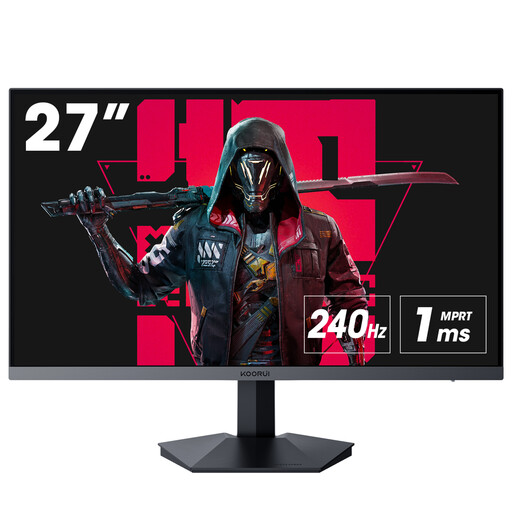
Why this product fits the profile: This Full HD monitor combines 27 inches, 240 Hz and 1 ms with HDMI 2.0, DisplayPort 1.4 and Adaptive Sync.
The refresh rate isn't paired with an unrealistic resolution; Full HD places lower demands on the graphics card.
240 Hz, 1 ms, Adaptive Sync and VESA compatibility according to product specifications.
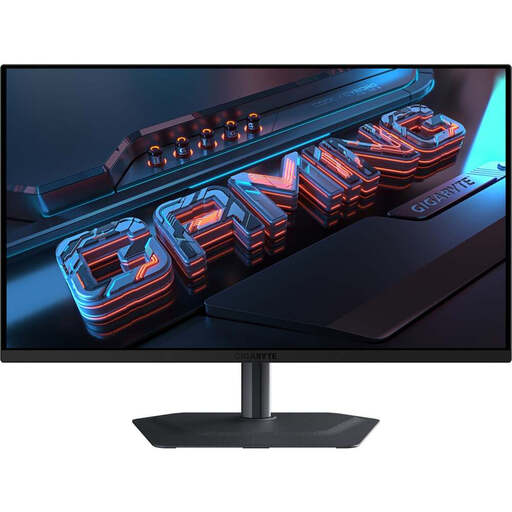
Why this product fits the profile: This QHD QD-OLED monitor is aimed at users who want to combine gaming with contrast, colour gamut coverage and flexible features.
The spec sheet clearly states the panel type, QHD resolution, DisplayHDR True Black 400, connectivity and OLED care features.
QD-OLED, QHD, 280 Hz according to technical specifications, USB-C with 18 W Power Delivery and 2 × HDMI 2.1.
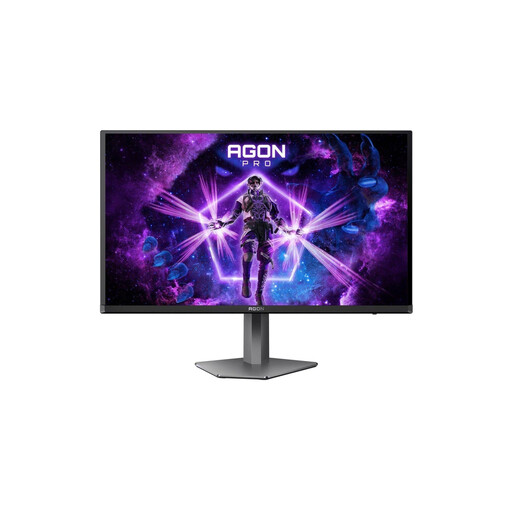
Why this product fits the profile: For PC gamers, console users and creative applications, this model combines 4K, 240 Hz and USB-C features.
HDMI 2.1, DisplayPort 2.1 and USB-C with 65 W are specified, so you can check the signal path and laptop connection before buying.
4K UHD, 240 Hz, 0.03 ms GtG, KVM, USB-C and ergonomic stand according to product data.
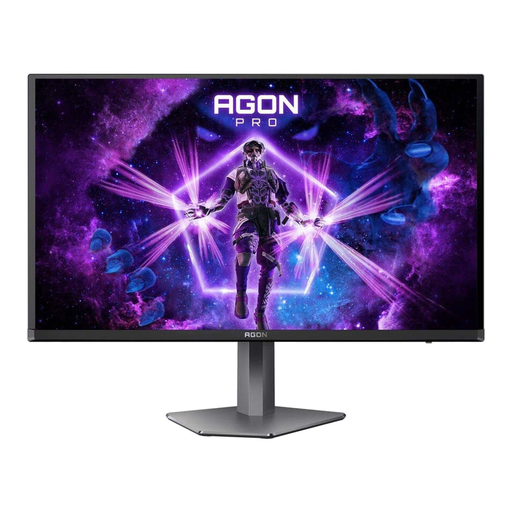
Why this product fits the profile: This model is designed for high refresh rates and is aimed at users whose PC generates enough frames per second to match.
The maximum refresh rate of 500 Hz is clearly stated and tied to DisplayPort 2.1 and suitable hardware.
QHD QD-OLED, 500 Hz, 0.03 ms GtG, HDMI 2.1, DisplayPort 2.1 plus FreeSync Premium Pro and G-SYNC compatibility according to product specifications.
We've put together a complete, regularly updated list of products that fully meet these strict selection criteria and the safety regulations in force in the EU.
Not necessarily. The achievable refresh rate depends on the resolution, connection standard and model. With many monitors, DisplayPort is the practical connection for 240 Hz on a PC. Check the manufacturer's specifications and the performance limits of your graphics card. For consoles, HDMI 2.1 and support for 120 Hz are particularly relevant.
A higher refresh rate can reduce the time between two image updates. However, the practical benefit depends on whether your hardware consistently produces enough frames and whether you play games with high frame rates. For many applications, a 240 Hz monitor is therefore a balanced choice; 360 Hz or 500 Hz are more suited to specific esports scenarios.
Power consumption depends on the panel type, brightness, HDR mode and usage time. OLED models can behave differently in bright HDR scenes compared to LCD monitors. The specific energy efficiency class and consumption per 1,000 hours are listed in the product data sheet. If the monitor runs for many hours a day for gaming, streaming and home office, this value should be factored into your buying decision.