
Lieferung heute & morgen

Qualitätsgarantie
App herunterladen
Kategorien
Selecting a monitor for gaming applications is based on an analysis of technical specifications that directly impact the gameplay experience. For the combination of a 27-inch screen size and WQHD resolution, the refresh rate, response time, and panel technology are particularly crucial parameters. This article analyses the relevant technical features and presents a selection of models that meet specific requirements.
The decision for a specific model should be based on a careful consideration of the following technical metrics.
A 27-inch gaming monitor with WQHD resolution (2560 x 1440 pixels), also known as 1440p, offers a high pixel density of approximately 109 ppi (pixels per inch). This results in sharp, detailed visuals without requiring UI scaling in most operating systems. Compared to Full HD (1920 x 1080), WQHD displays 77% more pixels, significantly enhancing visual quality in games and multimedia applications. At the same time, the demands on the graphics card are more moderate than with 4K UHD (3840 x 2160).
The refresh rate, measured in Hertz (Hz), indicates how many frames per second the monitor can display. While 60 Hz is the standard for office applications, higher rates are required for smooth gameplay.
The response time, typically specified in milliseconds (ms) Gray-to-Gray (GTG), measures how quickly a pixel can change its colour. A fast gaming monitor with 1ms or less minimises motion blur and ghosting. This is critical for the clarity of fast-moving objects on the screen.
The panel technology largely determines image characteristics like colour accuracy, contrast, and viewing angle stability.
Technologies like AMD FreeSync and NVIDIA G-Sync synchronise the monitor's refresh rate with the graphics card's frame output. This prevents screen tearing and stuttering, resulting in a consistently smooth image. Many monitors are G-Sync Compatible, meaning they also support a variable refresh rate with NVIDIA graphics cards.
An HDR gaming monitor can display a wider range of brightness and colour. The quality is often indicated by VESA certifications like DisplayHDR 400, 600, or 1000. The number represents the peak brightness in nits (cd/m²). Higher peak brightness allows for more impressive highlights and more detailed shadow areas in supported games and movies.
Based on the technical criteria above, we have compiled a selection of monitors that cater to different priorities.
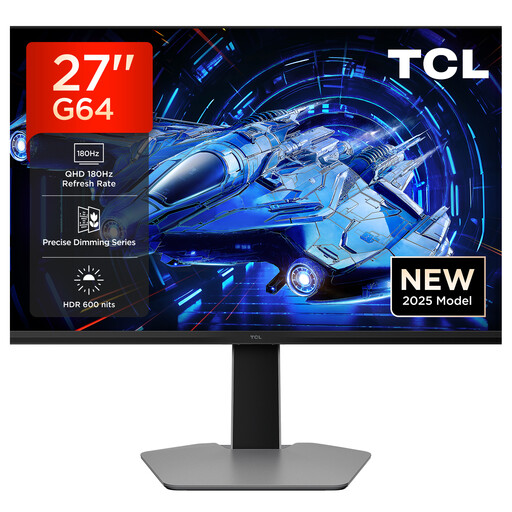
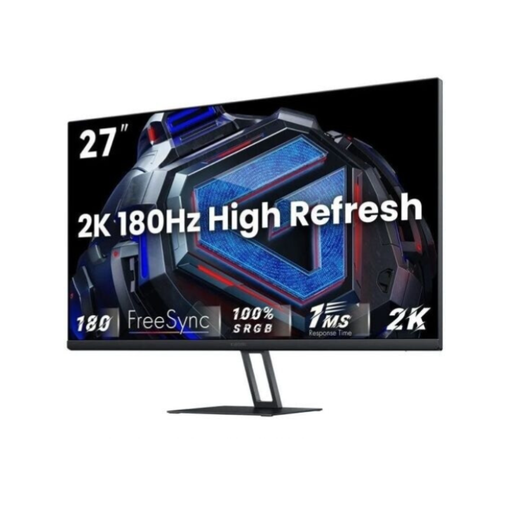
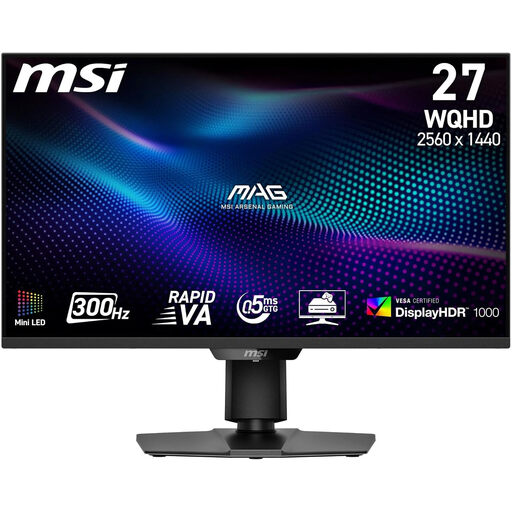
The models presented cover specific requirement profiles. However, the market offers a wide range of devices with different technological focuses. For users specifically interested in advanced backlight technology, our Mini LED Monitor category provides a curated overview of other models.
1. Is a 27-inch WQHD gaming monitor suitable for consoles like the PS5 or Xbox Series X? Yes, these monitors are an excellent fit for current-gen consoles. Both the PlayStation 5 and Xbox Series X support 1440p resolution and high refresh rates of up to 120 Hz. To unlock their full potential, a monitor with an HDMI 2.1 port is recommended, as it provides the necessary bandwidth for 1440p at 120 Hz.
2. What is the difference between AMD FreeSync and NVIDIA G-Sync? Both technologies serve to synchronise the frame rate of the graphics card and the monitor to prevent image artifacts. FreeSync is an open standard from AMD that works over DisplayPort and HDMI and is supported by a wide range of monitors. G-Sync is a proprietary technology from NVIDIA that historically required a dedicated hardware module in the monitor. Today, there are three tiers: "G-Sync Compatible" (based on the FreeSync standard), "G-Sync" (with NVIDIA validation), and "G-Sync Ultimate" (with an advanced HDR processor).
3. Is a Mini LED monitor worth it for gaming? A Mini LED monitor represents a significant evolution from traditional LCD monitors with edge-lit or simple full-array backlights. Through precise control of hundreds or thousands of dimming zones, a much higher contrast, deeper blacks, and less "blooming" (halos around bright objects) are achieved. This leads to a visibly better image quality, especially when displaying HDR content, making it an attractive option for gamers who value visual immersion.