
Lieferung heute & morgen

Qualitätsgarantie

Willkommens-Angebote freischalten: KOSTENLOSE Lieferung | Bis zu 80 % RABATT | Kostenlose 30-Tage-JoyPlus-Testphase
App herunterladen
A 65W GaN charger can power your smartphone, tablet and USB-C laptop from a single adapter. In practice, however, wattage alone doesn’t determine whether it’s the right choice. The port configuration, charging protocols, plug type and power distribution when charging multiple devices all affect how well it fits your everyday needs.
There are three common mistakes to avoid when choosing a charger:
USB Power Delivery (USB-PD) is an important standard for modern smartphones, tablets and laptops. A USB Power Delivery charger can adjust its output voltage to suit the connected device. If you’re choosing a USB-C laptop charger, also check that your computer supports USB-C charging and find out the minimum power output specified by the manufacturer.
PPS stands for “Programmable Power Supply” and allows for finer voltage adjustments. This can matter for compatible devices. QC, or Quick Charge, is used mainly with certain smartphones. So a charger that supports PD, PPS, QC and fast charging can cover a range of device types, but it won’t automatically guarantee the maximum charging speed for each one. Your device and cable must also be compatible.
With a 3-port fast charger, you should be able to find the output specifications for each port combination. For example, the Baseus Small Cube Pro has two USB-C ports and one USB-A port. Depending on the version, USB-C can deliver up to 65W, while USB-A can provide up to 30W. When you connect multiple devices, the available power is shared between them.
So be sure to check:
A GaN fast charger uses gallium nitride in its power electronics. This can make it more compact than many older adapters. However, GaN technology doesn’t replace the need for clear safety and power specifications.
For use in Germany, you’ll need a suitable EU plug and an input voltage of typically 100–240 V. If you plan to use the charger abroad, check whether it comes with interchangeable plugs or requires a suitable travel adapter. A compact travel charger should also be light enough to carry and leave sufficient space for neighbouring sockets.
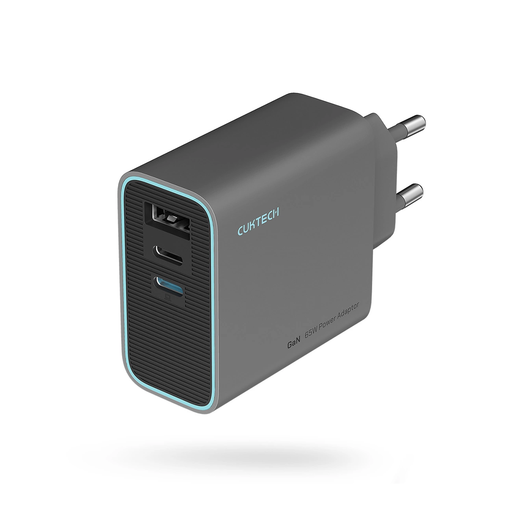
Why it suits this profile: Three ports offer a practical setup for charging your smartphone, headphones and tablet every day.
The 3-port design means you’re less likely to need several adapters. Before buying, check the power distribution specifications.
65W total output according to the product name, plus two USB-C ports and one USB-A port.
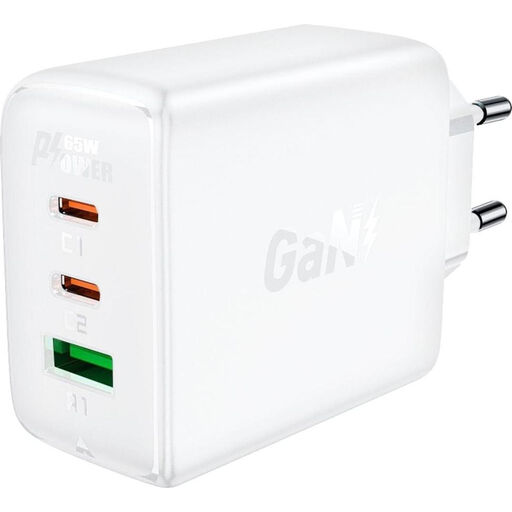
Why it suits this profile: This model combines two USB-C ports and one USB-A port with PPS, PD and QC4+ support, making it suitable for a range of household devices.
The listed protocols make it easier to check compatibility than a vague claim of “fast charging”.
65W total output, 100–240-V input and support for PPS, PD, QC4+, QC3.0, AFC, FCP and SCP, according to the product specifications.
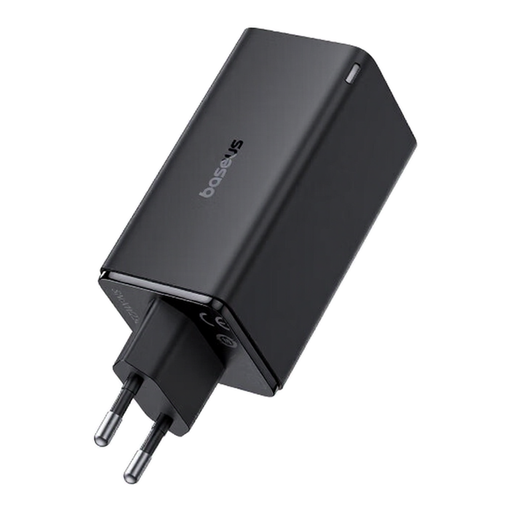
Why it suits this profile: Four ports make it a good fit for workstations or households with several USB devices.
The four ports help overcome the common limitation of having too few connections. If you’re charging a laptop, still check the output of the USB-C port you plan to use.
Two USB-C and two USB-A ports, 65W total output and stated dimensions of 4 × 3,4 × 6,37 cm.
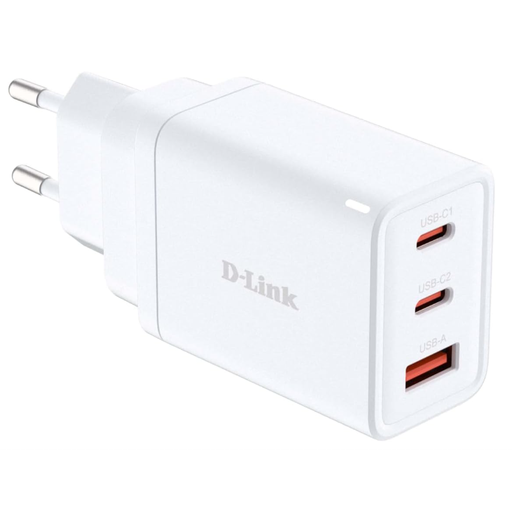
Why it suits this profile: According to the product description, it comes with EU, UK, US and AU plugs for use in different destinations.
The interchangeable plug system could save you from needing extra travel adapters. Before you set off, check that the included plug type is suitable for your destination.
Two USB-C ports and one USB-A port, support for USB-PD 3.0 and QC 4.0, plus several interchangeable plugs, according to the product specifications.
First, check the requirements of your most power-hungry device. A smartphone usually needs less power than a laptop. An iPhone charger will therefore often need only a USB-C port with the right PD profile, whereas a laptop must receive the power specified by its manufacturer.
Also bear the following in mind:
We’ve put together a complete, regularly updated list of products that meet these strict selection criteria and fully comply with the safety regulations in force in the EU.
Yes, provided your iPhone and cable support USB-C charging and the relevant charging protocol. Your smartphone won’t automatically draw the charger’s maximum output. The device regulates how much power it takes.
That depends on the laptop and its USB-C port. Check the manufacturer’s specifications for USB Power Delivery and the required wattage. A 65W USB-C port may be enough for many compact laptops, while more powerful models may need a different charger.
No. The 65W figure usually refers to the maximum possible output under certain conditions. Actual power consumption depends on the connected devices, their charge levels and how the charger distributes power.