Joybuy monitors for compact gaming setups
This selection features 24-inch monitors with a Full HD focus for desks with limited space. Before buying, compare the dimensions and connections of the specific version with your desk and device.
 No image available
KOORUI MB24V29FS4, 24 inches, FHD IPS
This 24-inch Full HD model is a compact option if you prefer Full HD for adventure games.
The product name also lists 120 Hz, 5 ms, 99% sRGB, HDMI and VGA, as well as a 100 × 100 mm VESA mount.
View at Joybuy
 No image available
KTC H24B9S, 24 inches, FHD IPS
The 24-inch FHD format suits a compact monitor setup, provided the dimensions of the specific version fit your desk.
The product name specifies an IPS panel and 1080p Full HD.
View at Joybuy
 No image available
Dell P2425HE, 24 inches, FHD IPS, USB-C
This 24-inch Full HD model is a compact option if its screen size and resolution suit your game and desk.
The product name specifies an IPS display and USB-C.
View at Joybuy
 No image available
Acer Vero B247YGbmiqprx, 24 inches
This 24-inch model is a compact option if its dimensions suit your desk.
View at Joybuy
 No image available
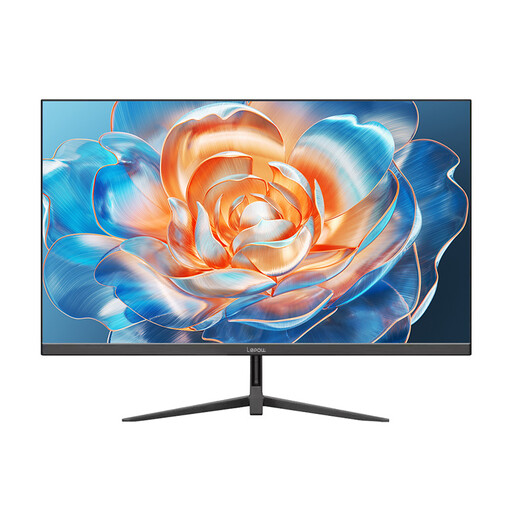
Lepow HC-24Z2, 24 inches, 100 Hz
The 24-inch format is a compact option if you’re looking for a monitor of this size and it fits on your desk.
The product name lists a refresh rate of 100 Hz.
View at Joybuy
Frequently asked questions
How can I tell whether a monitor will fit on my desk before setting it up?
Compare the available width and depth with the manufacturer’s measurements, including the stand, and allow room for your input devices and cables. The screen size in inches only describes the display’s diagonal measurement.
Do I really need 180 Hz for a point-and-click adventure?
No. Refresh rate alone isn’t a key factor when choosing a monitor for this genre. If you also play games with lots of movement, check the refresh rate your device can actually output through the connection you plan to use.
How should I position and clean the screen?
Position it to minimise distracting reflections, then adjust the tilt and, if available, the height to suit your seating position. The German Social Accident Insurance (DGUV) recommends 50–70 cm as a guide for working at a screen from home; this isn’t a legal minimum viewing distance for gaming at home. Follow your model’s instructions for cleaning.
Which power consumption figures can I compare for monitors?
For electronic displays covered by the scheme, the EU energy label uses a scale from A to G. Compare the labels and product information for the specific models; the European Commission also highlights information about HDR mode.
What are my rights if a monitor I buy online doesn’t fit or is faulty?
As a general rule, consumers buying at a distance have a 14-day right to cancel; conditions and exceptions apply. This is separate from your rights against the seller if the product is faulty. The Verbraucherzentrale explains that these rights generally have a two-year time limit.


