
Lieferung heute & morgen

Qualitätsgarantie

Willkommens-Angebote freischalten: KOSTENLOSE Lieferung | Bis zu 80 % RABATT | Kostenlose 30-Tage-JoyPlus-Testphase
App herunterladen
An AIO liquid CPU cooler can be a smart choice for gaming PCs, content creation systems and high-performance desktop computers. However, it requires more planning than a traditional air cooler. Radiator size, socket compatibility, case space and connection standards all determine whether your liquid cooling system runs reliably and quietly in everyday use.
A 360 mm AIO liquid cooler needs space for three 120 mm fans and the radiator. Depending on your case, you can mount it at the top or the front. Tall RAM modules, motherboard heatsinks or the graphics card can get in the way during installation.
A 240 mm AIO liquid cooler is more compact and fits into more cases. It comes with two 120 mm fans, but still needs a suitable mounting area. Before you buy, check your PC case specifications for radiator length, radiator thickness and fan position.
The noise level of an AIO doesn't just depend on the fan's maximum rating. The fan curve, pump speed, case ventilation and your processor's heat output all play a crucial role. What's more, any stated noise figure usually applies under specific test conditions.
For a quiet CPU cooler, PWM control, an adjustable fan curve and a controllable pump matter far more than a single marketing number. You can set when fans and pump speed up in the BIOS or through your motherboard software.
ARGB, RGB and display features aren't automatically compatible with every motherboard. Addressable RGB typically uses a 5 V 3-pin ARGB header. You must never use a 12 V 4-pin RGB header for it, as this can damage the lighting.
Even with an RGB liquid cooler, you should check whether your motherboard has the required header. Some models need additional controllers, while others connect directly to the motherboard.
A CPU liquid cooler must match your processor socket and mounting kit. For current Intel platforms, LGA 1851 is particularly relevant. On AMD systems, AM5 and AM4 are common.
Read the product specifications carefully. Support for Intel LGA 1700 doesn't automatically mean LGA 1851 is supported. With older motherboards, you may also need to check for a BIOS or mounting kit note.
The size affects the surface area available for heat dissipation:
Fan speed, airflow and static pressure are useful technical comparisons. However, a high maximum value doesn't automatically mean quiet operation, because the fans should be regulated accordingly at low load.
A copper cold plate absorbs heat from the processor, while the liquid carries it to the radiator. Features like PWM pump control, micro-channels or offset mounting relate to heat transfer and adjustability.
Before installation, you need to assign the pump, fans and ARGB connectors to the correct motherboard headers. Make sure the system is completely disconnected from the power supply before you start. If you can see any liquid or a damaged tube, do not switch the computer on.
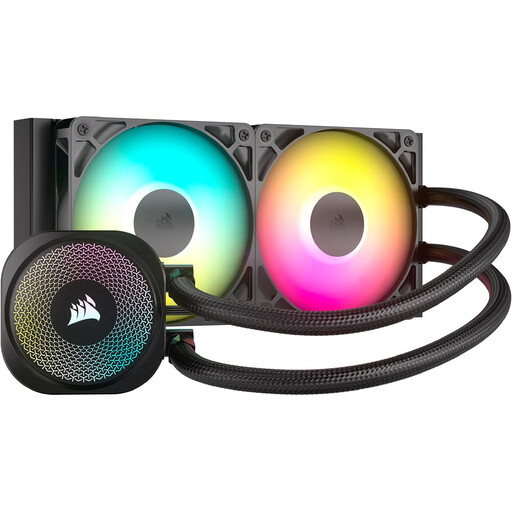
Why this product fits the profile: The 240 mm format works well with many standard cases. It supports Intel LGA 1851 and 1700, plus AMD AM5 and AM4.
Direct connection via 4-pin PWM and 5 V 3-pin ARGB headers means no extra controller is needed. The connection standards are clearly verifiable before purchase.
240 mm radiator, two RS120 ARGB fans and PWM control; copper cold plate and aluminium radiator.
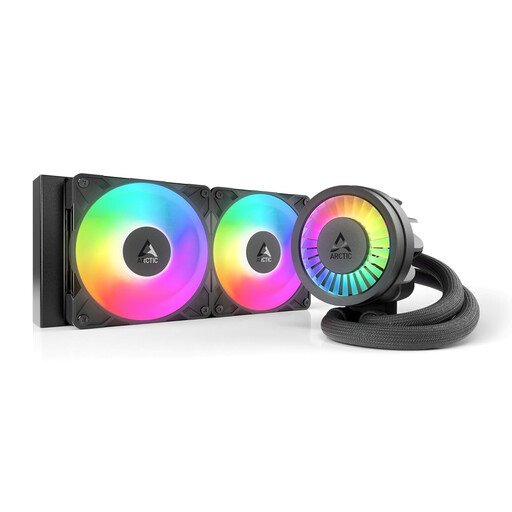
Why this product fits the profile: This model combines a 240 mm radiator, PWM pump and an integrated VRM fan. It's aimed at users who want to keep an eye on the voltage regulation as well as the CPU.
The specifications name specific components like the contact frame for LGA 1851/1700, offset mounting and integrated cable management, rather than just making general performance claims.
Two S P12 PRO 120 mm fans, copper micro-fins and a stated maximum fan speed of 3000 rpm.
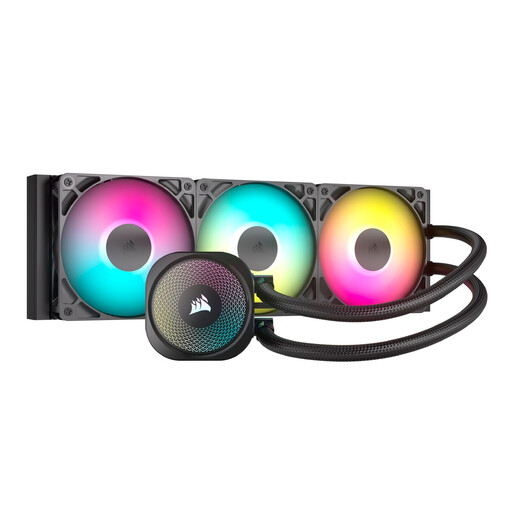
Why this product fits the profile: The 360 mm radiator with three 120 mm fans is ideal for suitable cases and longer periods of heavy load, such as gaming, rendering or video editing.
The fan and ARGB connections go directly to the motherboard. This lets you check before buying whether your case, PWM headers and 5 V ARGB header are all present.
360 mm radiator, three RS120 ARGB fans and support for Intel LGA 1851/1700/1200/115x and AMD AM5/AM4.
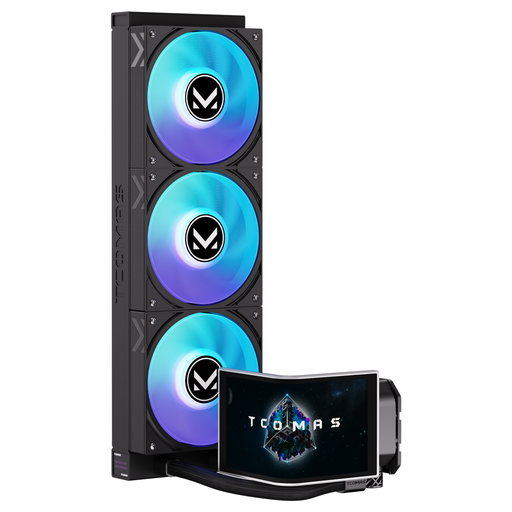
Why this product fits the profile: This model pairs a 360 mm radiator with a 6.67-inch curved AMOLED display and customisable image content.
The visible extra features are clearly separated from the cooling loop itself. Before buying, radiator space, socket and connection options remain the key points to check.
Customisable 6.67-inch AMOLED display with 3D visualisations; support for Intel LGA 1851/1700 and AMD AM5/AM4.
We've put together a complete, regularly updated list of products that fully meet these strict selection criteria and the safety regulations in force across the EU.
Before you start fitting, check the socket bracket, backplate and thermal paste against the instructions. Don't install the radiator in a way that kinks the tubes severely. Fans and pump need a secure connection to the designated headers.
After the first boot, it's a good idea to check the CPU temperature in the BIOS and under typical load. Dust on the radiator can reduce airflow, so clean the fans regularly without getting liquid into the motor or electronics. An AIO is a sealed system, but tubes, pump and seals are still subject to normal wear and tear. If you notice unusual noises, rising temperatures or visible moisture, switch the PC off and disconnect it from the mains.
That depends on your processor, the sustained load and your case. A 240 mm AIO saves space. A 360 mm AIO offers more radiator surface area, but needs a compatible case and a suitable mounting position. Check your case specifications before ordering.
There's no one-size-fits-all lifespan for every model. The pump, fans, seals and connection points all affect operation. Regular visual checks, a dust-free environment and a suitable fan curve can help keep maintenance low. If you spot a leak or hear unusual pump noises, don't continue using the system.
Many current models support AM5 and AM4, including several in this selection. However, you still need to check the specific product page. Case space, motherboard headers, RAM height and the installation instructions are also relevant.