Aliencell X1 and X1 Lite Owners
If you use an Aliencell X1 or X1 Lite laser engraver, this fully assembled steel honeycomb bed fits your machine, giving you a ready-to-use surface for stable engraving and cutting.


Give your Aliencell X1 or X1 Lite laser engraver a stable surface for engraving and cutting projects with this fully assembled steel honeycomb bed. Its ventilated design and raised support points help clear smoke and reduce scorch marks on the underside of materials, while four stainless steel pins and integrated X- and Y-axis rulers make positioning easier. Supporting up to 7 kg, it suits makers and hobbyists who want to align workpieces with care and remove the bed easily for cleaning.
Choose a honeycomb bed that fits your laser engraver and the materials you plan to process. Before buying, check its dimensions, construction and how well its open grid supports your workpieces.
Compare these practical criteria to find a bed that suits your machine and workshop setup:
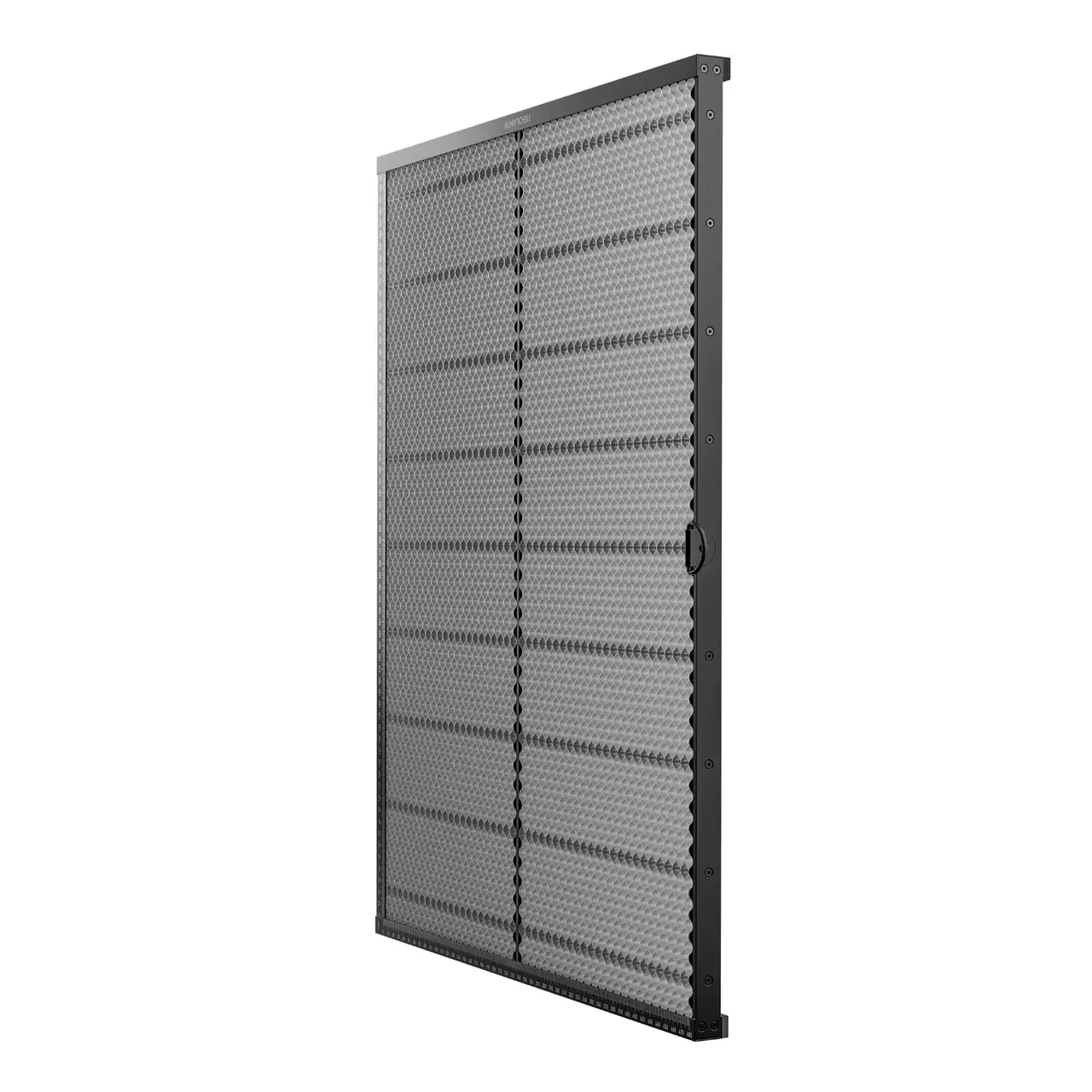
Give your Aliencell X1 or X1 Lite laser engraver a purpose-built work surface with this fully assembled steel honeycomb bed. Its ventilated design allows smoke to clear through the grid, while raised support points lift materials from the surface to help reduce scorch marks underneath. Together, these details create a practical base for engraving and cutting, helping you prepare projects with confidence. The sturdy construction supports workpieces weighing up to 7 kg, making the bed a useful addition for a range of everyday creative tasks.
Set up each project with useful alignment features close at hand. Four stainless steel positioning pins help secure workpieces on the bed, supporting steady placement as you prepare for engraving or cutting. Integrated X- and Y-axis rulers make it easier to check alignment and position materials consistently, whether you are working on a single piece or arranging several items. Designed specifically for Aliencell X1 and X1 Lite laser engravers, this bed brings its locating and measuring features together in one dedicated surface for a smoother, more considered workflow.
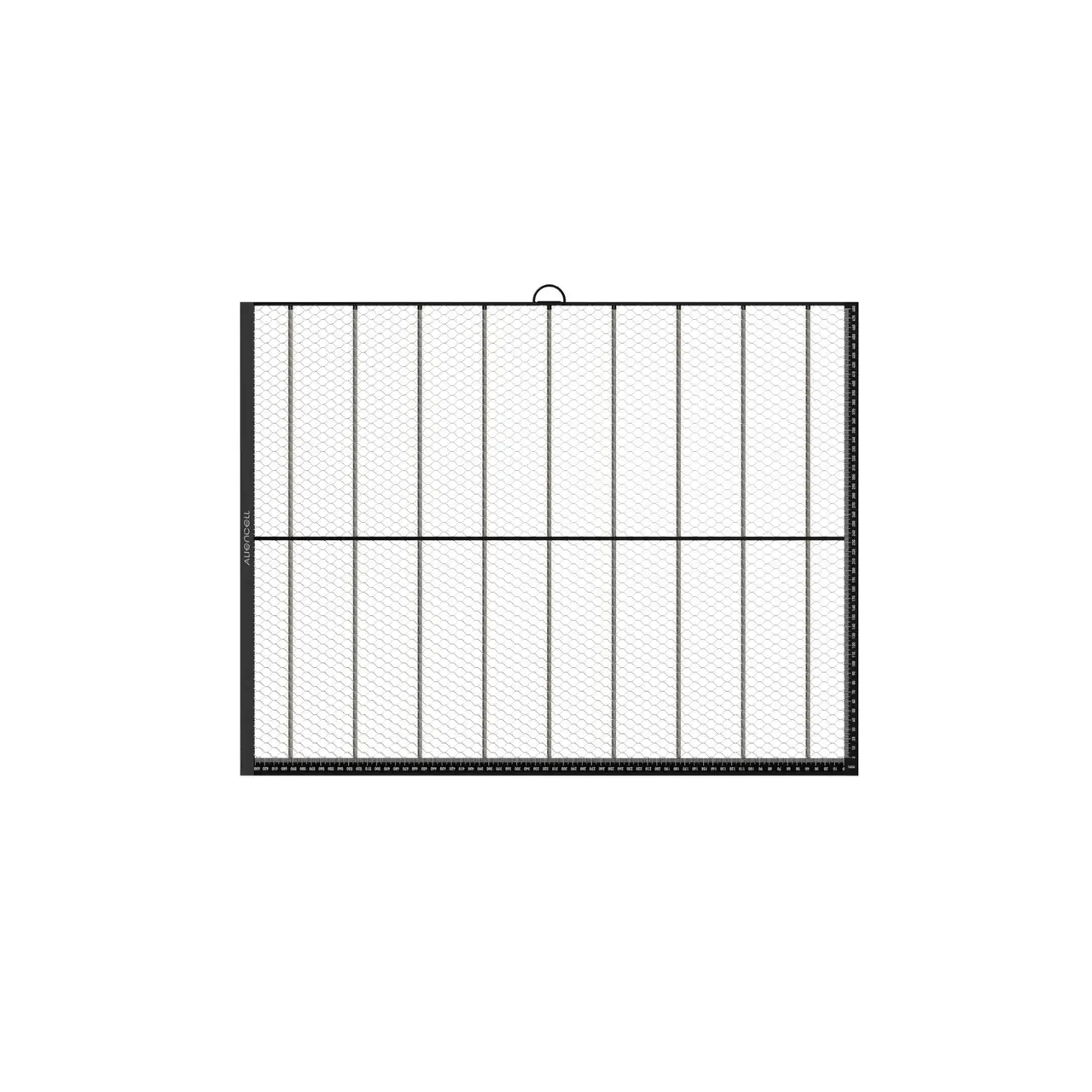
Enjoy a straightforward routine before and after each project. The bed arrives fully assembled, so it is ready to support material setup with your compatible Aliencell X1 or X1 Lite laser engraver. When it is time to clear the work area, the integrated pull ring makes the bed easier to remove and clean, helping keep maintenance convenient between creative sessions. Its steel construction, ventilated honeycomb layout and practical handling details combine in an accessory designed to support stable, precise engraving and cutting from project preparation through to cleanup.
If you use an Aliencell X1 or X1 Lite laser engraver, this fully assembled steel honeycomb bed fits your machine, giving you a ready-to-use surface for stable engraving and cutting.
When precise placement matters for your engraving or cutting, use the X- and Y-axis rulers to line up your material and the four positioning pins to hold it in place, helping you achieve more consistent results.
If smoke and scorch marks on the underside of your material are a concern, the ventilated honeycomb surface helps clear smoke while its raised support points reduce contact, leaving less risk of marks beneath your work.
When you need to remove the bed for cleaning, use the integrated pull ring to lift it out more easily, making it simpler to keep your work area clear.
The Aliencell honeycomb bed is designed for the X1 and X1 Lite laser engravers and measures 665 × 510 × 27 mm. Its working area is 610 × 465 mm for 20 W and 40 W models, or 595 × 455 mm for 60 W models. The bed arrives fully assembled, ready to position in your engraver.
The steel honeycomb bed supports workpieces weighing up to 7 kg. Four stainless steel positioning pins help keep materials such as wood, leather and acrylic in place, while the built-in X- and Y-axis rulers make alignment easier. Together, these features help you set up heavier or larger pieces for stable engraving and cutting.
Switch off the laser engraver and let the steel honeycomb bed and material offcuts cool completely before cleaning. Remove debris and processing residue from the honeycomb cells and beneath the panel regularly to limit combustible build-up. Make sure the bed is stable before use, and stay with the engraver while it is operating.
Discover more of your favourite brands on Joybuy and enjoy great deals.