Multicolour Model Makers
When your model calls for several colours, ACE Pro support for 4- or 8-colour printing helps you create multicolour designs with less manual setup, so colour is built into the print rather than added by hand.


Bring multicolour projects to life with the Anycubic Kobra S1 Combo, a CoreXY 3D printer with a 250 × 250 × 250 mm build volume. With ACE Pro support for 4- or 8-colour printing, it makes complex designs easier to approach. Automatic bed levelling, flow calibration and AI spaghetti detection help reduce manual setup, while speeds reach up to 600 mm/s. Print with PLA, PETG, TPU, ABS or ASA for models, prototypes and practical parts. A good fit for makers and hobbyists exploring detailed prints and multicolour projects.
Start with what you want to make, where you will use the printer and how much time you want to spend setting it up. Comparing print technology, build volume and day-to-day usability will help you find a model that suits your projects and budget.
Check these essentials before comparing prices or optional features:
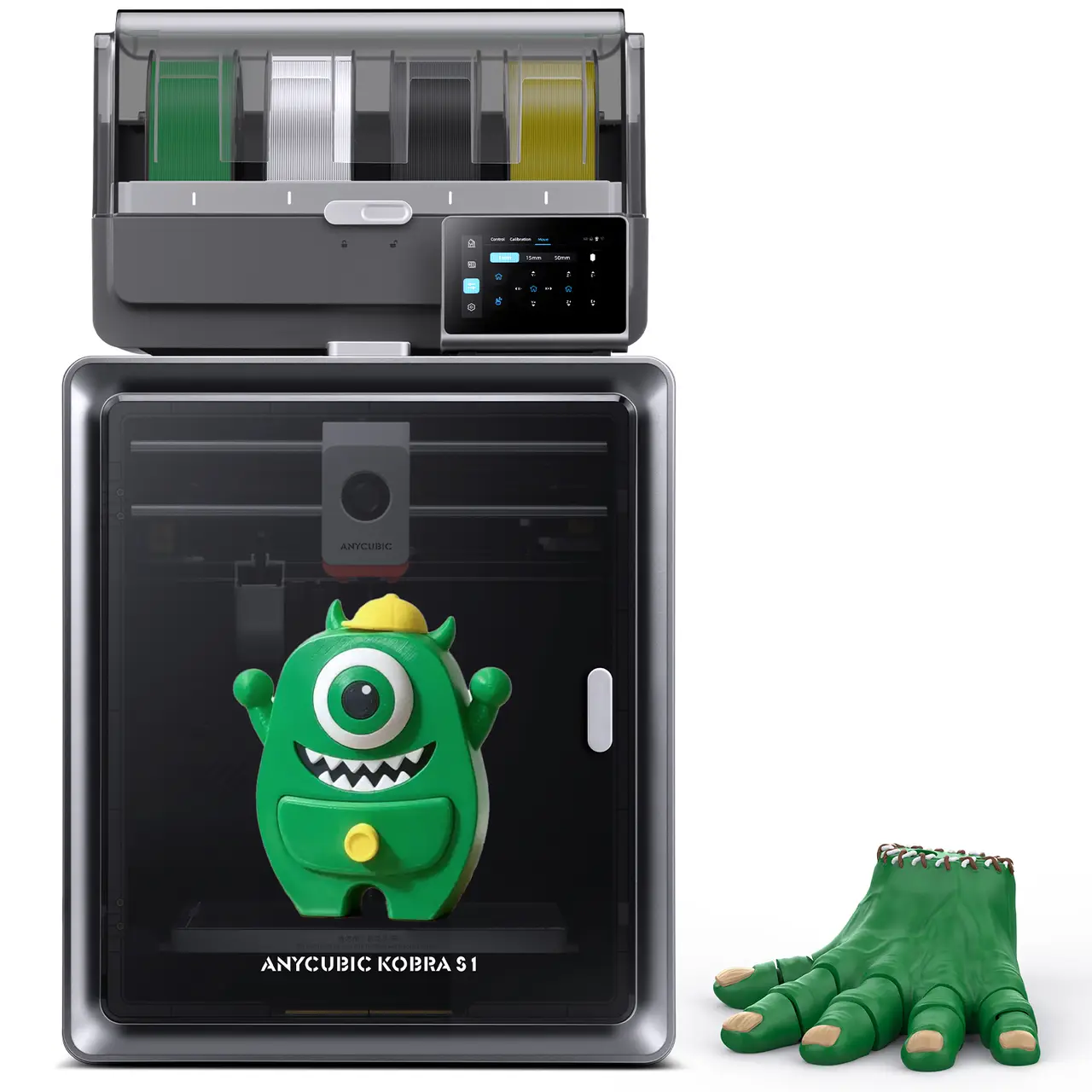
The Anycubic Kobra S1 Combo pairs a CoreXY motion system with print speeds of up to 600 mm/s, bringing pace and precision to detailed projects. Automatic bed levelling and flow calibration help prepare each print with a smooth, straightforward setup, while AI spaghetti detection adds intelligent monitoring as your model takes shape. Together, these features make it easier to move from an idea to a finished print, whether you are creating useful everyday pieces, intricate models or a colourful project that calls for a little extra flair.
Give designs more personality with ACE Pro support for 4- or 8-colour printing. The Kobra S1 Combo brings multicolour possibilities within reach, helping you add distinct shades and visual detail to models, creative projects and practical prints. Its combination of colour support and calibrated material flow helps each project feel considered from the first layer to the finished piece. Whether you are exploring vibrant decorative designs or adding colour-coded details to functional prints, this setup offers an inspiring way to make your ideas stand out.
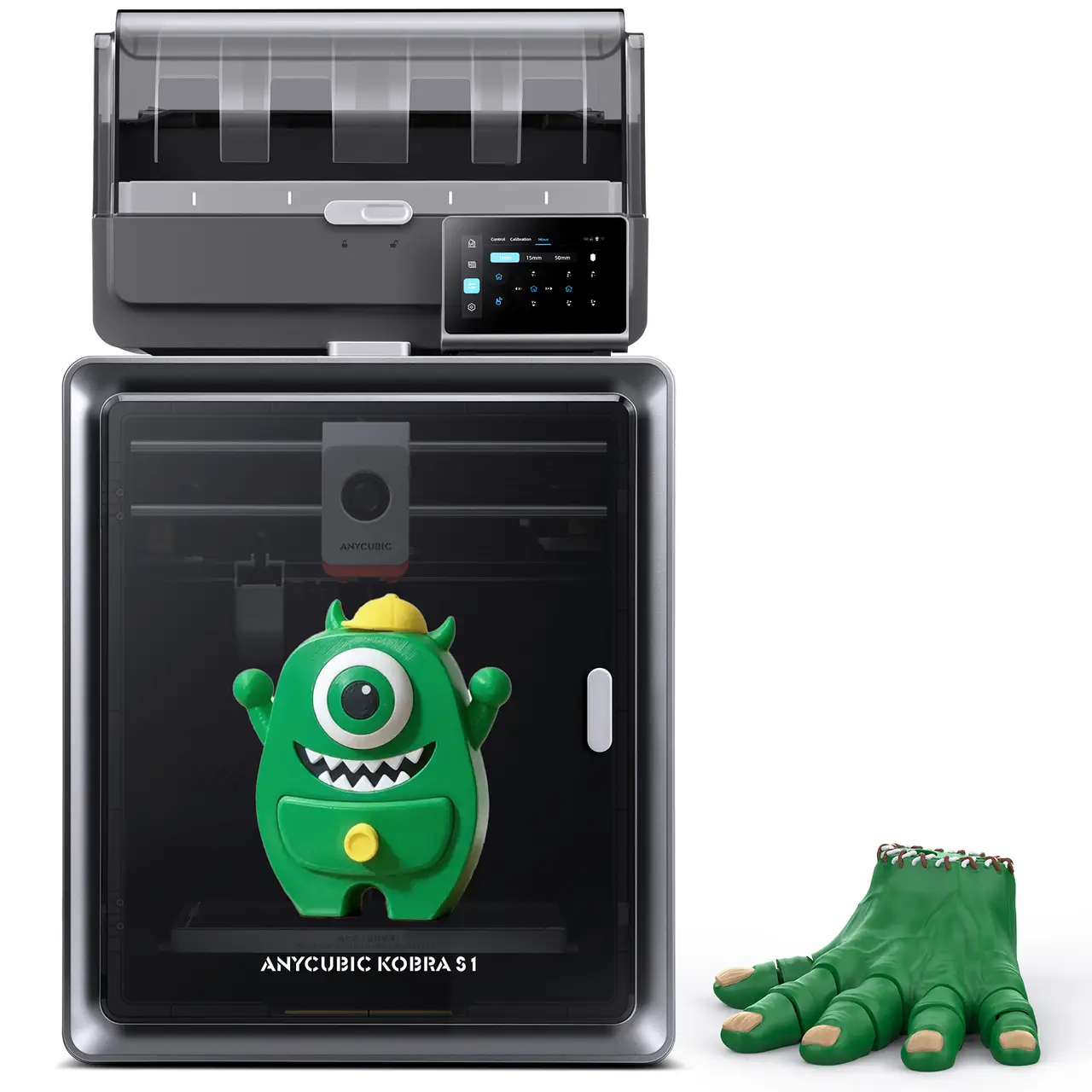
Explore a broad range of creative possibilities with a quick-change hotend rated up to 320°C and compatibility with PLA, PETG, TPU, ABS and ASA. This material flexibility makes it easy to choose a filament suited to your next model, from expressive designs to useful everyday creations. The convenient hotend design supports a smooth transition between projects, while the printer’s calibration features help you get set for consistent, detailed results. With multiple materials to experiment with, the Kobra S1 Combo is ready to support a varied and rewarding 3D printing journey.
When your model calls for several colours, ACE Pro support for 4- or 8-colour printing helps you create multicolour designs with less manual setup, so colour is built into the print rather than added by hand.
When your projects call for different filament types, compatibility with PLA, PETG, TPU, ABS and ASA lets you choose a material for each job, while the quick-change hotend makes hardware changes simpler; you can tackle a wider mix of prints on one machine.
When you’re refining a design through repeated test prints, high-speed printing helps you get through iterations sooner, while automatic bed levelling and flow calibration reduce hands-on setup; you can spend less time waiting and tuning between prototypes.
When you’re busy with other tasks during a print, AI spaghetti detection helps identify filament failures without needing to watch every layer, so you can keep track of print quality with less manual checking.
The Anycubic Kobra S1 Combo supports 4- or 8-colour printing through its ACE Pro system. This lets you create multicolour models with automated colour changes, while the 250 × 250 × 250 mm build volume gives you room for detailed decorative pieces and practical parts.
Keep the Kobra S1 Combo out of areas where children may be present. Its hotend reaches up to 320°C and its heated bed up to 120°C, while molten filament can cause burns. Set it up in an adult-only workspace and use heat-resistant gloves when handling the printer.
The Kobra S1 Combo has a stated noise level of up to 46 dB in standard mode and up to 44 dB in quiet mode. Choose quiet mode when you want to keep printing sound lower in a home workspace, or standard mode when that setting suits your project.
Discover more of your favourite brands on Joybuy with great offers.