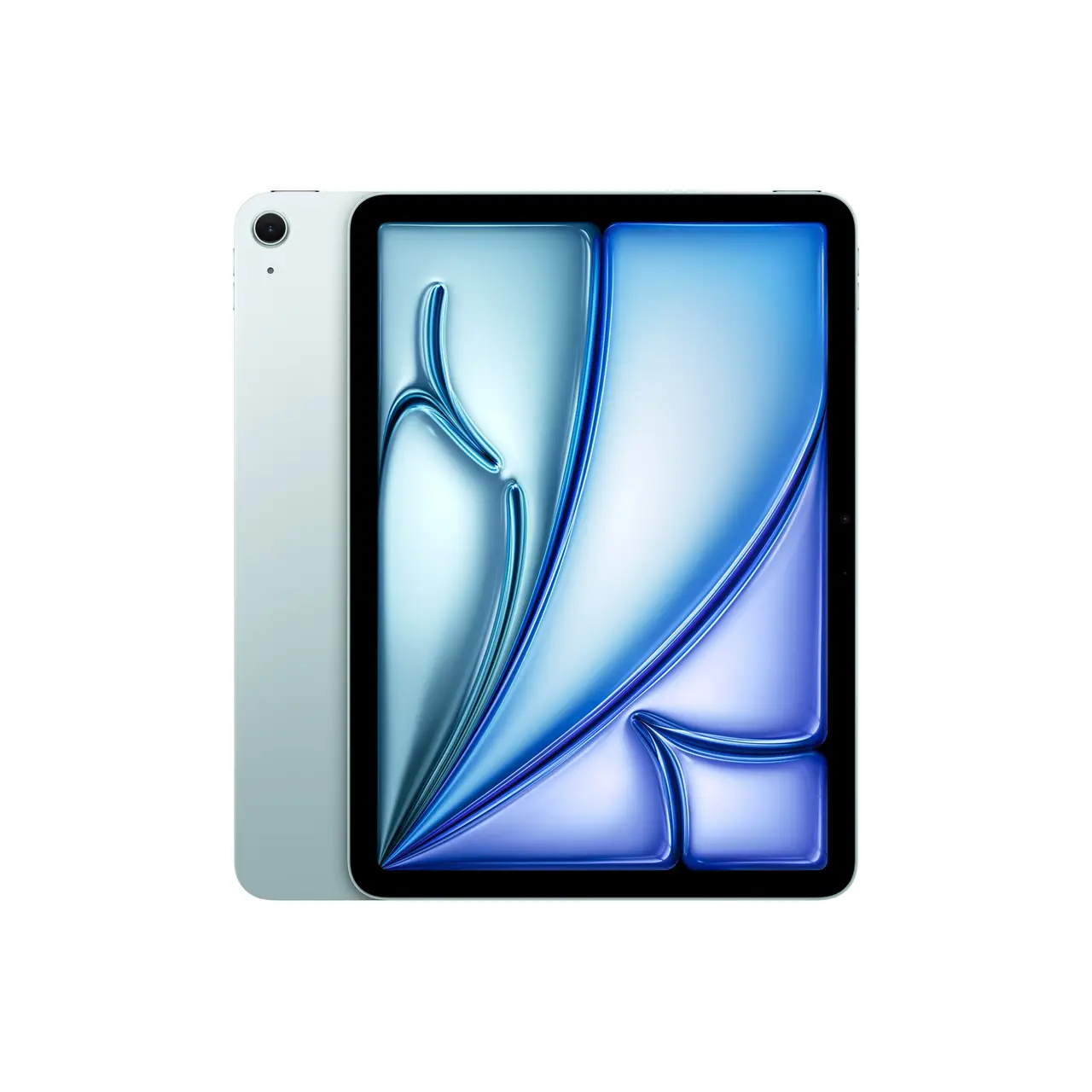
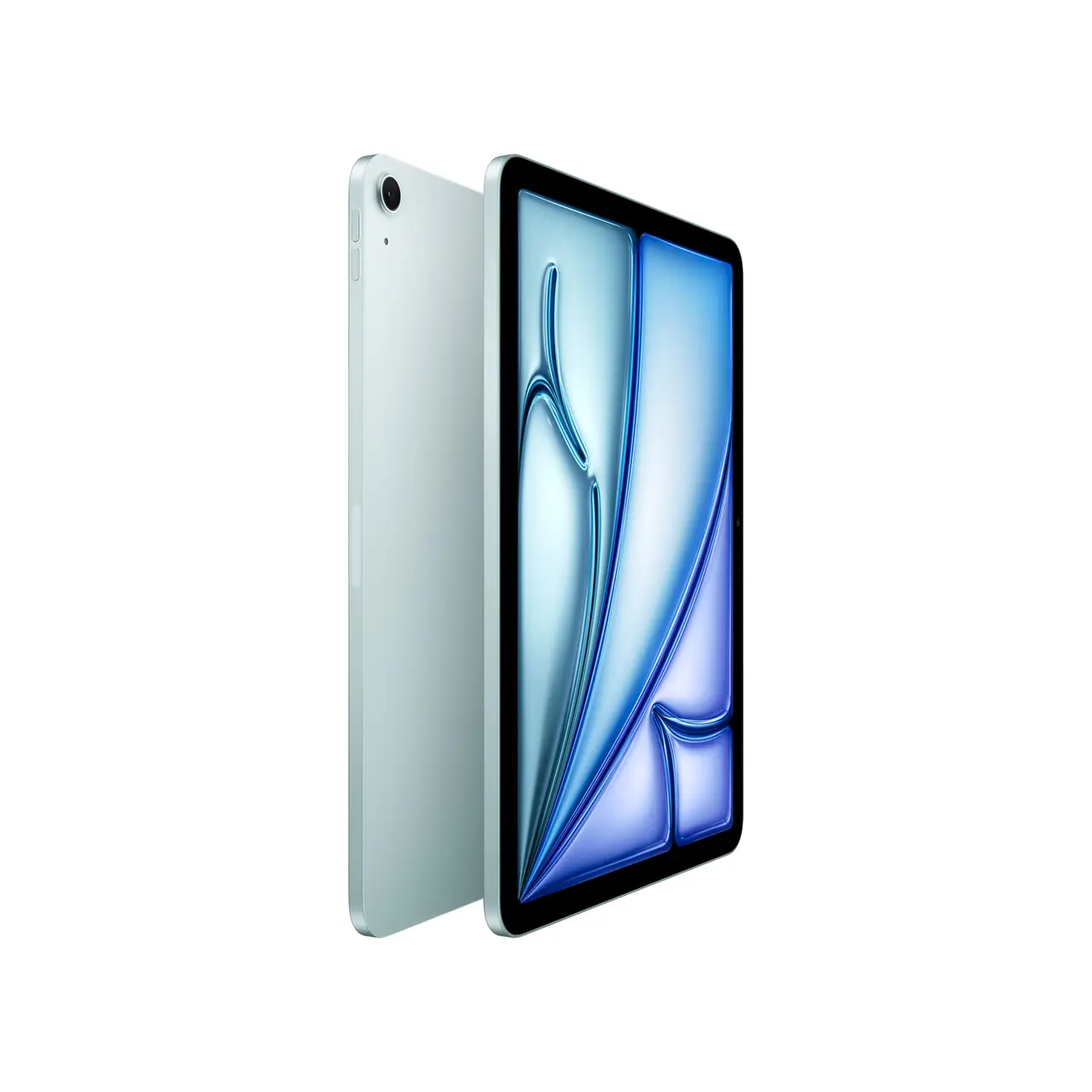
The blue Apple 11-inch iPad Air (M4, 2026) brings a vivid Liquid Retina display and responsive performance to work, creativity and everyday browsing. With 128GB of storage, Wi-Fi 7 and iPadOS 26 with Apple Intelligence, it supports multitasking, writing, video calls and 4K video recording. Touch ID adds secure access, while compatibility with Apple Pencil Pro, Apple Pencil (USB-C) and Magic Keyboard makes it a flexible choice for students, professionals and anyone who wants to take notes, draw or type on the go.
How to Choose the Right Tablet
Start with how you plan to use your tablet, whether that is reading, streaming, studying, working or drawing. The right choice depends on a balance of screen size, software, performance, storage and portability.
Key Features to Consider
Compare these essentials against your everyday needs and budget before choosing a tablet.
- Screen size and portability: A compact, lightweight tablet is easier to carry and hold for reading, while a larger display can be more comfortable for films, split-screen work or drawing. Check the screen resolution and brightness too, especially if you often use it outdoors.
- Operating system and performance: Choose an operating system that works with your apps, phone and other devices, and check how long the manufacturer expects to provide software updates. A recent processor and sufficient memory help with multitasking, but demanding creative or gaming apps may need more capability than browsing and video calls.
- Battery, storage and connectivity: Compare stated battery life and consider how often you can charge while travelling; actual use varies with screen brightness and apps. Choose enough internal storage for your downloads and files, and decide whether Wi-Fi is sufficient or whether mobile data connectivity would be useful when away from a network.
Powerful Ideas, Brilliantly Brought to Life
M4 Performance Meets a Vivid Liquid Retina Display
Bring everyday tasks and ambitious creative projects together with the Apple M4 chip, built to support responsive multitasking and smooth workflows. The Liquid Retina display adds rich P3 wide colour, while True Tone adapts the viewing experience to your surroundings. An antireflective coating helps keep content clear as you move between different spaces. With iPadOS 26 and Apple Intelligence, you can also explore helpful ways to write, communicate and get more from your ideas, all on a beautifully considered screen.
Stay Connected and Ready to Capture the Moment
Enjoy fast wireless connectivity with Wi-Fi 7, whether you are joining a video call, browsing or sharing your latest work. The 12MP Center Stage front camera is made for video calls, helping keep you in view as conversations unfold, while the 12MP rear camera lets you record vivid 4K video. Touch ID makes unlocking your iPad simple and supports secure Apple Pay purchases, bringing convenient access and confident everyday use together. From staying in touch to capturing a new idea, these features help your iPad fit naturally into the day.
Make More of Every Note, Sketch and Project
With 128GB of storage, you have room for apps, documents, creative work and the content you want close at hand. Add Apple Pencil Pro or Apple Pencil (USB-C) to explore handwritten notes, drawing and precise creative workflows, then pair the iPad with the Magic Keyboard for iPad Air for a comfortable way to type. This flexible accessory support lets you shape your setup around the task, moving from planning and studying to creative projects and everyday productivity. The blue finish brings a fresh touch of colour to a capable, adaptable workspace.
iPad Air for Multitasking, Creativity and Everyday Use
People balancing work and everyday tasks
When you’re switching between work and personal tasks, the M4
chip and iPadOS 26 let you multitask, while Apple Intelligence
supports writing and communication. Add a compatible Magic
Keyboard for typing, and you can handle more of your day from
one iPad.
Sketchers and digital creatives
When you want to sketch or develop visual ideas, use a
compatible Apple Pencil Pro or Apple Pencil (USB-C) with the
Liquid Retina display. P3 wide colour brings rich colour to
your work, while the antireflective coating helps you see it
more comfortably in brighter surroundings, so you can focus on
shaping your ideas.
People who regularly make video calls
When you join calls from home or elsewhere with Wi-Fi, the
12MP Center Stage front camera helps keep you in view as you
talk. You can take part without having to keep adjusting the
iPad to stay in the conversation.
Shoppers who want secure Apple Pay purchases
When you shop using your iPad, Touch ID lets you unlock it and
make secure Apple Pay purchases. You can complete purchases
with authentication close at hand, without interrupting your
shopping to reach for another device.
Frequently Asked Questions
Which Apple Pencil works with the 11-inch iPad Air M4?
The 11-inch iPad Air M4 supports both Apple Pencil Pro and Apple Pencil (USB-C), so you can take handwritten notes, annotate documents or draw on its Liquid Retina display. Apple Pencil Pro pairs and charges at the iPad’s magnetic side connector, keeping a compatible stylus ready for study or creative work.
Is the 11-inch iPad Air screen easy to read in a bright room?
The 11-inch Liquid Retina display has 500 nits of brightness and an antireflective coating to help reduce reflections in bright rooms. True Tone adjusts the display’s colour to suit the ambient light, while the P3 wide colour range gives photos and videos rich, detailed colour.
Can I use the iPad Air M4 near water?
No, the iPad Air M4 is not waterproof, so keep it dry and away from splashes, drinks and humid environments. Its USB-C port is used for charging and connections, so place the tablet away from liquids before plugging it in. This helps keep the iPad ready for everyday use.
Don't just buy, Joybuy
Discover more of your favourite brands on Joybuy with great offers.