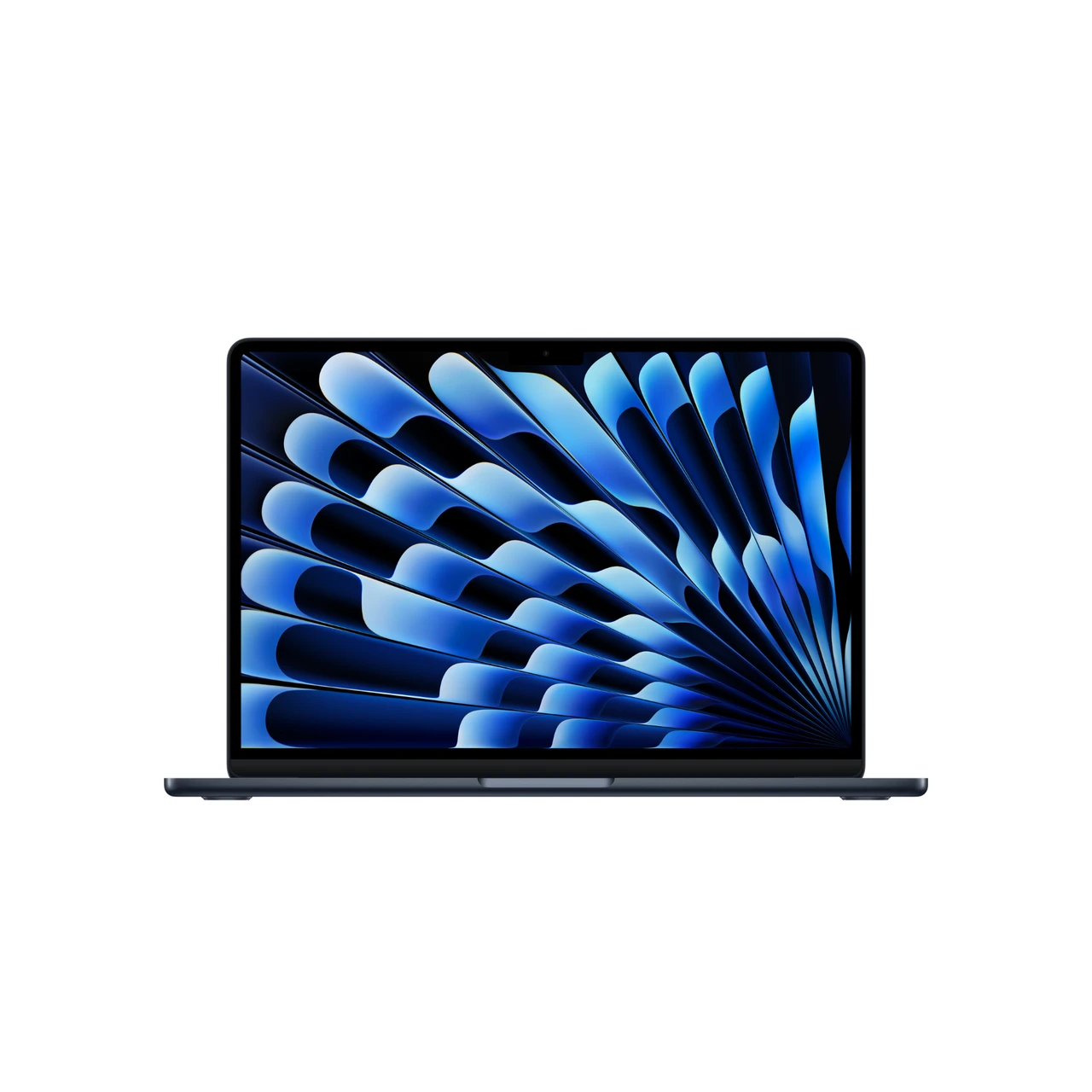
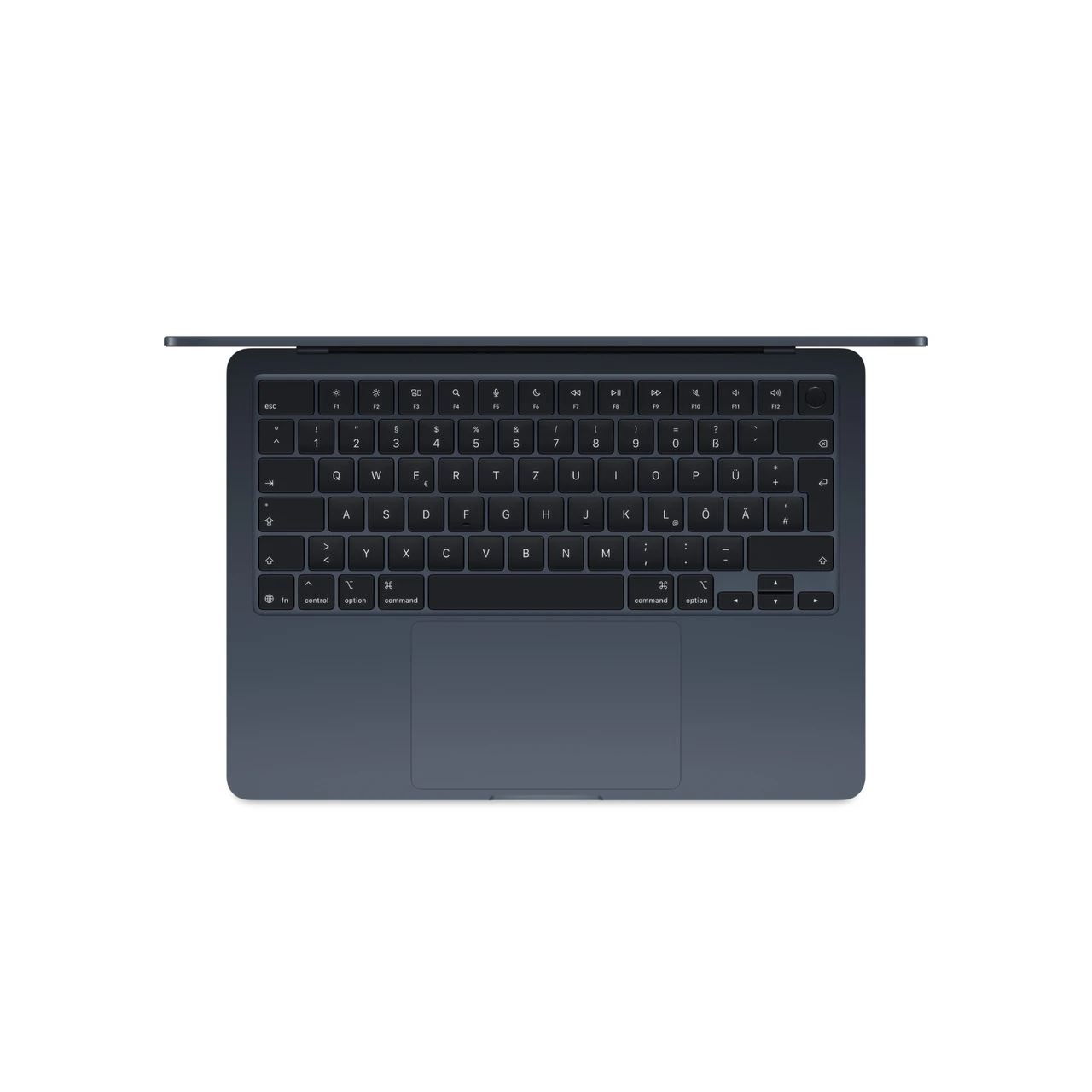
The Apple 15-inch MacBook Air M5 brings a spacious 15.3-inch Liquid Retina display and a 10-core M5 chip to everyday computing. With 16GB of unified memory and a 1TB SSD, it suits work, study and creative projects, while the 12MP Center Stage camera and six-speaker Dolby Atmos audio make video calls and entertainment more enjoyable. Up to 18 hours of video streaming, Wi‑Fi 7 and support for two external displays make it a versatile choice for students, professionals and Apple users who want a larger-screen laptop for home or travel.
How to Choose the Right Laptop
Start with how and where you will use your laptop, then compare performance, screen size, battery life and connectivity against your budget. For shoppers in Germany, also check the keyboard layout and the exact specifications of the configuration being sold.
Key Features to Consider
These practical criteria can help you find a laptop that suits everyday tasks without paying for features you do not need.
- Processor, memory and storage: Match the processor and RAM to your workload: browsing, office documents and video calls need less power than demanding creative or technical software. Choose enough SSD storage for your files and applications, and check whether the memory or storage can be upgraded later.
- Screen size, weight and keyboard: A larger laptop display can make multitasking more comfortable, while a lighter model is easier to carry regularly; consider resolution and screen finish, too. Check the dimensions, available ports and whether the device has a German QWERTZ keyboard layout if that is what you prefer.
- Battery life, connectivity and build: Compare independent battery-life tests where possible, as actual runtime varies with brightness, software and workload. Check that the ports and wireless connections suit your accessories, and look for a sturdy build and clear warranty and repair information for use in Germany.
Big Ideas, Beautifully in Balance
A Liquid Retina Display That Brings Ideas to Life
Enjoy a vivid view for everyday work, creative projects and entertainment with the Liquid Retina display. Support for one billion colours gives photos, videos and designs rich, detailed colour, while the spacious screen makes it easy to move between documents, apps and visual inspiration. Whether you are polishing a presentation, browsing a library of images or settling in to watch a film, the display creates an engaging canvas for every task.
M5 Power for Work, Creativity and More
The M5 chip brings together a 10-core CPU and 10-core GPU to support a broad mix of everyday tasks and creative projects. With 16GB of unified memory, apps and workflows have memory designed to work efficiently across the system, while the 1TB SSD gives you generous space for files, projects and media. From organising your day to developing ideas and enjoying macOS features, this MacBook Air is equipped to keep your work flowing across tasks.
All-Day Possibilities, Wherever Your Work Takes You
With up to 18 hours of video streaming, you can enjoy extended time for entertainment, study and work between charges. The 12MP Center Stage camera keeps video calls engaging, while Desk View helps you share your workspace during a call. Six-speaker audio with Dolby Atmos adds an immersive dimension to films and music. For your wider setup, enjoy Wi-Fi 7, Bluetooth 6, MagSafe 3 and two Thunderbolt 4 ports, plus support for up to two external displays.
Who The MacBook Air Suits: Work, Creativity And More
People Balancing Everyday Work And Tasks
When your day moves between documents and everyday tasks, the
M5 chip with a 10-core CPU and 16GB of unified memory helps
you keep things moving, while the 1TB SSD gives you room to
keep work files close at hand. You can manage more of your
working day from one place.
People Working On Creative Projects
When you’re developing creative projects, the 10-core GPU
helps handle visual work, while the Liquid Retina display’s
support for one billion colours lets you see rich colour on
screen. The 1TB SSD gives you space to keep project files
close by, so you can create and review your work in one place.
People Who Collaborate On Video Calls
When video calls are part of how you work with others, Center
Stage keeps you framed while Desk View lets you show your
workspace. You can explain ideas and share what’s in front of
you more naturally.
Apple Users With A Multi-Screen Desk Setup
When your desk setup includes other Apple devices and extra
screens, integration across Apple devices helps you work
across tasks, while support for up to two external displays
gives you more room to arrange your work. The two Thunderbolt
4 ports give you connections for your setup, helping you
manage connected tasks across a more spacious workspace.
Frequently Asked Questions
What wattage charger do I need for the 15-inch MacBook Air M5?
The 15-inch MacBook Air M5 charges with a USB-C Power Delivery adapter rated at least 35 W. Its 2 m USB-C to MagSafe 3 cable is supplied, and a 70 W or higher adapter enables fast charging to around 50% in about 30 minutes. Use an undamaged, compatible USB-C PD adapter for everyday charging.
How long does the 15-inch MacBook Air M5 battery last?
The 15-inch MacBook Air M5 offers up to 18 hours of video streaming or up to 15 hours of wireless web browsing on a charge. Actual battery life varies with settings and use, but these figures make it suited to working or studying away from a socket for much of the day.
Can the MacBook Air M5 connect to two external monitors?
Yes, the MacBook Air M5 supports up to two external displays. Connect compatible displays through its two Thunderbolt 4 (USB-C) ports, while keeping the built-in 15.3-inch Liquid Retina screen available for apps and documents. That gives you a larger desktop for working across several windows.
Don't just buy, Joybuy
Discover more of your favourite brands on Joybuy with great deals