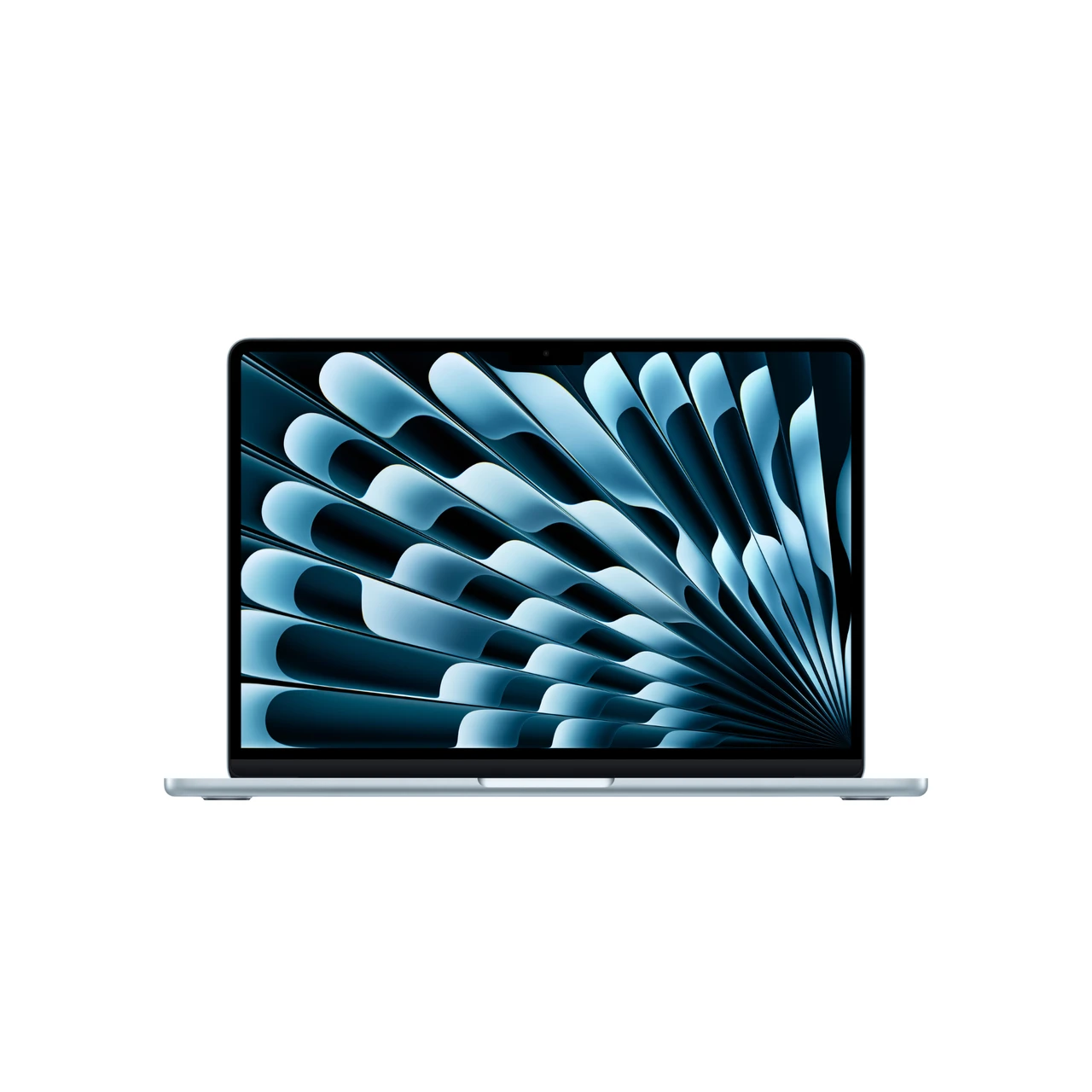
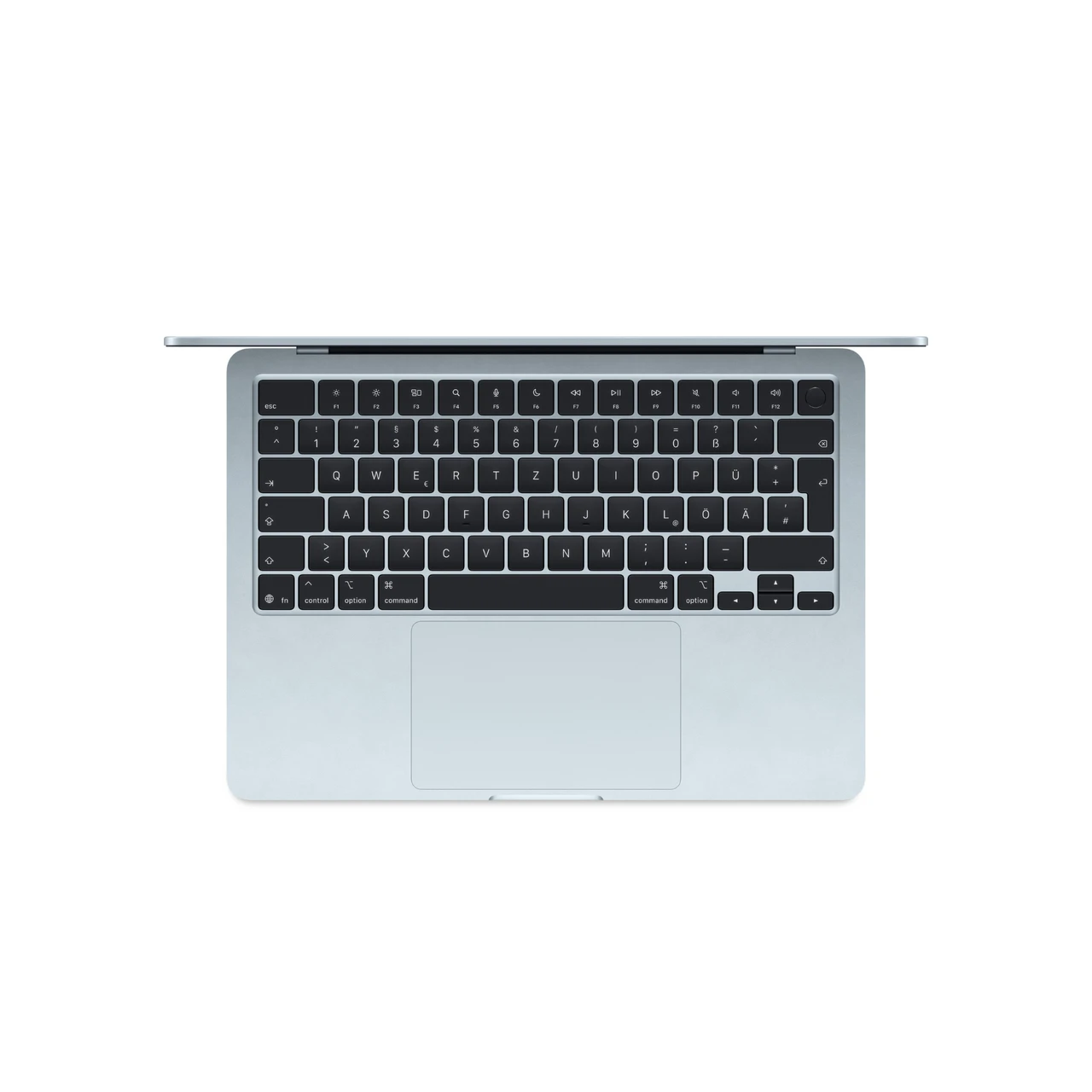
The Apple 13-inch MacBook Air with M5 brings a bright Liquid Retina display and responsive performance to work, study and creative projects. Its 10-core CPU, 16GB of memory and 512GB SSD support everyday multitasking, while the 12MP Center Stage camera, six-speaker audio and backlit German QWERTZ keyboard make video calls and focused work comfortable. With Thunderbolt 4, MagSafe 3, Wi-Fi 7, Touch ID and support for up to two external displays, it suits students, professionals and creators who want a portable laptop for home, campus or the office.
How to Choose the Right Laptop
Start by matching a laptop to how you will use it: everyday browsing and office work, study, creative projects or demanding software. Then compare performance, portability and practical details such as the keyboard and available connections.
Key Features to Consider
These three areas can help you compare laptops and choose a suitable specification without paying for features you do not need.
- Performance and storage: Check the processor and memory against your usual workload; more demanding tasks such as video editing or running several applications at once generally benefit from stronger hardware and more RAM. Choose enough SSD storage for your files and applications, and check whether the memory or storage can be upgraded later.
- Screen, size and battery life: A larger display can be more comfortable for working with documents, while a lighter, smaller laptop is easier to carry between home, university and the office. Compare screen resolution and battery-life claims, keeping in mind that actual battery life varies with brightness, applications and settings.
- Keyboard, build and connections: If buying in Germany, check that the laptop has a German QWERTZ keyboard layout if that is what you prefer, and consider the weight and build quality for regular travel. Make sure it has the ports you need for accessories and displays, or budget for an adapter if necessary.
Small in Stature, Big on Possibility: Meet MacBook Air
M5 Power for Work, Creativity and AI
At the heart of MacBook Air is the Apple M5 chip, pairing a 10-core CPU with an 8-core GPU and a 16-core Neural Engine. Together with 16GB of memory and a 512GB SSD, it brings responsive performance to everyday work, creative projects and supported AI features. The Liquid Retina display adds a vivid canvas for your ideas, with support for a billion colours that helps photos, video and other content look rich and detailed. It’s a capable setup for switching between tasks and making the most of your day.
A Brighter Setup for Calls and Focus
Bring a polished presence to video calls with the 12MP Center Stage camera, designed to keep you in view as you move. The six-speaker audio system makes listening to music, watching videos and joining meetings an engaging part of your setup, while the backlit German QWERTZ keyboard supports comfortable typing across work and study sessions. These thoughtful features come together to make MacBook Air a natural choice for connecting with colleagues, learning online and settling into focused creative work throughout the day.
Long-Lasting Power and Connections That Fit Your Day
Keep your routine moving with up to 18 hours of video streaming on a charge, giving you the freedom to work, study and enjoy entertainment throughout the day. For your desk setup, the Thunderbolt 4 ports connect peripherals and support up to two external displays, while MagSafe 3 provides a convenient charging connection. Wi-Fi 7 and Bluetooth 6 bring modern wireless connectivity, and Touch ID makes everyday access feel seamless. From working on the go to building a more expansive workspace, it’s ready to connect with your plans.
MacBook Air: Who This Laptop Suits
Professionals Building a Flexible Desk Setup
When your working day spans documents, browser tabs and
external screens, the M5 chip and 16GB of memory help keep
everyday tasks moving, while Thunderbolt 4 connects your
peripherals and multiple displays. You can organise your
workspace around the way you focus and keep work flowing.
Students Switching Between Study and Streaming
When you are typing study notes in a library or watching
recorded lectures away from a desk, the backlit German QWERTZ
keyboard makes keys easier to see in low light and the long
video-streaming battery life gives you more freedom from a
socket. You can move between study and downtime with fewer
interruptions.
Visual Creators Working on Colour-Led Projects
When you are creating illustrations, editing images or working
on other visual projects, the Liquid Retina display shows a
broad range of colour while the M5 chip’s graphics processing
supports creative tasks. You can review your work on screen
and shape your ideas into finished projects.
Remote Workers With Call-Heavy Days
When video calls take up much of your working day, the 12MP
Center Stage camera helps keep you in view and the six-speaker
audio helps you hear conversations clearly. You can stay
engaged with colleagues and focus on the discussion.
Frequently Asked Questions
How many hours does the 13-inch MacBook Air M5 battery last?
The 13-inch MacBook Air M5 offers up to 18 hours of video streaming on a charge. Its 53.8 Wh lithium-polymer battery supports work, study and creative tasks away from a socket, while actual runtime varies with what you are doing. MagSafe 3 charging makes it easy to top up between sessions.
Can the 13-inch MacBook Air M5 connect to two external monitors?
Yes, the 13-inch MacBook Air M5 can run up to two external displays at the same time while its own screen is open. Connect them through the two Thunderbolt 4 (USB-C) ports; supported external displays can reach up to 6K resolution at 60 Hz, giving you room for a larger desk setup.
Can I replace the MacBook Air M5 battery myself?
The MacBook Air M5 has a built-in lithium-polymer battery that you should not try to replace yourself. An incorrect replacement can cause overheating, fire or injury. Have battery work handled by a qualified service professional, and use the laptop on a firm, well-ventilated surface while it is running or charging.
Don't just buy, Joybuy
Discover more of your favourite brands on Joybuy with great deals