Artists with a growing archive
If you keep lots of finished projects, take your existing folders, additional project versions and future storage needs into account when planning capacity.


For large art project folders that you rarely open, an HDD is an obvious choice if storage capacity is your main priority. An SSD is a better fit for frequent transfers or working on the move. The key factors are the capacity of the specific model, a suitable connection and a compatible file system. Neither drive replaces a separate backup, and you should regularly check that you can restore your files from it.
If you keep lots of finished projects, take your existing folders, additional project versions and future storage needs into account when planning capacity.
If you often copy or open large projects on different workstations, transfer speed and a suitable connection are important factors to consider.
If you want to recover your projects after a drive failure, accidental deletion or damage to the place where they’re stored, you’ll need more than one storage location. The German Federal Office for Information Security recommends keeping backup media separately.
Best suited to: finished folders that you rarely open, when you need plenty of storage at a fixed workstation or for occasional transport.
The trade-off: HDDs are slower and more sensitive to knocks than SSDs. Desktop models also need a power supply and space to sit.
Best suited to: frequently transferring large project folders or accessing them while working on the move.
The trade-off: manufacturers’ maximum speeds aren’t guaranteed for every computer or file transfer. Protective features don’t make a second archive copy unnecessary.
| What you need | What to check before buying | Who is this important to? |
|---|---|---|
| Capacity for growing folders | Work out how much storage your files currently use, including the project versions you want to keep. Compare this with the capacity of the specific model and allow for future needs. | I want space for completed work and existing versions without underestimating future growth; around 36% of consumers therefore make archive capacity their top priority. |
| A backup you can restore | Check whether you can make a separate copy, disconnect the backup drive when you’re not backing up, and test that you can restore your files. | If I don’t want my originals to depend on a single drive, I need a separate copy and want to be able to test restoring it; around 29% of consumers put this protection first. |
| Speed for frequent transfers | Choose according to how often you transfer files and compare the connections on the drive and your computer. Advertised peak speeds aren’t guaranteed everyday speeds. | I regularly move or open large working folders and want to factor in the time transfers take; around 21% of consumers prioritise speed. |
| Using the drive with several devices | Check operating systems, connections and individual file sizes before formatting the drive. According to Western Digital, exFAT supports files over 4 GB but doesn’t offer journalling; FAT32 doesn’t support individual files over 4 GB. | If I need to share large project files between the devices I use, the file system should suit the way I work; around 14% of consumers put compatibility across devices first. |
A drive failure, accidental deletion or damage to the place where your files are stored could also affect your art archive.
Keep a separate copy and regularly check that you can restore project folders from it. The German Federal Office for Information Security recommends disconnecting backup media from the device when you’re not backing up, and storing it somewhere other than where you keep your computer.
The peak speeds quoted for SSDs are manufacturers’ figures. They don’t automatically reflect the speeds every computer will achieve with large project folders.
Choose according to how often you transfer files and check the connection and specific model, rather than comparing advertised MB/s figures alone.
According to Western Digital, exFAT supports individual files over 4 GB but doesn’t offer journalling. FAT32 isn’t suitable for individual files over 4 GB.
Before formatting, check which operating systems, file sizes and backup programmes you use.
The Canvio Basics range includes portable, USB-powered HDDs, with Toshiba offering models up to 4 TB.
The One Touch Hub range is designed for large, mainly stationary archives; model STLC8000400 is an 8-TB version.
The Portable SSD T7 Shield MU-PE4T0S/EU is a German 4-TB version for frequent transfers and working on the move.
The X9 Pro CT4000X9PROSSD9 is a portable 4-TB SSD for projects edited on the move.
The Extreme Portable SSD SDSSDE70-4T00-G25 is a German 4-TB version for large projects on the move.
The HDDs below cover stationary archives and a portable option for projects you want to take with you occasionally. Alongside capacity, check the power supply, connection and file system of the specific model.
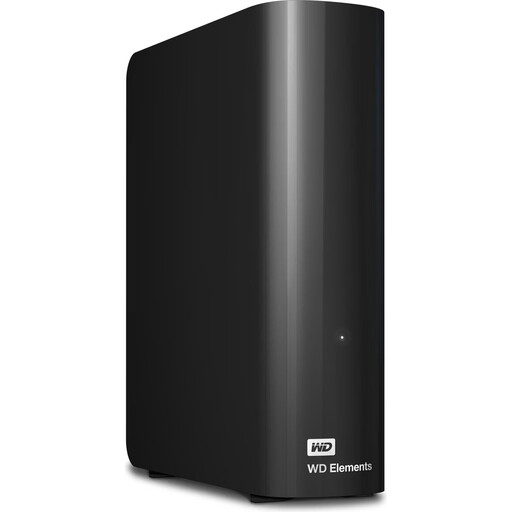 No image available
For a large, mainly stationary project archive, if the stated capacity suits your folders and backup versions.
24 TB; USB 3.2 Gen 1; 3.5-inch desktop enclosure; requires the included AC adapter.
A single drive isn’t a separately stored backup.
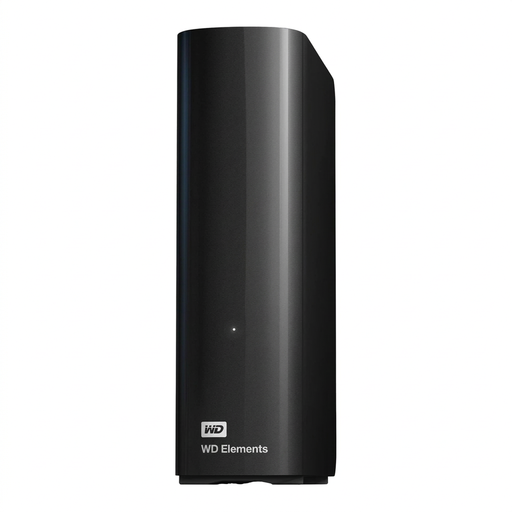 No image available
For an archive at a fixed workstation, if 14 TB is enough for the project folders you want to keep.
14 TB; USB 3.0; NTFS; requires an external AC adapter.
According to the product description, the drive needs to be reformatted for use with macOS. A single drive isn’t a separately stored backup.
 No image available
For a stationary Windows archive, if the stated 8 TB gives you enough space.
8 TB; USB 3.0; NTFS; requires an AC adapter.
According to the product description, the drive needs to be reformatted for macOS. A single drive isn’t a separately stored backup.
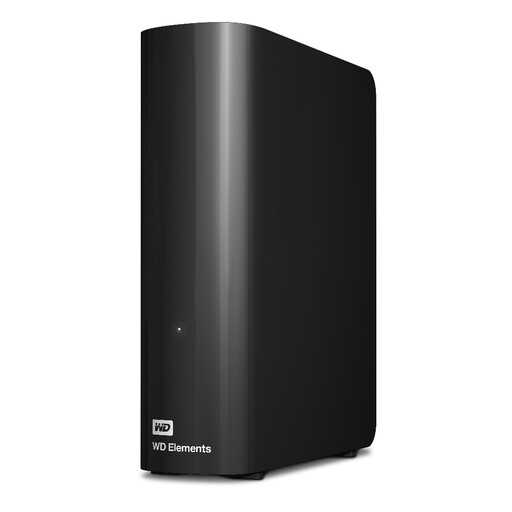 No image available
For an extensive archive at a fixed workstation, if this specific model offers enough capacity.
20 TB; USB 3.2 Gen 1; requires the included AC adapter.
A single drive isn’t a separately stored backup.
 No image available
For an archive you want to take with you occasionally, if 6 TB is enough for the projects you’ve selected.
6 TB; USB-C; USB 3.2 Gen 1; 2.5-inch format; 240 g.
The product description says it works with Windows and Mac. A single drive isn’t a separately stored backup.
First, check how much storage all the project folders you want to keep currently use, then decide which project versions to include in your backup. The storage you choose must have enough space for all of them; there’s no one-size-fits-all capacity for every archive.
For backups, the German Federal Office for Information Security recommends disconnecting the media from the device when you’re not backing up, and only connecting it to a computer that you’re sure isn’t infected. To protect against damage to the place where your files are stored, the BSI also recommends keeping the media somewhere other than where you keep your computer.
If you need to transfer files between both systems, Western Digital says exFAT is one option. It supports individual files over 4 GB, but doesn’t offer journalling. FAT32 isn’t suitable for individual files over 4 GB. Before formatting, also check the requirements of your backup software.
For consumer purchases, statutory rights against the seller for faulty goods are separate from a voluntary manufacturer’s warranty. The consumer advice centre explains that the statutory warranty generally lasts for two years; § 439 BGB covers subsequent performance, either by remedying the fault or supplying an item without defects. A warranty or replacement is no substitute for a backup copy of your files.