For large star charts and fixed-layout PDFs, a larger colour tablet is an obvious choice if you can prop it up in bed. If you mainly read text and want to read one-handed, a more compact device may suit you better. But a colour e-reader won’t automatically replace a tablet for detailed charts or apps that require a tablet. Before deciding, check the specific edition of your book, how typical pages look and how heavy the device feels in your preferred reading position.
Who reads astronomy books in bed?
Star chart readers
If you often read illustrated astronomy books or PDFs with small labels, it’s important that the whole page remains easy to make out. Lenovo lists an 11-inch screen for the Tab M11; you’ll need to check for yourself whether your particular star atlas is easy to read on it.
One-handed readers in bed
If you read one-handed for long periods, grip, weight and screen size all matter. tolino lists the vision color at 200 g and says it has a grip bar and page-turn buttons. Those features alone won’t tell you how comfortable it will feel in your preferred reading position.
Readers with an existing library
If you own digital astronomy books, check before buying a device that its format, copy protection and required app are compatible with your edition. tolino lists EPUB and PDF support for the vision color; BOOX promotes app functionality for the Go Color 7 (Gen II). Neither confirms that every individual title will work.
What should you look for when choosing?
Start by checking a typical star chart and a page of text. Then consider how easy the device is to handle in your usual reading position, and finally check access to your existing books and the lighting in the evening.
| Consideration |
What to look for when buying |
Who is it important to? |
| Star charts and page layout |
Open a typical chart in its actual format and check the labels, zoom and page navigation. |
If I want to see charts and illustrations as fully as possible at a glance, I check the specific page on the device. Around 31% of consumers put chart legibility and page layout first. |
| Holding it in bed |
Compare the weight and grip of the exact model, including the case you want to use, in your usual reading position. |
If I read for longer periods one-handed, I want to be able to hold the device comfortably without losing the screen space I need. Around 25% of consumers say ease of use when reading in bed is their top priority. |
| Access to existing books |
For specific titles, check how to access them, their format, any copy protection and the app required. |
If I want to keep using my digital library, I need to be sure that each edition can actually be accessed on the device. Around 25% of consumers put access to their existing books first. |
| Evening lighting |
Check whether you can adjust the brightness and colour temperature, and consider the lighting conditions before bed. |
If I read just before bed, I want to be able to adjust the lighting to suit my surroundings, without assuming this makes any health claims. Around 19% of consumers prioritise evening lighting. |
Avoid common buying mistakes
-
Choosing based only on screen size
A larger screen doesn’t guarantee that small labels in your particular edition will be easy to read. A bigger device may also be harder to hold one-handed.
Try a typical page of text and a typical chart on the device you’re considering. Check the labels, how often you need to zoom in and how easy it is to handle in your reading position.
-
Assuming EPUB or PDF support guarantees book compatibility
A format listing doesn’t automatically confirm access to every copy-protected title or one that requires a particular app.
For your existing books, check the specific edition, how to access it, any copy protection and the app required.
Depending on the edition, you may need a different e-reader or a different edition of the book.
-
Assuming adjustable colour temperature will help you sleep
A device feature doesn’t prove that it will have a particular effect on your health. The CDC recommends keeping light levels low in general for one to two hours before bed; this doesn’t establish any specific effect for a particular device model.
Choose brightness and lighting to suit your needs, and take the lighting conditions in your reading routine into account.
Key brands and their device approaches
tolino
The vision color is a colour e-reader for compatible e-books and PDFs, suited to readers who value one-handed reading more than access to a particular tablet app.
- tolino lists a 7-inch screen, 200 g weight, page-turn buttons and EPUB and PDF support. Its specifications give a resolution of 150 ppi for colour content.
- These specifications alone don’t tell you whether small details in a particular star atlas will be easy to read. The stylus is sold separately.
Samsung
The Galaxy Tab A11 Wi-Fi is a compact Android tablet for colour book pages and other tablet uses.
- Samsung lists an 8.7-inch screen with a resolution of 1,340 × 800 pixels, and 64 GB or 128 GB storage options.
- Check the exact storage option and whether the reading app you need is available. Screen specifications alone can’t confirm whether a particular page will be easy to read.
Apple
The iPad mini with A20 Pro is a compact iPadOS option for colour pages and compatible reading apps.
- Apple lists the Wi-Fi model at 8.5 inches and 255 g.
- On 5 November 2026, the model was available to pre-order; Apple announced availability from 6 November 2026. Specifications for older iPad mini models don’t necessarily apply to this version.
Lenovo
The Tab M11 is a larger Android tablet option for readers who value seeing full pages over having the smallest possible device.
- Lenovo lists an 11-inch screen and describes a reading mode.
- These specifications don’t confirm how easy a particular astronomy PDF will be to read or whether the device will be more comfortable to hold in bed. Also check whether the stylus you want is included with your model.
BOOX
BOOX says the Go Color 7 (Gen II) combines a compact colour e-paper device with Android app functionality.
- BOOX lists a 7-inch screen, 195 g weight, page-turn buttons and 150 ppi for colour content.
- App functionality doesn’t confirm that a particular book app or protected edition will work. Check the specific combination of title, edition and app.
Joybuy tablets for astronomy books
These tablets are worth considering for reading digital astronomy books. Before choosing, check that your specific charts and book pages are easy to read and that the apps you need work.
 No product image available
GOODTEL G11 Android 15 2-in-1 Tablet, 11 Zoll
Worth considering for full-page astronomy content; check how easy the labels in your specific edition are to read on the device.
Listed in the product name: 11 inches, 2,176 × 1,600, 16 GB RAM (8+8 virtual), 256 GB ROM and an EVA case.
View at Joybuy
 No product image available
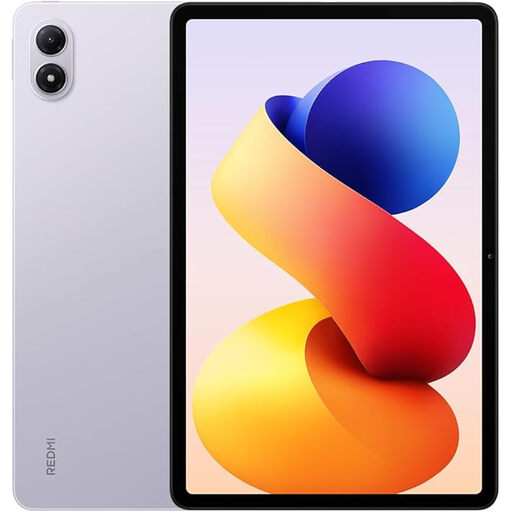
Redmi Pad 2 Pro, Lavender Purple, 6G RAM, 128G ROM
Consider it for astronomy books only if your specific edition is easy to read on the device and opens correctly.
Listed in the product name: 6G RAM, 128G ROM and the Lavender Purple colour option.
View at Joybuy
 No product image available
Teclast ArtPad Pro 2025, 13,4 Zoll, 2K-Display
Could suit larger book pages if you can prop the device up while reading; check how your specific edition looks on screen.
Listed in the product name: 13.4-inch 2K screen, Android 15 and T-Pen.
View at Joybuy
 No product image available
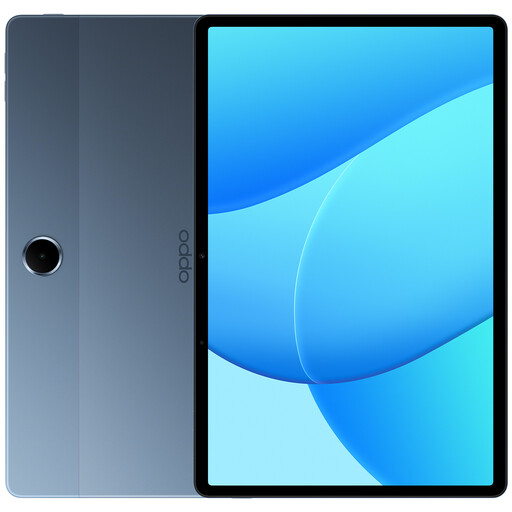
OPPO Pad SE, 128 GB, 6 GB RAM, LTE, Twilight Blue
Check how easy your specific book pages are to read, and follow the device’s ventilation instructions.
Listed in the product name: 11 inches, 128 GB, 6 GB RAM, LTE and model OPD2420 EUN.
Don’t use it on soft surfaces such as a bed or sofa if this could block ventilation.
View at Joybuy
 No product image available
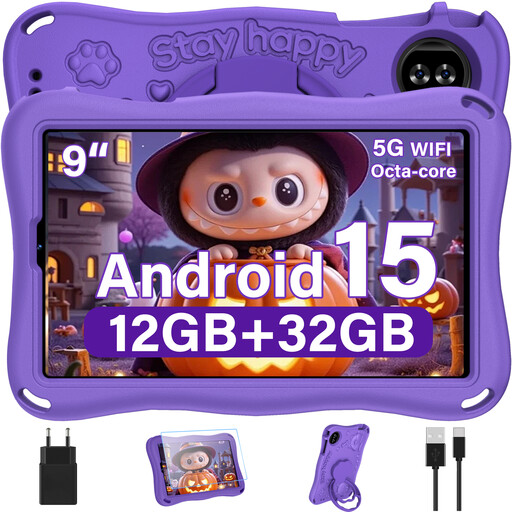
YESTEL T15 2026 Kids Tablet, 9 Zoll, Android 15
Could suit more compact digital astronomy texts; check that the labels on your star charts remain clear without needing to zoom in frequently.
Listed in the product name: 9 inches, Android 15 and 1,340 × 800 pixels.
View at Joybuy
Frequently asked questions
Is a 7-inch colour e-reader big enough for a star atlas?
It depends on whether the labels in your particular edition are legible on the screen. tolino says the vision color has a 7-inch screen and 150 ppi for colour content. Check a representative atlas page and note how often you need to zoom in.
How do I get my existing astronomy books onto the device?
For each title, check the edition, how to access it, its format and whether it requires a particular app or is copy-protected. tolino lists EPUB and PDF support for the vision color, among other formats; that doesn’t mean every protected edition or one tied to an app can be opened.
What should I bear in mind when reading just before bed?
Adjust the brightness and lighting to suit you and your surroundings. The CDC generally recommends keeping light levels low for one to two hours before bed; this doesn’t mean that any particular device model will affect your sleep.
What are the rules in Germany for online purchases, cancellations and faulty goods?
For a typical online distance purchase, you generally have a 14-day right to cancel from the date you receive the goods; exceptions and possible return costs should be taken into account. Your Europe explains the right to cancel. If goods are faulty, you have statutory rights against the seller; the European Commission distinguishes these from a voluntary manufacturer’s guarantee.


