What should you look for when buying?
When you’re solving puzzles together, the first thing to consider is whether both players have a good view. Gaming features come next, provided your source and game can actually use them.
| Consideration |
What to look for |
Who should pay particular attention? |
| Screen size and space |
Check the screen size, TV dimensions and stand dimensions against your viewing distance and available space. |
If we’re playing as a pair, the screen should be easy to read from both seats and fit into the room. Around 29 % of consumers put space and readability first. |
| Evening picture and viewing angles |
Assess picture quality in subdued lighting and the view from your intended seating positions. If you’re considering OLED, also think about how you’ll handle static content. |
If you play in the evening or sit at an angle, you’ll want to make out dark scenes and clues from both seats. Around 29 % of consumers prioritise evening picture quality and viewing angles. |
| Responsiveness and connections |
Compare input lag in the appropriate Game Mode, and check whether 120 Hz or VRR is supported with your specific source and connection. |
If I switch between PC and console, the gaming response and advertised features need to work with my devices. Around 21 % of consumers prioritise responsiveness and compatible connections. |
| Energy use and care |
Check the EU energy label, including SDR and HDR figures, as well as care guidance and any delivery or installation terms. |
If you want to weigh up both the purchase and running costs, as well as the level of care required, compare these points before choosing. Around 21 % of consumers put costs and care first. |
Joybuy product selection
The models below include compact OLED and LCD/QLED options to compare for bedroom gaming.
 No image available
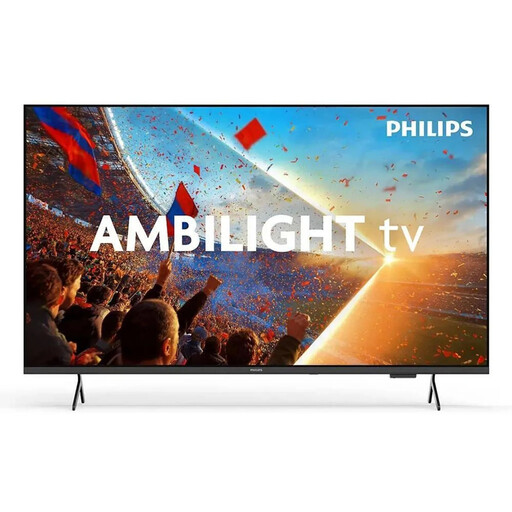
Philips 43PUS8001/12 43-inch 4K QLED Smart TV
A compact LCD/QLED option. Check that its gaming features work with your gaming source.
The product specifications list a 43-inch screen, 4K, 60 Hz, VRR and ALLM.
View at Joybuy
 No image available
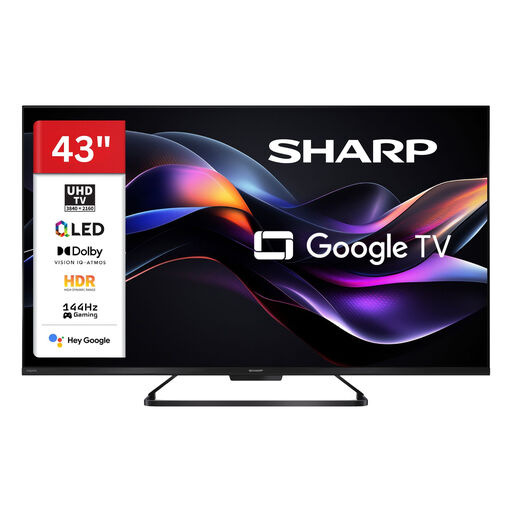
Sharp 43HR7765E 43-inch 4K QLED TV
A compact QLED option if you want to check whether its advertised gaming features suit your source and games.
The product title lists 4K and 144 Hz; the product description mentions VRR, ALLM and HDMI 2.1.
View at Joybuy
 No image available
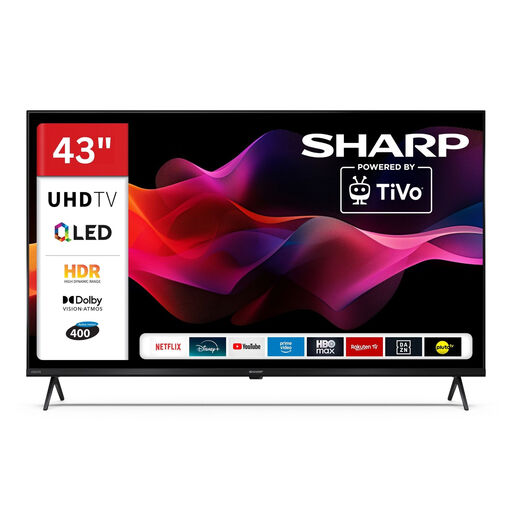
Sharp 43HM5745E 43-inch 4K QLED Smart TV
A compact QLED option. Check that its connections are compatible with your gaming devices.
The product specifications list a 43-inch screen and 4K; the description mentions three HDMI 2.1 ports and ALLM.
View at Joybuy
 No image available
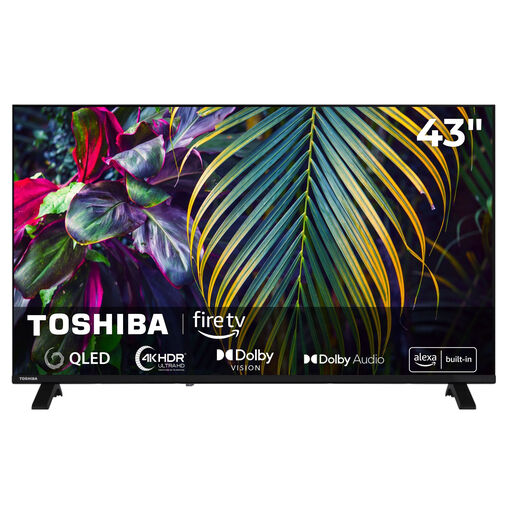
Toshiba 43QF2663DAZ 43-inch 4K QLED Fire TV
A compact QLED option to consider if you’re looking for a TV with connections for gaming consoles.
The title lists a 43-inch screen, 4K UHD and QLED; the description mentions two HDMI ports.
View at Joybuy
 No image available
LG OLED42C67LA OLED evo AI C6 42-inch 4K Smart TV
A compact OLED option to compare if you also want to consider care requirements when puzzle menus stay on screen for a long time or appear repeatedly.
The description lists a native 120 Hz refresh rate and VRR up to 165 Hz, as well as ALLM and four HDMI ports. Sony cites static game content as a potential burn-in risk with OLED.
View at Joybuy
Frequently asked questions
What should I check before setting up a TV for two people?
Measure your usual viewing distance and the space available, then check the TV and stand dimensions, as well as the view from both seats. The Verbraucherzentrale recommends measuring your viewing distance before buying a TV.
Are 120 Hz essential for co-operative puzzle games?
Not necessarily. First, check the Game Mode and input lag under the signal conditions you’ll actually use. A higher refresh rate requires support from the source, connection and game; a PC VRR specification doesn’t automatically apply to consoles.
How should I handle puzzle menus that stay on screen for a long time on OLED?
Check the protection features and care guidance for your specific OLED model, and avoid leaving the same static image on screen for unnecessarily long or repeated periods. Sony cites video games with static content and on-screen menus as potential burn-in risks; protection features aren’t a general guarantee against it.
How can I compare energy use and potential extra costs?
Compare the EU energy labels for the specific TVs, including their SDR and HDR figures, and check before buying whether delivery or installation will cost extra. The European Commission rates electronic displays on a scale from A to G.
What are my rights if I buy a faulty TV online in Germany?
The statutory warranty is the seller’s responsibility and generally covers defects present when the goods are delivered for two years; this is separate from a manufacturer’s guarantee. Online purchases also generally come with a 14-day right to cancel, starting from the day you receive the goods. The Verbraucherzentrale explains these two rights separately.


