For local arena matches in the bedroom, a gaming TV is a good fit when its screen size, footprint and viewing distances give several players a clear view; 42 or 43 inches are useful sizes to compare, not universal recommendations. For fast-paced matches, check the input lag in Game Mode and which signals are actually supported by your console, game and HDMI input. OLED and LCD/QLED TVs offer different picture and usage benefits, while a high advertised refresh rate alone guarantees neither low lag nor a suitable frame rate for gaming.
Who would benefit from a compact gaming TV?
Gaming with limited space
If several people are playing from different seats, everyone needs to be able to see the action, and the TV and its stand must fit in the bedroom. RTINGS.com explains that screen size and viewing distance should be suited to one another.
Players who rely on quick reactions
For fast-paced matches, input lag in the right Game Mode is more telling than an advertised maximum refresh rate. RTINGS.com highlights input lag as an important factor in reaction-based games.
Console players who play a range of games
If you play different games, check that the TV’s features match the signals from your console and the game output it actually supports. The HDMI Licensing Administrator describes features such as VRR and ALLM as gaming features that must be supported by both the source and the display.
What should you look for when choosing one?
Compact OLED TV
A good fit if: 42 inches suits your available space and seating, and picture quality matters during evening gaming sessions.
The trade-off: COMPUTER BILD notes that the LG OLED42C6ELB has confusing settings and the Philips 42OLED810 lacks USB recording; extended display of static game elements is another usage consideration with OLED.
Compact LCD or QLED TV
A good fit if: You’d like to compare a 43-inch option with OLED and can check the view from your intended seating positions on the actual TV.
The trade-off: COMPUTER BILD notes that the Sony BRAVIA 3 II K-43XR35M2 has slightly low HDR brightness and that HDR reproduction on the Hisense 43E7Q Pro is only moderately nuanced; neither point tells you anything about input lag.
| Buying priority |
What to check before buying |
Who is it most important to? |
| Size and viewing angles |
Measure viewing distances, viewing angles, TV width and stand depth; check the picture from every intended seat. |
When several players are watching a match from different seats, I want a clear view without the TV overwhelming the room. Around 36% of consumers are likely to prioritise space and visibility. |
| Response time |
Compare input lag measurements for the exact model, Game Mode and signal you’ll be using. |
For fast-paced matches, I want to see my inputs appear on screen as quickly as possible, so I look at measurements in Game Mode. Around 29% of consumers are likely to prioritise low input lag. |
| Signal compatibility |
Check that your console, supported game frame rate and the features of the intended HDMI input are compatible. |
If I switch between consoles or games, I want the TV’s features to match the signals they actually output. Around 21% of consumers are likely to prioritise compatibility. |
| Power use and care |
Compare energy labels and model-specific power consumption figures; with OLED, check the guidance on static images and panel care. |
For frequent or longer gaming sessions, I want to take running costs and care guidance into account. Around 14% of consumers are likely to prioritise power use and care. |
Which common buying mistakes should you avoid?
-
Assuming “HDMI 2.1” includes every gaming feature
The HDMI Licensing Administrator points out that individual HDMI 2.1 features are optional. The version number alone therefore doesn’t tell you which gaming signals a particular input supports.
Check 120 Hz signals, VRR and ALLM separately for the exact model and the HDMI input you plan to use.
-
Choosing a large screen without trying both playing positions
A larger picture needs to suit both the viewing distance and the space available. The German Environment Agency also notes that power consumption increases with screen size.
Measure the space and viewing distances, then check whether everyone can see the game’s on-screen elements from their intended seat.
-
Confusing the maximum refresh rate with a guaranteed frame rate in games
Actual output also depends on the console and game. Nintendo Deutschland states that the Switch 2 supports a maximum of 60 fps at 4K output.
Check the output of the games you play before prioritising a high TV refresh rate over suitable viewing positions or low input lag.
-
Assuming similarly named Hisense models are identical
The 43E7Q Pro and 43E77Q Pro have different model numbers, so a review of one doesn’t automatically apply to the other.
Before buying, compare the full model name and the features that matter for your games.
Which brands are worth considering?
LG
The OLED42C6ELB is a specific 42-inch OLED option for rooms with limited space.
- COMPUTER BILD ranked it first in its list of 42- and 43-inch TVs, praising its picture and sound.
- The review notes that its settings are confusing. LG promotes gaming features, but its maximum advertised specification doesn’t establish the frame rate of an individual game.
Philips
The 42OLED810/12 pairs a 42-inch OLED screen with Ambilight and specified VRR features.
- COMPUTER BILD ranked the 42OLED810 second in the same compact TV list, praising its picture and sound.
- The review notes that it lacks USB recording. The VRR specification is no substitute for a model-specific input lag test.
Loewe
The We. SEE 42 OLED DC is another 42-inch OLED option from a German compact TV review list.
- For this specific model, COMPUTER BILD describes a picture with rich colour and contrast, as well as good motion smoothing.
- The review notes that its maximum brightness is slightly low; this doesn’t provide a tested gaming latency figure for other models from the brand.
Sony
The BRAVIA 3 II K-43XR35M2 is a 43-inch option from the compact TV review list.
- COMPUTER BILD notes its natural colour reproduction and four HDMI 2.1 ports.
- The review notes that HDR brightness is slightly low. Check separately which gaming signals the specific input supports; the HDMI version alone doesn’t guarantee every feature.
Hisense
The 43E7Q Pro is a 43-inch option to compare with compact OLED TVs.
- COMPUTER BILD considers the specific model it tested well suited to sports TV and gaming, and notes low reflectivity and a stable viewing angle.
- The review describes its HDR reproduction as only moderately nuanced. This doesn’t establish that the similarly named 43E77Q Pro is the same TV.
Joybuy products for bedroom gaming
This selection includes 42- and 43-inch TVs, plus a 65-inch model. Before deciding, measure the available space and viewing distances, then check gaming features against your console and games.
 No image available
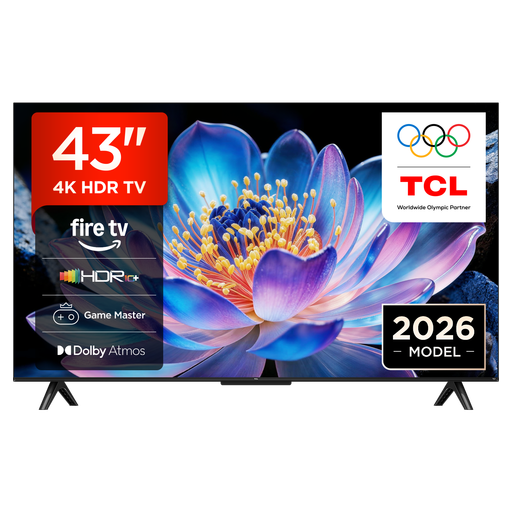
TCL 43V6D, 43-inch 4K UHD Smart TV
Could be worth considering for local matches if the 43-inch TV and its stand fit in your room.
Features listed in the product name: 4K UHD, HDR10+, Game Master, ALLM and VRR.
View at Joybuy
 No image available
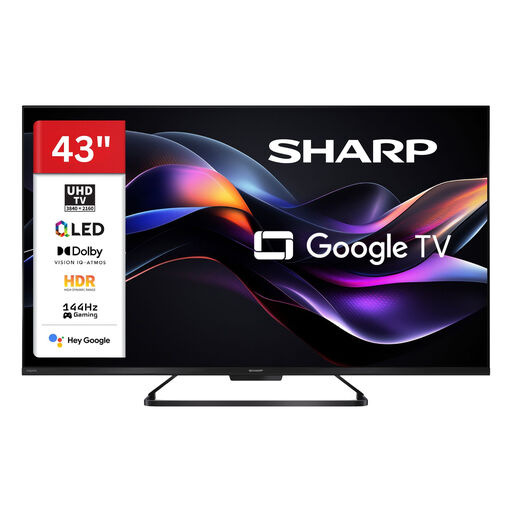
SHARP 43HR7765E QLED TV, 43-inch
A 43-inch QLED option if the screen size and seating work well in your bedroom.
Features listed in the product details: 4K UHD, 144 Hz, VRR and ALLM. Check that the features supported by the HDMI inputs you plan to use work with your devices.
View at Joybuy
 No image available
LG 43QNED86B6B, 43-inch
If several people will be playing, check in advance that a 43-inch screen and the TV’s width will suit your room.
Features listed in the product details: native 120 Hz, VRR up to 144 Hz, Mini LED, AMD FreeSync and 4K.
View at Joybuy
 No image available
LG OLED42C67LA OLED evo AI C6, 42-inch
The 42-inch format could suit a smaller space, as long as the screen and stand fit in the intended spot.
Features listed in the product details: 4K, native 120 Hz, VRR up to 165 Hz, G-SYNC and FreeSync. The product description recommends avoiding unnecessarily long displays of static images and following the OLED care guidance.
View at Joybuy
 No image available
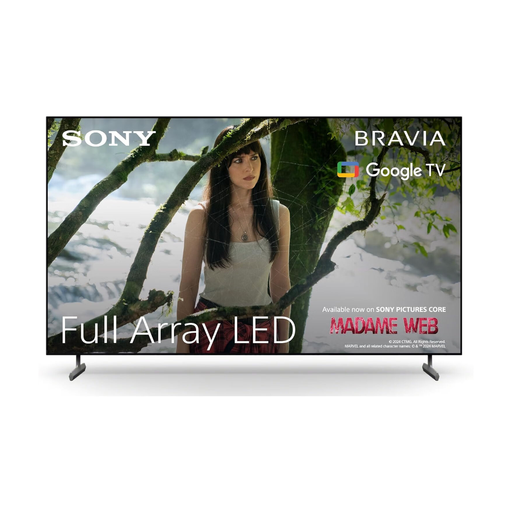
Sony BRAVIA X85L Full Array LED TV, 65-inch
Could work for multiple viewing positions if you have enough room in the bedroom; the stated TV width is 144,7 cm.
Features listed in the product details: 4K, 120 Hz, ALLM and VRR. Check support for your chosen signal with the specific input, console and game.
View at Joybuy
Frequently asked questions
Is 60 Hz enough for our local matches?
It depends on the game’s and console’s picture output. Nintendo Deutschland states that the Switch 2 supports a maximum of 60 fps at 4K output; for games that support a higher frame rate, a compatible 120 Hz signal path may be relevant. Also check the TV’s input lag in Game Mode.
How do I set up my console and TV for low lag?
Connect the console to an HDMI input that supports the signal you want, then check Game Mode. The HDMI Licensing Administrator describes ALLM as automatically switching to a low-latency mode, provided both devices support the feature. For a PS5 with 120 Hz output, Sony Deutschland Support also states that the TV, console settings and game must support this output.
What should I bear in mind with longer gaming sessions and OLED?
Static areas displayed for long periods can contribute to image retention on OLED TVs. LG Deutschland describes screen protection and refresh features for its OLED TVs; follow the care guidance for your specific model, without treating it as a guarantee against image retention.
Where can I check a TV’s power consumption?
Compare the EU energy label and model-specific power consumption figures; EPREL also provides information about products on the EU market. The German Environment Agency notes that power consumption increases with screen size.
What consumer rights apply when buying online in Germany?
For online orders, you generally have a 14-day cancellation period from the date you receive the goods; exceptions and the specific cancellation information should be checked. The Verbraucherzentrale distinguishes the statutory guarantee against the seller from a voluntary warranty.


