
Lieferung heute & morgen

Qualitätsgarantie

Willkommens-Angebote freischalten: KOSTENLOSE Lieferung | Bis zu 80 % RABATT | Kostenlose 30-Tage-JoyPlus-Testphase
App herunterladen
An iPhone's internal storage, especially when shooting high-resolution ProRes video, fills up quickly. An external SSD for your iPhone offers a high-performance solution for expanding your storage. However, the market is flooded with products making lofty promises that don't always hold up in practice. This guide will help you understand the crucial technical features and make an informed decision that meets your specific needs.
Before you make a decision, you should be aware of three common marketing traps that often lead to buyer's remorse.
To avoid the problems mentioned above, focus on the following three core parameters.
The USB interface determines the maximum theoretical speed. The most relevant standards are:
For direct recording of ProRes video from an iPhone to an external drive, Apple requires a sustained write speed of at least 220 MB/s and formatting in the exFAT file system. While most modern SSDs nominally meet this requirement, the thermal design is crucial. An aluminium enclosure dissipates heat much more effectively than plastic, preventing performance throttling during long recording sessions. This is a critical factor for videographers.
For mobile users, form factor and durability are important. A magnetic SSD that attaches directly to the back of the iPhone (often referred to as a MagSafe SSD) offers tremendous convenience for handheld filming. Pay attention to the weight, dimensions, and specifications for shock resistance (e.g., drop protection from a certain height) or IP ratings against dust and water. Also, check which cables are included to avoid additional purchases.
Here are some recommendations tailored to specific use cases.
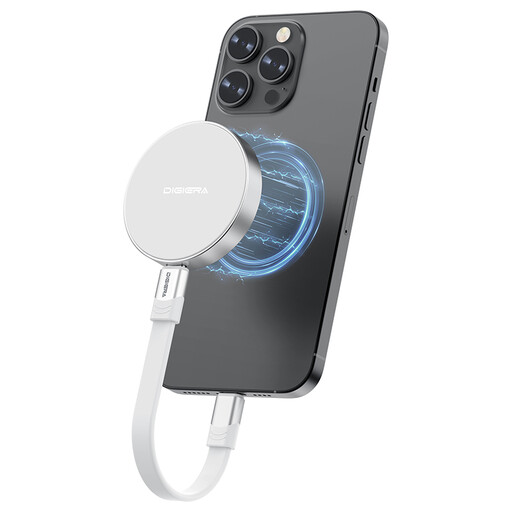
Why it's a great fit: Specifically designed for the mobile workflow with the iPhone 15/16 Pro. The magnetic mount allows for a direct and stable attachment to the smartphone, making it much easier to film without a tangle of cables.
The aluminium alloy housing ensures excellent heat dissipation, minimising the risk of thermal throttling during long 4K ProRes recording sessions.
The combination of a magnetic mount and very high transfer speeds (USB 3.2 Gen 2x2) optimises the entire workflow, from recording to post-production on a PC.
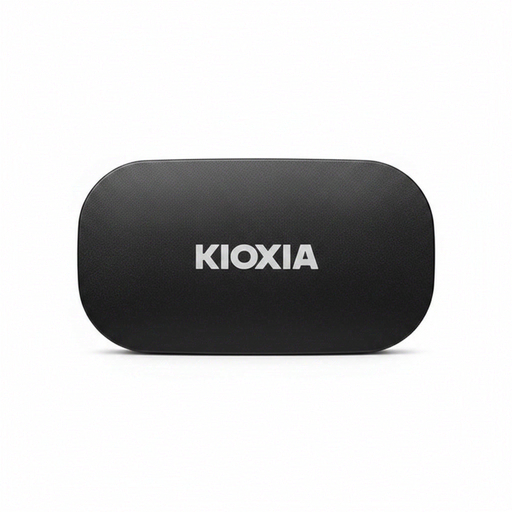
Why it's a great fit: Ideal for users seeking a reliable storage expansion for a variety of devices, including iPhones, laptops, tablets, and even as an SSD for PS5. Its rugged construction makes it a dependable companion.
It bypasses the compatibility issue by including both USB-C to C and USB-C to A cables. The aluminium housing provides good heat dissipation and durability.
Its military-grade shock resistance (MIL-STD-810H) offers certified protection for your data against drops, a crucial factor for mobile use.
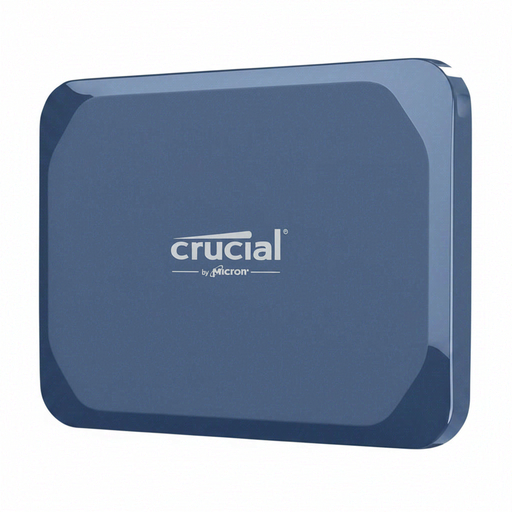
Why it's a great fit: Aimed at professional users and tech enthusiasts who need maximum transfer speeds for large files across various high-end devices.
Delivers the advertised USB 3.2 Gen 2x2 speed, provided the host device is compatible. The anodised aluminium case with a rubberised base ensures effective cooling and robustness.
Offers one of the highest performances available for portable SSDs on the market, with up to 2100 MB/s read and 2000 MB/s write speeds. The IP65 rating provides extra protection for outdoor use.
We've compiled a complete, real-time list of products that fully meet these strict selection criteria.
No, for iPhone 15 series models and later with a USB-C port, no additional app is required. The SSD is automatically recognised as an external drive in the pre-installed "Files" app. You can drag and drop files or record directly to the drive from the Camera app, provided the SSD meets the speed requirements.
The iPhone supports the APFS and exFAT file systems. Most external SSDs are factory-formatted with exFAT, which has the advantage of being compatible with both macOS and Windows. For direct ProRes video recording, exFAT is a prerequisite anyway. If reformatting is necessary, it can be done on a Mac using "Disk Utility" or on a Windows PC via "Disk Management".
Theoretically, yes, as long as the SSD can maintain a sustained write speed of at least 220 MB/s. In practice, however, this isn't the case for all models. Particularly during long recording sessions, SSDs with inadequate heat dissipation can overheat, throttle their speed, and cause the recording to stop. It is therefore advisable to choose a model with a high-quality enclosure, preferably made of aluminium, to ensure stable performance.