
Lieferung heute & morgen

Qualitätsgarantie

Willkommens-Angebote freischalten: KOSTENLOSE Lieferung | Bis zu 80 % RABATT | Kostenlose 30-Tage-JoyPlus-Testphase
App herunterladen
A portable 4K monitor promises to take on-the-go productivity and entertainment to the next level. Whether as a second screen for your laptop in a home office, a high-resolution display for your PS5 in a hotel, or a tool for creative work anywhere, its flexibility is a clear selling point. However, the market is flooded with devices featuring misleading specs and technical flaws that can quickly lead to a costly mistake. Before you invest, you should know the most common pitfalls.
The 2 Most Common Pitfalls When Buying a Portable Monitor:
To avoid disappointment, you should focus on objective technical features rather than relying on marketing promises.
The deciding factor for image sharpness is the native resolution. A true portable 4K monitor must have a physical resolution of 3840 x 2160 pixels. Look for this specification explicitly in the product data. Anything less is a compromise.
Additionally, panel technology is important. IPS (In-Plane Switching) panels offer stable viewing angles and consistent colour reproduction, which is particularly beneficial when sharing the screen or doing creative work. For gamers and film enthusiasts, support for HDR (High Dynamic Range) is also a relevant factor, as it significantly enhances contrast and colour brilliance—a must-have for a 4K monitor for PS5.
A good portable monitor offers flexibility. Look for models that have at least one USB-C port with DisplayPort Alternate Mode and an HDMI port. This ensures compatibility with a wide range of devices, from modern laptops to gaming consoles.
A separate power adapter or a second USB-C port dedicated to power delivery is not a drawback but a sign of quality. It guarantees that the monitor will function reliably even at maximum brightness and when connected to less powerful laptops, without draining their battery.
Here are some models that, based on their technical specifications, represent a smart choice for different user groups.
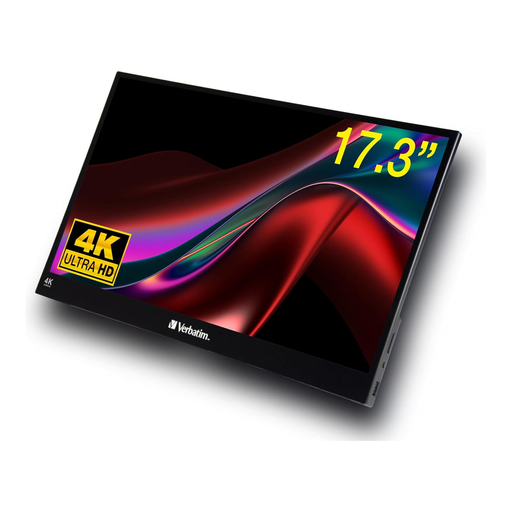
Why This Fits Their Persona: This model is aimed at users who refuse to compromise on image quality. The combination of a native 4K resolution, HDR support, and a large 17.3-inch screen makes it ideal for video editing, graphic design, or immersive gaming with consoles like the PS5.
The device features a native 4K panel (3840 x 2160) and comes with a dedicated power adapter, ensuring stable performance at full brightness and resolution.
Excellent sharpness thanks to its native 4K resolution and enhanced contrast via HDR. The touch function offers additional interactivity.
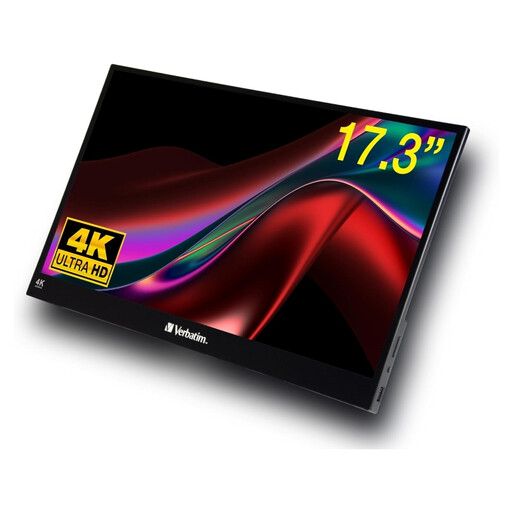
Why This Fits Their Persona: For users whose focus is on maximum screen real estate and interactive control for productive work. The large 17.3-inch screen offers plenty of space for multitasking, while the touch functionality simplifies navigating documents and applications.
This model doesn't promise 4K resolution; instead, it delivers a solid and sharp native Full HD (1920 x 1080) picture. The power supply is reliable for this resolution range.
A large 17-inch mobile touchscreen monitor at an accessible price point. The combination of size and touch functionality is advantageous for productivity use cases.
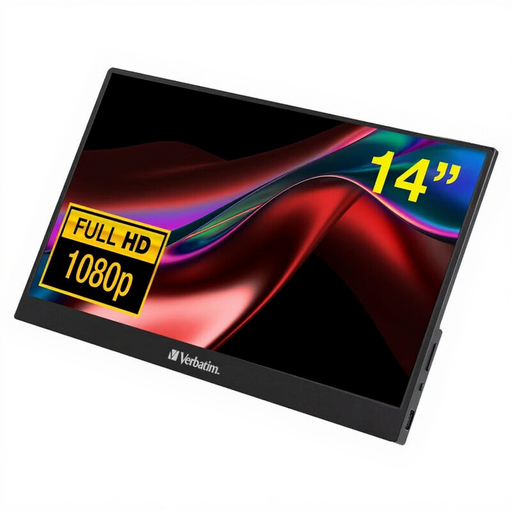
Why This Fits Their Persona: Ideal for anyone looking for a straightforward and highly portable solution. At 14 inches and weighing just 540g according to the manufacturer, this monitor is a practical companion for train journeys or coffee shops, making it easy to extend your laptop's workspace.
This model focuses on the essentials: a reliable Full HD resolution and simple plug-and-play connectivity. It avoids overblown promises and delivers solid core functionality.
Extremely lightweight and compact, making it an ideal external screen for a laptop while travelling. It offers both USB-C and HDMI ports for broad compatibility.
We have compiled a complete, up-to-date list of products that fully meet these strict selection criteria and relevant safety regulations.
In most cases, yes. While some monitors can run on a single USB-C cable at reduced brightness, a stable operation of a 4K panel at full brightness almost always requires an external power source. An included power adapter is an indicator of a high-performance device.
To connect to a game console like the PS5 or Nintendo Switch (in docked mode), use an HDMI cable. You must also connect the monitor to a power source, as the consoles cannot power the monitor via HDMI. This setup enables a high-resolution gaming experience anywhere there's a power outlet.
Glossy displays, like those found on many Verbatim monitors, typically offer more vibrant colours and deeper blacks. Their disadvantage is that they can be highly reflective in bright environments. Matte displays, on the other hand, are anti-glare and better suited for working outdoors or in brightly lit offices, though their colours can appear slightly less brilliant. The choice depends on your primary place of use.