
Lieferung heute & morgen

Qualitätsgarantie

Willkommens-Angebote freischalten: KOSTENLOSE Lieferung | Bis zu 80 % RABATT | Kostenlose 30-Tage-JoyPlus-Testphase
App herunterladen
A single laptop screen can limit productivity, whether you're working from home, visiting a client, or studying at the library. Constantly switching between windows and applications costs time and focus. A portable monitor serves as a practical screen extension for your laptop, providing a solution by enabling a flexible and mobile dual-monitor setup.
This article serves as a guide. We will introduce various models and explain their key features to help you choose the right device for your needs—whether for work, gaming, or creative projects.
Choosing the right model depends on your specific use case. Three key criteria will help you narrow down the options: resolution, connectivity, and special performance features.
Resolution determines the sharpness and level of detail in the display.
Modern portable monitors are designed for a simple plug-and-play setup.
For specialised needs, other technical specifications are relevant.
Based on the criteria mentioned, we have compiled a selection of models suitable for different user groups.
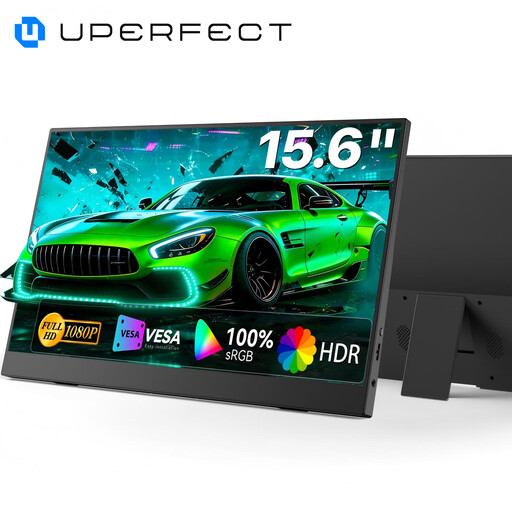
Why it stands out: This model offers a balanced combination of image quality and functionality. With its 15.6-inch display, Full HD resolution, and 100% sRGB colour gamut coverage, it is a versatile second screen for a laptop and other devices. The integrated, adjustable stand and VESA compatibility allow for flexible positioning at your workspace.
Pros:
Who is it for? Ideal for professionals working from home or travelling, as well as for students who need a reliable and colour-accurate external monitor for their laptop for presentations, document editing, and media consumption.
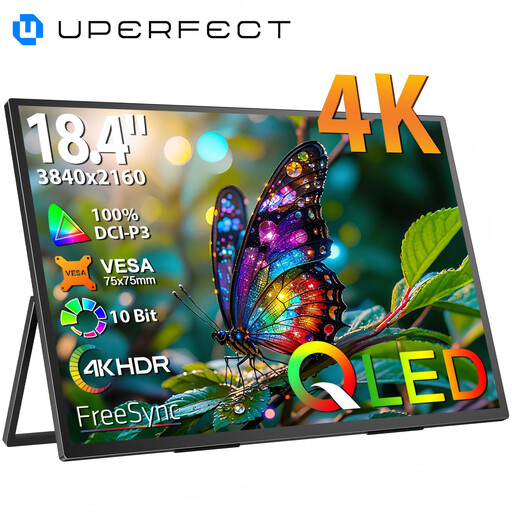
Why it stands out: With an 18.4-inch screen and 4K UHD resolution (3840 x 2160), this mobile screen offers an exceptionally large and detailed workspace. The QLED technology provides high brightness and a wide colour spectrum, making it ideal for demanding visual tasks.
Pros:
Who is it for? This 4K portable monitor is aimed at creative professionals like designers, video producers, and architects who don't want to compromise on a large, high-resolution workspace while on the go. It is also a great choice for film enthusiasts who want to enjoy media in the highest quality.
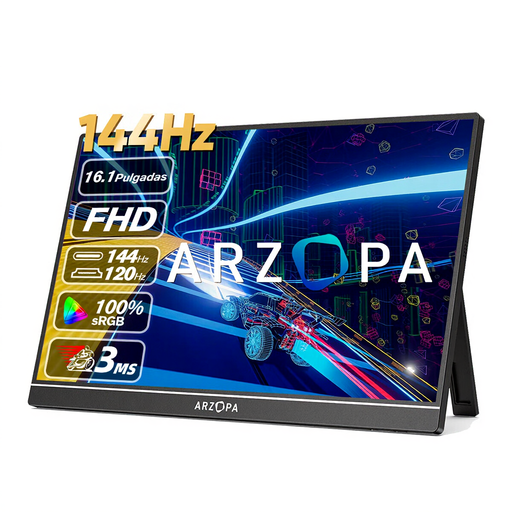
Why it stands out: The ARZOPA Z1FC is designed specifically for gamers. Its standout feature is the high 144 Hz refresh rate, which, combined with the Full HD resolution, delivers an extremely smooth and responsive gaming experience. Its slim design makes it an ideal monitor for on-the-go.
Pros:
Who is it for? This portable gaming monitor is the top choice for gamers who want to supplement their gaming console or laptop with a fast and responsive display without being tied to a desk.
If the models presented here don't exactly match your needs, there is a wider range of devices with different sizes, resolutions, and features. A portable monitor can take many forms, and the right choice depends entirely on your individual needs.
Explore our entire collection of Monitors with Stands and find the model that perfectly fits your requirements.
Most portable monitors can be connected easily via plug and play. For laptops with a fully functional USB-C port (that supports DisplayPort Alt Mode and Power Delivery), a single USB-C cable is sufficient for both video and power. Alternatively, you can connect the monitor via an HDMI cable and provide power through a separate USB cable.
That depends on the model and connection type. Many USB-C monitors draw power directly from the connected device. If you are connecting via HDMI or if the laptop's USB port doesn't supply enough power, an external power source is required. This can be an AC adapter or a power bank.
Yes, that's easily possible. Most portable monitors have a Mini-HDMI port, making them compatible with consoles like the PlayStation 5, Xbox Series X/S, or Nintendo Switch. This makes them an excellent solution for gaming on the go or when the main TV is occupied.