
Lieferung heute & morgen

Qualitätsgarantie

Willkommens-Angebote freischalten: KOSTENLOSE Lieferung | Bis zu 80 % RABATT | Kostenlose 30-Tage-JoyPlus-Testphase
App herunterladen
Lagging video streams, dropped video calls while working from home, or areas in your house where the Wi-Fi signal disappears completely—these are common frustrations. The causes can be varied, from thick walls to outdated network equipment. There is no one-size-fits-all solution, as every living and working situation places different demands on a network.
This article serves as a guide. It explains the differences between common technologies to improve your Wi-Fi and introduces specific product categories. The goal is to provide you with a factual basis to make the right decision for a stable Wi-Fi connection in your home or office.
Before making a purchase, it's helpful to understand the basic options and their use cases. Choosing the right hardware is the crucial step to expand your network and optimise its performance.
The three main solutions for providing Wi-Fi each have specific strengths:
When making your selection, pay attention to a few technical specifications that determine the performance and future-readiness of your network:
Here is a selection of products that cover different requirements for Wi-Fi for home and office.
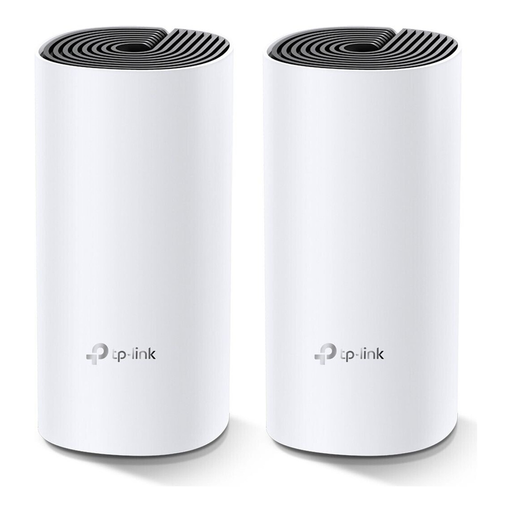
Why it stands out: The TP-Link Deco M4 is a straightforward and effective solution for eliminating Wi-Fi dead zones in larger living areas. It creates a single, unified network, allowing you to move freely without dropping the connection.
Advantages:
Who is it for? Families and residents of larger apartments or houses who are looking for a simple and reliable solution for comprehensive Wi-Fi coverage without having to deal with complex network configuration.
View the TP-Link Deco M4 on Joybuy.de
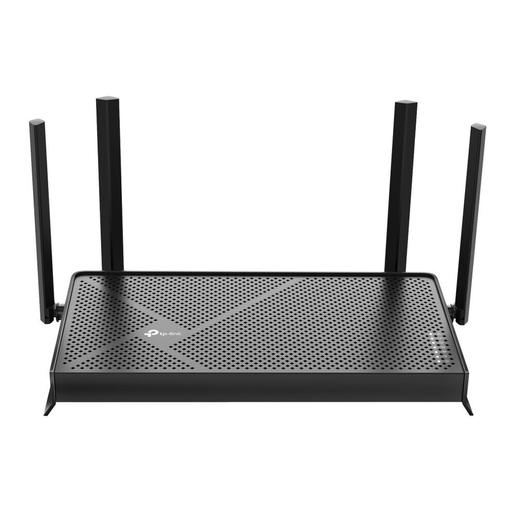
Why it stands out: The Archer BE230 brings the benefits of the new Wi-Fi 7 standard to your home network. With its 2.5 Gigabit ports and high speed, it is ready for demanding applications and future internet plans.
Advantages:
Who is it for? Tech-savvy users, gamers, and households with very fast internet connections who are looking for a powerful and future-proof hub for their network. Ideal as a high-performance gaming router.
View the TP-Link Archer BE230 on Joybuy.de
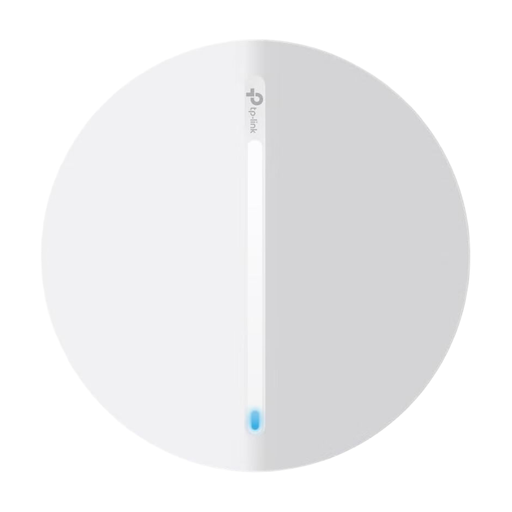
Why it stands out: The Festa F65 is designed as a professional solution to reliably extend a wired network with powerful Wi-Fi. Power over PoE and central cloud management make it particularly flexible and scalable.
Advantages:
Who is it for? Small businesses, offices, hospitality venues, or demanding home users who need a stable and scalable solution to professionally extend an existing LAN network.
View the TP-Link Festa F65 on Joybuy.de
Every home and office has different requirements for its network infrastructure. If the solutions presented here don't exactly match your use case, you may find a more suitable option in our broader selection of networking devices.
Discover more solutions for Home Computing on Joybuy.de
A Wi-Fi repeater receives your router's signal and re-broadcasts it under its own network name (or the same one with a suffix). This often halves the theoretical bandwidth and can lead to connection drops as devices move between networks. A Mesh Wi-Fi System, on the other hand, consists of multiple nodes that form a single, intelligent network. Your devices are seamlessly handed off to the strongest node without interruption, ensuring a consistently stable Wi-Fi signal.
A Wi-Fi 7 router is a future-proof purchase. To take full advantage of features like extremely low latency and Multi-Link Operation (MLO), you also need client devices (e.g., smartphones, laptops) that support Wi-Fi 7. For most current applications, a good Wi-Fi 6 router provides excellent performance. However, if you have the highest demands for speed, engage in competitive online gaming, or want to equip your network for the coming years, a Wi-Fi 7 model is an investment worth considering.
Installing an Access Point with PoE is straightforward. You need a PoE-capable network switch or a PoE injector. The Access Point is connected to the switch/injector with a single Ethernet cable. This cable transmits both the data from your network and the power required for operation. This allows the Access Point to be flexibly mounted in optimal locations, such as ceilings or high on walls, even if there is no power outlet nearby.