
Lieferung heute & morgen

Qualitätsgarantie

Willkommens-Angebote freischalten: KOSTENLOSE Lieferung | Bis zu 80 % RABATT | Kostenlose 30-Tage-JoyPlus-Testphase
App herunterladen
Deciding to buy a new MacBook in 2026 is more complex than ever. With the introduction of the M5 chip family, the new MacBook Neo, and the integration of Apple Intelligence, buyers face a wealth of options. However, this variety can also lead to costly mistakes. This guide will help you understand the technical specifications and find a model that meets your actual needs without paying for features you don't need.
Before we dive into the models, let's look at three common mistakes buyers often make:
To find the right model, focus on these three core parameters instead of being swayed by marketing terms.
The heart of every new MacBook is its chip. Choosing the right processor is the most important decision and depends directly on your tasks.
Apple uses "Unified Memory," which is shared by both the CPU and GPU. This makes it highly efficient, but it's not upgradeable after purchase.
The available ports determine how seamlessly the MacBook integrates into your workflow.
Here are three configurations tailored to specific user groups that avoid the pitfalls mentioned above.

Why it's a great fit: Perfect for mobile daily use at university or at home. The lightweight design, long battery life, and sufficient performance of the A18 Pro chip for Office, research, and streaming make it an ideal Apple laptop for students.
You're not paying for unused pro-level performance. The A18 Pro chip is optimized for everyday AI tasks like text summarization, without the cost of an M5 chip.
Highly portable (1.23 kg) and attractively priced. The battery life of up to 16 hours of video playback covers a full day of classes.
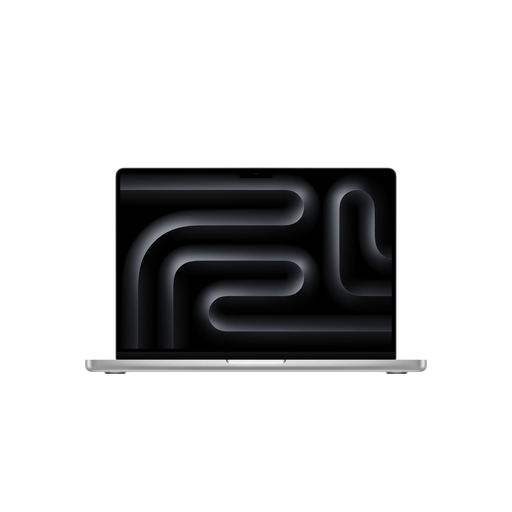
Why it's a great fit: This MacBook 14-inch 2026 offers an excellent balance of performance and portability. It's powerful enough for professional photo and video editing, but more compact than the 16-inch model, making it ideal for commuters and mobile creatives.
It offers pro-level performance without the size and cost of the M5 Max. The comprehensive port selection (HDMI, SDXC, Thunderbolt 5) makes extra adapters unnecessary.
The Liquid Retina XDR display with 1,600 nits peak brightness is suitable for HDR workflows. 24 GB of RAM provide headroom for demanding projects.
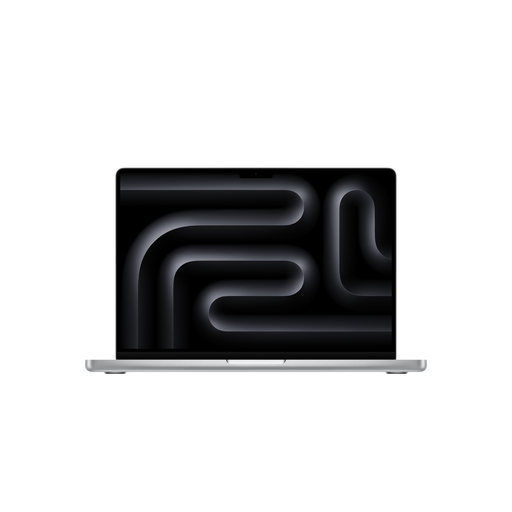
Why it's a great fit: This MacBook 16-inch M5 Max is designed for users who make no compromises on performance. Ideal for 3D artists, video producers, and developers working with large datasets or AI models who require maximum computing power.
The investment is justified here, as the M5 Max's performance directly boosts productivity and reduces rendering times. Its AI capabilities are fully leveraged.
Extreme graphics performance with a 40-core GPU. High memory bandwidth (614 GB/s) and 48 GB of RAM enable work on the most complex projects. Supports up to four external displays.
We have compiled a complete, up-to-date list of products that fully meet these strict selection criteria.
1. Is Apple Intelligence available on all new 2026 MacBooks? Yes, all 2026 MacBook models featured, which are equipped with an A18 Pro or an M5-series chip, have the necessary 16-Core Neural Engine to run the core features of Apple Intelligence. However, the speed and complexity of possible AI tasks scale with the performance of the respective chip (M5, M5 Pro, M5 Max).
2. Do I need a separate power adapter for the new MacBooks? That depends on the model. The MacBook Pro models typically come with a suitable power adapter and MagSafe 3 cable. For the MacBook Air and MacBook Neo models, Apple often only includes the charging cable, and the power adapter must be purchased separately. Check the product description to confirm exactly what's included in the box.
3. How do I choose between a 14-inch and 16-inch MacBook Pro? The decision depends on your priority between portability and screen real estate/performance. The MacBook 14-inch 2026 is lighter and more compact, making it a great choice for on-the-go use. The 16-inch MacBook Pro offers a larger screen, which is advantageous when working with multiple windows or on a video timeline, and features a more advanced thermal management system that allows for higher sustained performance during very intensive tasks.