
Lieferung heute & morgen

Qualitätsgarantie

Willkommens-Angebote freischalten: KOSTENLOSE Lieferung | Bis zu 80 % RABATT | Kostenlose 30-Tage-JoyPlus-Testphase
App herunterladen
The launch of the new 2026 MacBook models introduces a range of options, from the M5 chips to the integration of Apple Intelligence. However, selecting the right device can be overwhelming. Many buyers invest in features they will never use or hit performance bottlenecks shortly after their purchase. This guide will help you understand the technical specifications and avoid common purchasing traps to make an informed decision.
Before we dive into the new models, it's important to be aware of the typical mistakes that can lead to buyer's remorse.
To avoid these traps, it's crucial to understand the key parameters that directly impact your user experience.
Choosing the chip is the most fundamental decision. Each variant is designed for a specific user profile.
A central feature of the 2026 models is Apple Intelligence. This is more than just a marketing buzzword. This Apple AI laptop integrates features directly into the operating system to accelerate tasks like composing text, organising notes, and searching for images. The key is that many of these processes happen on-device, which enhances personal data privacy. The performance of the Neural Engine in the chip is crucial for this.
Configuring the right amount of memory (RAM) and SSD storage is critical for a smooth, long-term user experience.
Based on these parameters, we have curated models for different user profiles.

Why it's a good fit: Ideal for students and users seeking a lightweight, colourful, and attractively priced device for word processing, research, and media consumption. The A18 Pro chip is optimised for these tasks.
This model bypasses the "Pro" trap by delivering efficiency-focused performance at a reasonable MacBook price, without charging extra for professional features you won't use.
A compact design in multiple colours and performance that's perfect for daily use, including foundational Apple Intelligence features.
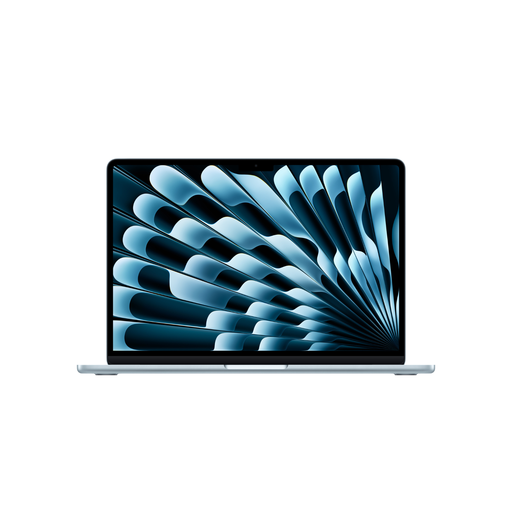
Why it's a good fit: Perfect for those who are always on the go but don't want to compromise on a large display and solid performance. The M5 chip handles demanding multitasking and creative tasks with ease.
This model addresses the battery life trap. According to Apple, it offers up to 18 hours of video playback, combining it with performance that's sufficient for a full workday without a power adapter.
A large 15.3-inch Liquid Retina display in an incredibly light and thin chassis. It strikes a great balance between portability and screen real estate.
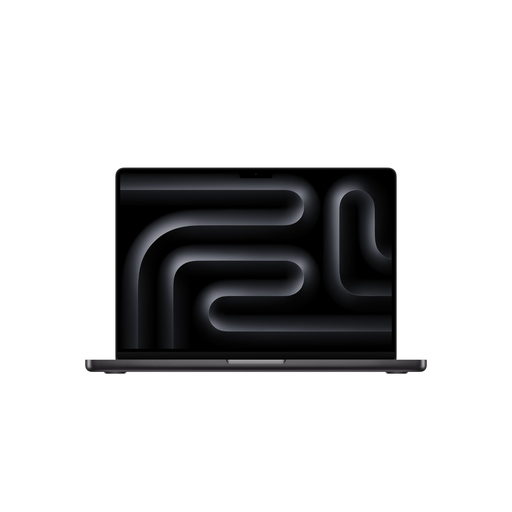
Why it's a good fit: For developers, video editors, and other creative professionals who need sustained, high performance for compute-intensive applications. The active cooling system ensures the M5 Pro chip maintains its performance even under heavy load.
Here, the "Pro" premium is justified. The higher CPU and GPU core counts, significantly greater memory bandwidth (307 GB/s), and ports like HDMI and an SDXC card reader provide real value for professional workflows.
Liquid Retina XDR display with 1,600 nits of peak brightness and ProMotion technology. Comprehensive connectivity with Thunderbolt 5.
If you're looking for other configurations or models, our complete overview features more devices that meet our selection criteria.
Battery life depends heavily on the model and your usage. According to Apple, the MacBook Air M5 gets up to 15 hours of wireless web browsing, while the 14-inch MacBook Pro 2026 with the M5 Pro chip achieves up to 14 hours. With intensive use involving high screen brightness and demanding programs, you should expect a shorter runtime, but one that is often sufficient for a full workday.
No, Apple Intelligence is available on all new 2026 models equipped with A18 Pro and M5-series chips. The features are designed to run efficiently on each chip's Neural Engine. While the Pro models can potentially handle more complex AI tasks faster, the core features are fully usable on the MacBook Air and MacBook Neo as well.
The main difference lies in graphics performance and memory bandwidth. The M5 Max chip has significantly more GPU cores (e.g., 32 or 40 compared to 20 on the M5 Pro) and higher memory bandwidth (up to 614 GB/s versus 307 GB/s). This makes the M5 Max the choice for users performing extremely demanding graphical tasks, such as 3D animation or editing multiple 8K video streams simultaneously. For most professional users, including developers and photographers, the M5 Pro already offers more than enough performance.