
Lieferung heute & morgen

Qualitätsgarantie

Willkommens-Angebote freischalten: KOSTENLOSE Lieferung | Bis zu 80 % RABATT | Kostenlose 30-Tage-JoyPlus-Testphase
App herunterladen
Choosing an antivirus software is a fundamental step in securing your digital devices. However, modern security solutions go far beyond simple virus protection, offering a suite of tools to safeguard your privacy and data integrity. A Norton subscription is one such comprehensive solution, designed for a variety of user profiles. This article analyses the technical specifications and feature sets of different Norton 360 plans to help you make an informed purchasing decision.
Before you buy a Norton licence, it's wise to analyse your specific needs. The right plan for you depends on three key factors: the number of devices you need to protect, the desired feature set, and your primary use case.
The plans differ in the maximum number of devices that can be protected with a single licence. Take stock of how many PCs, Macs, smartphones, and tablets are actively used in your household. All Norton 360 versions featured here offer cross-platform compatibility for Windows, macOS, Android, and iOS.
Modern Norton Security suites integrate multiple layers of protection. Core components include:
Your daily usage determines which additional features are relevant. For example, performance optimisation features are crucial for gamers, while families will benefit from plans that cover a large number of devices and include parental controls.
Based on the criteria above, we present three different Norton 360 configurations tailored to specific user groups.
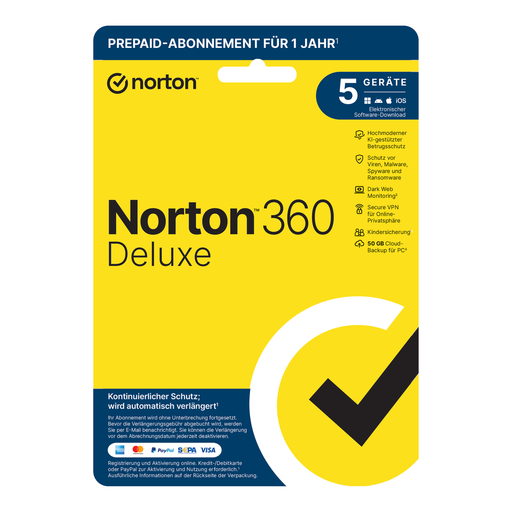
Norton 360 Deluxe offers a well-balanced package for protecting multiple devices. It combines fundamental virus protection with essential online privacy tools. Management is handled through a centralised web portal, which simplifies its use. The plan includes a firewall, the no-log Norton VPN, a password manager, and Dark Web Monitoring. Windows users also get 50 GB of cloud storage.
This plan is suitable for individuals or families looking for a comprehensive security solution for a moderate number of different devices, who value a combination of device security and data privacy.
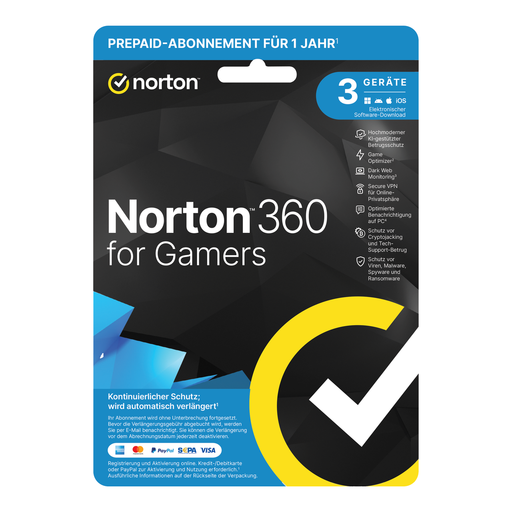
Norton 360 for Gamers is specifically tailored to the needs of PC gamers. At the core of this solution is the "Game Optimizer". According to the manufacturer, this feature isolates non-essential processes to a single CPU core to free up system resources for maximum gaming performance. It also optimises notifications during gameplay to minimise interruptions. The Dark Web Monitoring is expanded here, tracking 120 different data points, including gamertags.
This plan is aimed specifically at PC gamers who prioritise high system performance and minimal interruptions during gameplay, without wanting to sacrifice comprehensive security features.
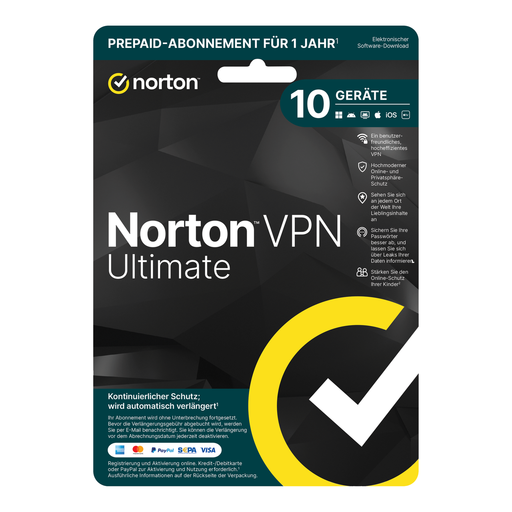
Norton VPN ULTIMATE focuses on comprehensive online privacy protection for a large number of devices. It protects up to 10 devices and combines a powerful VPN solution with other security tools. The VPN uses bank-grade 256-bit AES encryption and allows you to change your virtual location with a single click to access global streaming content. The package is complemented by a Password Manager and Dark Web Monitoring.
This solution is ideal for larger households, tech-savvy users, or individuals with a multitude of connected devices (including smart TVs) who place the highest value on privacy, encryption, and bypassing geo-restrictions.
If the plans presented here don't exactly meet your needs, or if you'd like to buy an alternative to Norton Antivirus, you can find more options and software solutions to secure your digital identity in our Digital Games category.
1. What is the difference between a standalone Norton Antivirus and Norton 360? A standalone antivirus program focuses primarily on detecting and removing malware such as viruses, worms, and Trojans. Norton 360 is a comprehensive security suite that, in addition to antivirus protection, integrates extra layers like a firewall, a Secure VPN, a password manager, and other tools for privacy and identity protection.
2. Is a VPN included in the Norton 360 plans? Yes, most Norton 360 plans, including the Deluxe, for Gamers, and Ultimate versions featured here, include Norton Secure VPN. It serves to encrypt your internet connection, protecting your data on unsecured public Wi-Fi networks and anonymising your online activities.
3. How do I activate a Norton licence? After purchase, you will receive a product key. To activate it, visit the official Norton website, create a Norton account or sign in to an existing one. There, you will enter the product key. You can then download and install the software on your devices. For subscriptions with automatic renewal, a payment method is required.