
Lieferung heute & morgen

Qualitätsgarantie

Willkommens-Angebote freischalten: KOSTENLOSE Lieferung | Bis zu 80 % RABATT | Kostenlose 30-Tage-JoyPlus-Testphase
App herunterladen
Anyone looking to buy an SSD will come across plenty of specifications for terabytes, PCIe generations and maximum MB/s. These figures are useful, but on their own they do not automatically lead to the right choice. What matters is whether the SSD is suitable for your device, usage profile and planned data volume.
An NVMe SSD in the M.2 2280 format requires a compatible M.2 slot. A PCIe 4.0 SSD can only deliver its stated performance to any meaningful extent if the motherboard or laptop supports PCIe 4.0 x4. It will often work with a PCIe 3.0 system too, but its speed will be limited by the older interface.
The same applies to a PCIe 5.0 SSD. It is designed for compatible Gen5 platforms. In an older system, it may run at a lower generation. Before buying, you should therefore check the motherboard manual, laptop specifications or console requirements.
With an external SSD, the USB-C connector alone says little about the transfer rate. According to the product specifications, a USB-C SSD with USB 3.2 Gen 2 can, for example, read at up to 1,050 MB/s. However, the USB port, cable and connected device must also support this standard.
An older USB port will reduce the speed. In addition, stated maximum values cannot always be maintained under real-world conditions. For backups, photos and documents, a portable SSD with USB 3.2 Gen 2 is often sufficient. If you regularly move large video files, you should compare the interface and cable particularly carefully.
An SSD 1TB is suitable for an operating system, programmes and a manageable games library. With modern games, raw video files or extensive photo catalogues, however, free storage can quickly run low. An SSD 2TB offers more room for several applications and larger media collections. An SSD 4TB is primarily aimed at users who want to store many games, project files or local archives on a single drive.
For a longer service life, the entire capacity should not remain permanently occupied. A backup on a separate drive is also advisable, as an SSD is no substitute for backing up your data.
For internal drives, M.2 2280 and 2.5-inch SATA are two common designs. M.2 models are compact expansion cards and require a suitable M-key slot with PCIe/NVMe support. A 2.5-inch SSD such as the Lexar NQ100, on the other hand, uses SATA III and requires a SATA data cable as well as a power connection.
An M.2 interface does not always mean NVMe: some M.2 slots support SATA only. This difference should be checked against the device’s technical documentation before purchase.
According to manufacturer or product specifications, a PCIe 4.0 SSD can achieve sequential read speeds of around 5,000 to over 7,000 MB/s, depending on the model. PCIe 5.0 models can reach higher peak speeds, but usually require a suitable platform and carefully planned heat dissipation.
An internal SSD can become warm during longer write operations. A motherboard heatsink, integrated heatsink or good case ventilation can help prevent performance losses caused by thermal throttling. With an SSD for PS5, a compatible heatsink is particularly important if the specific drive is not already equipped with one.
The TBW (Terabytes Written) figure describes the amount of data the manufacturer has specified that can be written to the drive. It is a technical guideline, not a guarantee of a particular service life in individual use. Office applications often require a different level of specification than daily video exports or extensive game installations.
DRAM or SLC cache can support responsiveness during certain tasks. However, when choosing an SSD, you should also consider capacity, interface, warranty terms and the expected volume of writes.
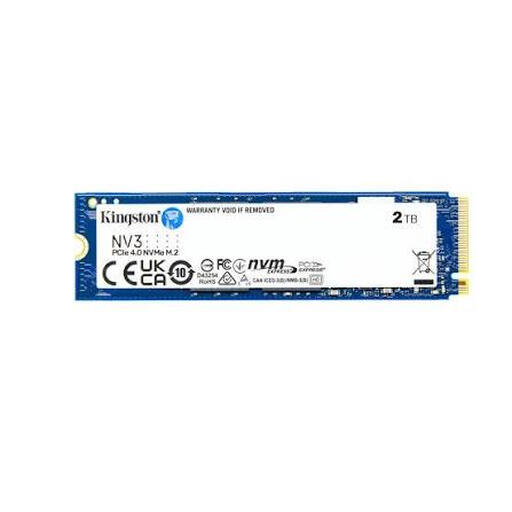
Why this product suits this profile: The 2TB capacity provides space for an operating system, programmes and games. According to the product specifications, the M.2 drive uses PCIe 4.0 x4 and can reach read speeds of up to 6,000 MB/s.
The capacity reduces the risk of having to replace a drive at short notice because it has run out of space. However, the PC must first have a suitable M.2 PCIe slot.
2TB of storage, M.2 2280 form factor and PCIe 4.0 x4 interface for compatible PCs and laptops.

Why this product suits this profile: This model combines PCIe 4.0, 2TB capacity and an integrated heatsink. According to the product specifications, it can achieve read speeds of up to 7,450 MB/s and write speeds of up to 6,900 MB/s.
The heatsink is already included. Nevertheless, you should check the installation height and available space in the PC or console beforehand.
PCIe 4.0 x4, integrated heatsink and compatibility with PC and gaming applications according to the product description.
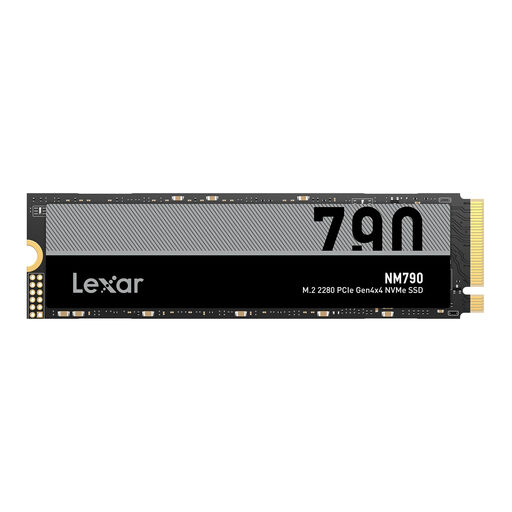
Why this product suits this profile: The 4TB capacity is ideal for users with large games libraries, 4K projects or extensive files. According to the product specifications, it can achieve read speeds of up to 7,400 MB/s and write speeds of up to 6,500 MB/s.
The generous capacity reduces the need for several smaller drives. A suitable heatsink is required for the PS5; the M.2 PCIe connection must also be compatible.
4TB of storage, PCIe 4.0 x4 and M.2 2280 for compatible PCs, laptops and PS5 expansions.
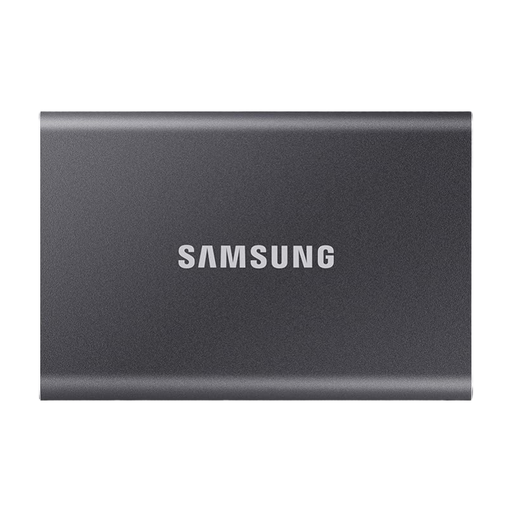
Why this product suits this profile: This external SSD requires no installation and connects via USB-C or USB-A. According to the product specifications, it can achieve read speeds of up to 1,050 MB/s and write speeds of up to 1,000 MB/s.
The supplied cables reduce connection issues. However, a compatible USB 3.2 Gen 2 port is still required to achieve the advertised speed.
2TB capacity, compact design, hardware encryption and cables for USB-C and USB-A.
We have put together a complete, regularly updated list of products that fully meet these strict selection criteria and the safety regulations applicable in the EU.
A compatible M.2 NVMe SSD is required for internal expansion. In addition to capacity and read speed, a suitable heatsink is important. Before ordering, the console’s dimensions and requirements should be compared with the product specifications. An external SSD can store games, but it cannot always replace an internal expansion drive for PS5 titles that you want to play directly from it.
Service life depends on the storage technology, volume of writes, temperature and usage. Manufacturers provide TBW figures and warranty periods, among other details. Regular backups remain important, as an SSD can fail even though it has no moving parts. Good ventilation and sufficient free storage are beneficial for ongoing operation.
A portable SSD is usually powered via USB and does not require its own mains adapter. Actual power consumption depends on the interface, activity and connected device. On laptops, fast data transfers may use more battery power than briefly accessing small files.