
Lieferung heute & morgen

Qualitätsgarantie

Willkommens-Angebote freischalten: KOSTENLOSE Lieferung | Bis zu 80 % RABATT | Kostenlose 30-Tage-JoyPlus-Testphase
App herunterladen
Anyone looking to buy an SSD will find internal NVMe drives, SATA models and portable external SSDs with widely varying performance specifications. However, high MB/s figures alone do not determine whether a drive is suitable for a PC, laptop, PlayStation 5 or smartphone. The most important buying decisions concern interface, form factor, storage capacity and heat generation.
Manufacturers usually quote sequential maximum speeds under ideal conditions. When starting programmes or games, access times, random read and write operations, and the specific system configuration also play a role. A PCIe 5.0 SSD can also only operate at the available generation when installed on a PCIe 4.0 motherboard.
The term M.2 SSD initially describes only the compact form factor. Depending on the model, M.2 drives may use SATA or PCIe connectivity. Before buying, check the computer or laptop manual for the slot, protocol and supported PCIe generation.
Fast NVMe models can become warm during extended file transfers, video exports or lengthy gaming sessions. If there is no suitable heatsink or airflow inside the case is poor, the speed may temporarily drop. The PS5 also has specific requirements regarding the height and cooling of the M.2 drive.
For new desktop PCs and many laptops, an internal SSD in the M.2 2280 format with the NVMe protocol is a popular choice. The PCIe 4.0 x4 or PCIe 5.0 x4 designation describes the connection. PCIe 4.0 already offers high transfer rates and is sufficient for many gaming and productivity applications. PCIe 5.0 is mainly worthwhile if the motherboard, processor and cooling system support this interface and you regularly process large volumes of data.
Older computers with a 2.5-inch drive bay generally require a SATA SSD. SATA 6 Gb/s is slower than NVMe, but can still be a suitable upgrade when replacing a hard drive. Also check whether a SATA data cable and power connection are available.
A drive should not be kept permanently full down to the last available gigabyte. The operating system and controller need free space for management processes. If you install lots of 4K video files or large games, choosing 2 TB or 4 TB is generally more predictable than working with a tightly budgeted 1 TB SSD.
Do not compare sequential figures alone. Also look out for:
With an external solution, the combination of drive, USB connection and cable must also be suitable. A portable SSD with USB 3.2 Gen 2x2 only reaches its advertised figures when the device it is connected to supports the same standard. It will generally continue to work with slower USB connections, but at reduced speed.
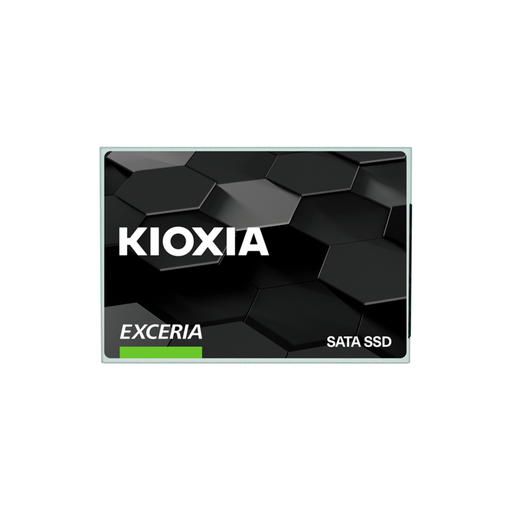
Why this product suits the profile: This 2.5-inch SATA drive is suitable for older desktop PCs and notebooks with a SATA connection. It offers 960 GB of capacity and does not require a modern M.2 NVMe platform.
The SATA interface makes compatibility easier to check. The stated speeds of up to 555 MB/s read and 540 MB/s write belong to the SATA class and should not be equated with NVMe figures.
2.5-inch form factor, SATA 6 Gb/s and 960 GB storage capacity; according to the product specifications, with 3D flash and management software.

Why this product suits the profile: This PCIe 4.0 NVMe drive is aimed at PC gamers, content creators and users who prefer an integrated cooling solution.
The integrated heatsink reduces reliance on a separately purchased M.2 cooler. Before installation, you should still check the slot, height and device compatibility.
PCIe 4.0 x4, M.2 2280, 2 TB and, according to the product specifications, up to 7,450 MB/s read and 6,900 MB/s write.
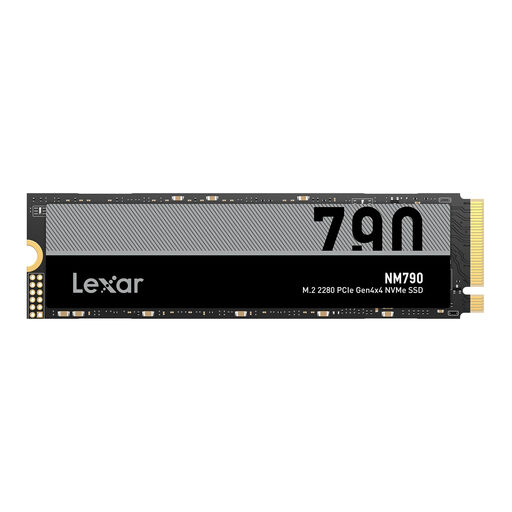
Why this product suits the profile: 4 TB is ideal for extensive games libraries, local video projects and professional files when you want to avoid frequently moving data to external storage.
The large capacity helps prevent storage from filling up too quickly with large projects. For the PS5, a compatible heatsink must be used and console compatibility must be checked.
4 TB, M.2 2280, PCIe Gen4x4 and, according to the product specifications, up to 7,400 MB/s read and 6,500 MB/s write.
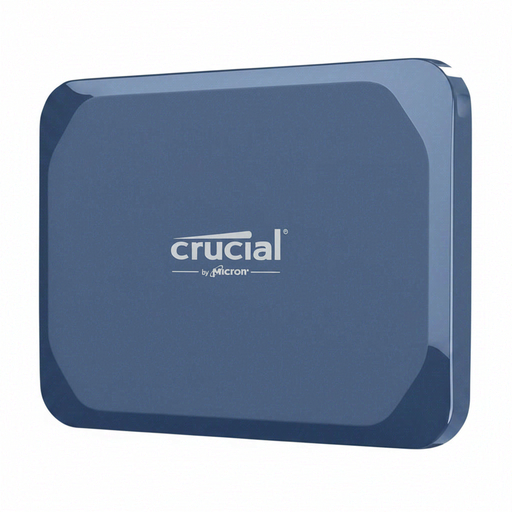
Why this product suits the profile: This external SSD is designed for mobile use with PC, Mac, Android, iPad and Linux, making it suitable for large video files and project folders.
The IP65 rating and drop resistance of up to 2 metres provide clearly defined protection parameters. For full USB performance, both the connection and cable must support USB-C 3.2 Gen 2x2.
1 TB, up to 2,100 MB/s read and 2,000 MB/s write, plus AES hardware encryption according to the product specifications.
We have put together a complete, regularly updated list of products that fully meet these strict selection criteria and the safety regulations applicable in the EU.
For a general-purpose system, a 1 TB SSD is often sufficient. If you store several large games, photos or videos, you should plan for a 2 TB SSD. For extensive video editing or large local archives, a 4 TB SSD may be the more suitable choice.
A PS5 requires a compatible internal M.2 NVMe drive. PCIe support, the correct height, sufficient read speed and a suitable heatsink are all essential. Before buying, compare the console's latest requirements with the drive's product specifications.
Service life depends on the volume of data written, temperature, power supply and usage. The stated TBW value serves as a technical comparison figure. Regardless, important data should be backed up regularly to a second storage medium.