What should you consider when buying?
Compact macOS laptop
A good fit if: the programmes and templates you need work with macOS, and you often write at small tables without access to a plug socket.
Bear in mind: manufacturers’ battery-life figures are based on specific activities and don’t guarantee how long you’ll be able to write.
Compact Windows laptop
A good fit if: your existing writing or software workflow requires Windows.
Bear in mind: check the exact configuration and what’s included, as specifications can vary across models in the same range.
A larger integrated workspace
A good fit if: you’d like to read your manuscript and sources side by side more often.
Bear in mind: a larger laptop needs more table space, so consider screen size and carrying weight together.
Start by comparing carrying weight and battery life for the way you work, then assess the keyboard and display on the device itself. The German Federal Institute for Occupational Safety and Health notes that total weight matters when you frequently move between locations; manufacturers’ battery-life figures, meanwhile, are based on specific activities.
| What matters |
What to check before buying |
Who it matters most to |
| Portability and working without a plug socket |
Weight of the laptop and charging accessories; battery-life figures for relevant activities. |
If I often move around and can’t count on having a plug socket, the total weight I carry matters. Around 27% of consumers put portability and working away from the mains first. |
| Typing comfort and space for sources |
Keyboard and touchpad; screen size and scaling in relation to the table space available. |
For long writing sessions with lots of sources open, I need comfortable input and a clear, easy-to-read display. Around 27% of consumers prioritise typing comfort and space for sources. |
| Compatibility with your workflow |
Operating system and programme versions; required templates and ports. |
If my thesis depends on specific programmes or templates, I want to be able to continue using my existing workflow reliably. Around 20% of consumers put compatibility with their writing and referencing workflow first. |
| Privacy and backups |
A separate, recoverable backup method; requirements for confidential access on public Wi-Fi. |
My manuscript files and keeping them secure when I’m out and about are my main concerns. Around 13% of consumers prioritise data security and protecting their thesis. |
| Total cost and what’s included |
Included power adapter and any adapters you need; cost of essential extras. |
If I need a complete setup that’s ready to use, I want to know in advance what other accessories I’ll need. Around 13% of consumers look first at the total cost and what’s included. |
Laptops at Joybuy
The models below are Windows laptops for writing and research. Compare screen size, specifications and the needs of your own workflow.
 No image available
HP ZBook 8 G1i 14 Ultra 9 285H, 64 GB RAM, 1 TB SSD
An option to consider if you’re looking for a 14-inch format that works well at a café table.
Specifications listed in the product title: Ultra 9 285H, 64 GB RAM and 1 TB SSD.
View at Joybuy
 No image available
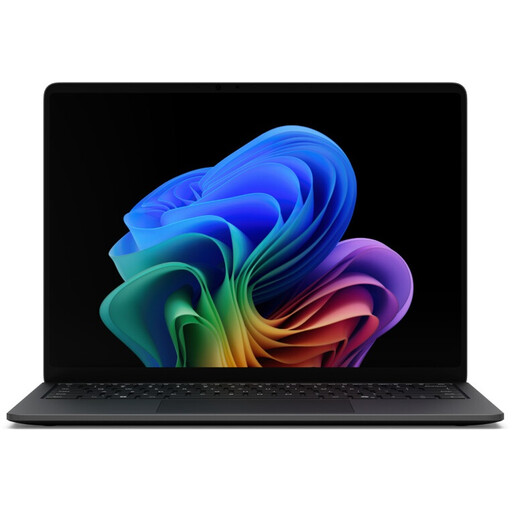
Microsoft Surface Laptop 8 Core Ultra 5, 16 GB RAM, 512 GB SSD, Black
A compact Windows option if you often work in different locations.
Specifications listed in the product title: Core Ultra 5, 16 GB RAM and 512 GB SSD.
View at Joybuy
 No image available
Microsoft Surface Laptop 8 Core Ultra 5, 24 GB RAM, 512 GB SSD, Platinum
A compact Windows option if you regularly work with your manuscript and sources.
Specifications listed in the product title: Core Ultra 5, 24 GB RAM and 512 GB SSD.
View at Joybuy
 No image available
YOGA 11.6-inch laptop with 360° touchscreen, Intel Pentium Gold 6500Y, 8 GB RAM, 256 GB SSD, Windows 11 Pro
An option to consider if a small screen is important for a café table with limited space.
Specifications listed in the product title: 11.6-inch screen, 360° touchscreen, Intel Pentium Gold 6500Y, 8 GB RAM, 256 GB SSD and Windows 11 Pro.
View at Joybuy
 No image available
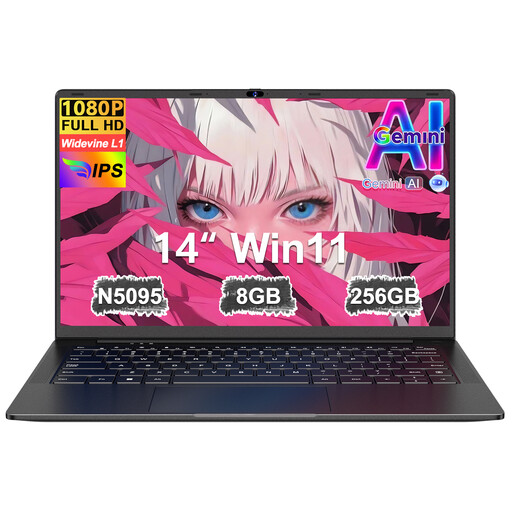
Ruzava 14-inch laptop, 8 GB RAM, 256 GB SSD, Intel N5095, FHD
An option to consider if you’re looking for a 14-inch display for reading and writing at a café table.
Specifications listed in the product title: 8 GB RAM, 256 GB SSD, Intel N5095 and FHD display.
View at Joybuy
Frequently asked questions
Do I have to choose Windows to use Zotero?
No. According to Heidelberg University Library, Zotero works on Windows, macOS and Linux. Also check that your other programmes and the specific thesis template you need will work with your chosen operating system.
How should I set up my laptop for writing in a café?
Before your session, check that your manuscript, the sources you need and the right version of your software are all available. The German Federal Institute for Occupational Safety and Health distinguishes cafés, which are less suitable for shorter periods of work, from better-equipped workspaces for longer writing sessions.
Is it enough to save my thesis only on my laptop?
No. Set up a backup that’s separate from your laptop. The German Federal Office for Information Security warns of the risk of data loss due to faults, theft or malware; also test whether you can restore files from your backup.
What should I bear in mind when using public café Wi-Fi?
Where possible, avoid accessing confidential data over a public Wi-Fi network. The German Federal Office for Information Security recommends using a VPN connection if access is unavoidable. You should also follow the guidance from your university or research institution.
What are my rights in Germany if I return a laptop or it develops a fault?
According to the German consumer advice centre, online consumer purchases generally come with a 14-day right to cancel, starting from the day you receive the goods. If a product is faulty, your statutory rights are against the seller, while a guarantee is voluntary. Check the terms of your specific purchase.


