Shops with small batteries
When there is little clear space left on the battery casing, short, readable codes and a suitable place to stick the label matter most. Sony warns that dirty battery contacts can affect charging.


For camera batteries in a small shop, narrow tape is only suitable if there is a suitable clear area and the contacts and important markings remain unobstructed. For short codes without an additional input device, consider a label maker with a keyboard; for repeat templates, models operated via an app or PC may be more practical. If no label will fit securely on the battery, label its box or compartment instead.
When there is little clear space left on the battery casing, short, readable codes and a suitable place to stick the label matter most. Sony warns that dirty battery contacts can affect charging.
For batteries in frequent use, clear, consistent identification is important. Manufacturer claims about durability are no substitute for testing the specific tape on your battery casing.
If there is no suitable place to stick a label on the battery, clearly visible labels on boxes or compartments can help identify where batteries are stored. COMPUTER BILD gives a label width of 20 to 50 mm for the Niimbot B1, which may be better suited to larger surfaces.
First, decide whether you need to label the battery itself or its storage place. You can then choose a label format and input method that suit the way you work.
A good fit if: you enter short codes directly on the device and the clear area on the battery is suitable for the tape. Brother Deutschland says the PT-H110 has a QWERTZ keyboard and supports TZe tapes from 3.5 to 12 mm wide.
Consider: narrow tape leaves less room for longer details, and you should check that the adhesive will work on the specific battery.
A good fit if: your team creates the same codes repeatedly and using a suitable mobile device or PC fits into your workflow. Brother lists Bluetooth and USB connectivity for the P-touch CUBE Plus, along with TZe tapes from 3.5 mm wide.
Consider: you will need an additional device to enter the text; wider tape does not give you more adhesive surface on the battery.
A good fit if: you need to label a larger storage surface rather than the battery itself. COMPUTER BILD gives a label width of 20 to 50 mm for the Niimbot B1 it tested.
Consider: even the narrowest size listed may be too large for a small battery. A test result for print speed does not prove that the printer is suitable for batteries or that labels will stick to them.
| Priority | What to check before buying | Who is this important to? |
|---|---|---|
| Fit and adhesive area | Measure the clear area on the specific battery and check the tape width and label length. Brother Deutschland lists TZe tapes from 3.5 to 12 mm for the PT-H110; COMPUTER BILD gives 20 to 50 mm for the Niimbot B1. | If I need to fit a short code into a small clear area without covering contacts or important markings, fit is my main priority. Around 36% of consumers put fit and the adhesive area first. |
| Readability with frequent use | Choose the tape material and contrast, then test how well it sticks to a suitable area on your battery. Brother describes laminated TZe tapes as resistant to smudging, weather and scratches. | If batteries are removed frequently, I want a code that remains readable in the intended conditions. Manufacturer claims about tape durability do not guarantee adhesion to every casing. Around 29% of consumers prioritise readability and material durability. |
| Team input | Decide whether codes will be entered individually on the device or created as repeat templates using a mobile device or PC. | If several team members create codes, the input method should suit the day-to-day workflow. Around 21% of consumers focus mainly on workflow and repeat codes. |
| Tapes and ongoing costs | Check that the device model, cassette family and required width match. Brother lists TZe tapes for the PT-H110; DYMO lists 12 mm LT tapes for the LetraTag 100H. | Before buying a replacement, I want to be sure the cassette is compatible with both the device and the width I need. Around 14% of consumers prioritise cassette compatibility and ongoing costs. |
The Niimbot B1 tested by COMPUTER BILD handles labels from 20 mm wide. That may be too wide for the clear area on a small battery.
Measure the specific battery first. A different label size may suit a box or compartment better than the battery itself.
Brother describes laminated TZe tapes as resistant to smudging and scratches. This information about the material does not prove that the tape will stick to every battery casing.
Check the guidance for the tape and casing, then test a label on a suitable area. If there is no suitable place to stick it, label the box instead.
Brother TZe and DYMO LT tapes belong to different cassette families. The same width does not mean they will work in the same device.
Before buying a replacement, check the device model, cassette family and required width.
The PT-H110 and P-touch CUBE Plus are among the options for short codes using narrow TZe tapes.
The LetraTag 100H is a portable label maker for short codes you can enter without an app.
The B1 is an app printer for wider roll labels, which may be better suited to boxes or compartments.
The compact P21 may be worth considering if its label format suits the intended area.
The D30 product family is one option to consider for small organisational and storage labels.
The following Joybuy models are designed for labels and organisational identification, including devices operated via an app or Bluetooth and roll labels. Check the specific format and available adhesive area before labelling a battery directly; if space is limited, the box may be a better surface.
 No image available
For repeat codes created via an app or Bluetooth, including labels for storage surfaces.
The product description mentions the Print Master app and an included label tape.
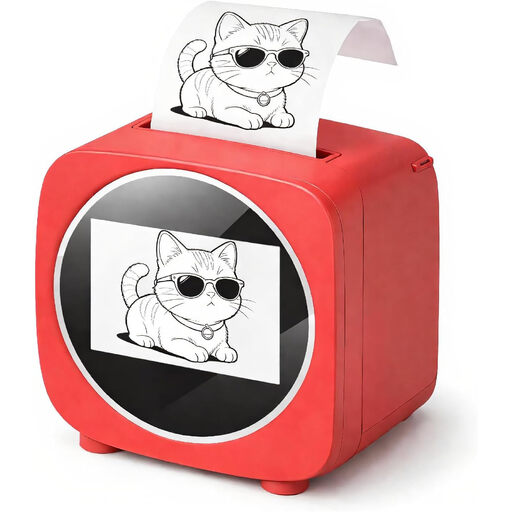 No image available
For labels and templates that, according to the description, are created using the Tiny Print app.
The product title mentions Bluetooth, Wi-Fi and a 2.4-inch colour display. The description says the printer uses rolls of thermal paper.
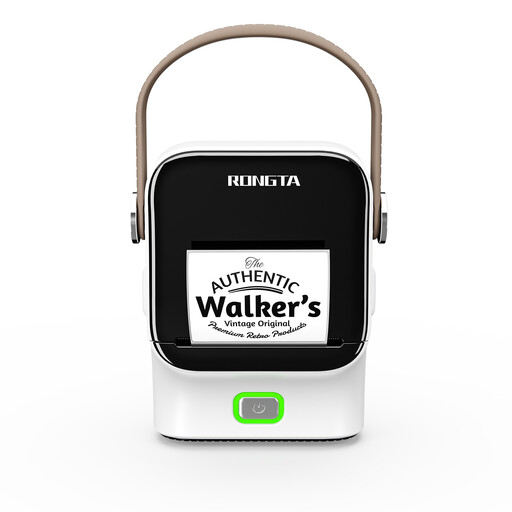 No image available
For app templates and labels on roll labels large enough for boxes or compartments, for example.
The description lists roll widths from 16 to 54 mm, Bluetooth and app templates. Check that the roll format suits the intended surface.
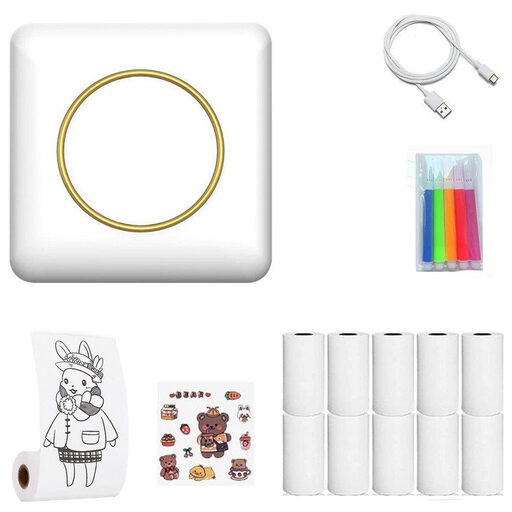 No image available
For printing short labels on the go via Bluetooth.
The description says to use compatible thermal paper and to keep the device dry and away from high temperatures.
 No image available
For printing on the go and creating short organisational labels.
The description mentions Bluetooth and a 1200 mAh battery; labels are listed as one possible type of printout.
No, the contacts must remain uncovered. Sony warns that dirty contacts can affect charging and recommends avoiding contact with metal during storage or transport. Also check the instructions for your specific battery. If there is no suitable clear area on the casing, label the box instead.
Check the guidance for the specific tape and casing, and test a label on a suitable area. Brother’s claim that laminated TZe tapes resist smudging and scratches describes the material, not how well they will stick to every battery. You could label the storage box instead.
Check that the cassette family and required width match the device model. According to Brother, the Brother PT-H110 uses TZe tapes; DYMO specifies 12 mm LT tapes for the DYMO LetraTag 100H. Also check what is included and the price of compatible refills.
No. An internal stock code should not be treated as a replacement for required product information. In Germany, the BattDG applies to the battery trade alongside the EU Batteries Regulation; the Federal Environment Agency highlights, in particular, retailers’ obligations to provide information about return options. Any other obligations that apply to your specific role in the supply chain and the battery should be considered separately from your choice of label printer.