Miniature painters creating detail tutorials
When brush tips, layers of paint and small areas of a model take centre stage, the right close-up framing is essential. Make sure you also leave room for your hand and lighting.


Choose a camera based on the framing you want and the space available above your painting desk. For very fine details, an interchangeable-lens camera with a suitable lens may be a good option, while an adjustable USB camera is designed for a computer-connected overhead view. A camera with a fixed lens saves you from changing lenses, provided its close-up framing suits your miniatures. Test the framing, focus and lighting with your miniature and moving hand in the spot where you plan to film – a high video resolution alone won’t guarantee clearly visible brushstrokes.
When brush tips, layers of paint and small areas of a model take centre stage, the right close-up framing is essential. Make sure you also leave room for your hand and lighting.
An adjustable overhead view can help keep your work area in frame without getting in the way of your brush. Check that the mount suits your desk edge and the space available.
If you want to stream your workbench view through a computer, check that the USB connection and the camera model are compatible with your chosen recording or streaming app.
Set up the camera with a real miniature and your usual hand movements. This will show you whether the framing, focus, mounting and lighting work for your painting desk.
| What matters | What to check before buying | Who it matters most to |
|---|---|---|
| Colour and brush details | Frame your miniature and brush from the intended distance; check the focus and framing with the specific lens. Sony Germany gives the SEL30M35 a maximum magnification of 1:1. | If I want to show small areas of colour and brush tips clearly, I need suitable close-up framing. Around 36% of consumers prioritise visible detail. |
| A clear, stable overhead view | Try out your hand movements and camera position at your painting desk; check the type of mount and what’s included with the version you’ve chosen. | If I need a clear view and room to move while painting, the camera shouldn’t block the subject or my brush movements. Around 29% of consumers prioritise a clear overhead view. |
| Live view on a computer | Check that the USB connection and the specific model work with your chosen recording or streaming app; test the live view with a miniature and your hand in shot. | If I want to stream live from my painting desk, connecting the camera to my computer is essential. Around 21% of consumers prioritise a computer-connected live view. |
| Longer recordings without a computer | Check the power supply and storage format for the specific model; before a longer session, test a recording using your intended settings. | If I want to record longer painting sessions without a computer running, my recording plans need to suit the power supply and storage. Around 14% of consumers pay particular attention to longer recordings without a computer. |
Resolution alone doesn’t tell you how large the miniature will appear in the frame, whether it will stay in focus at your chosen distance or whether your hand will block the view of the brush.
First, check the framing and your hand movements at your actual painting desk. With an interchangeable-lens camera, assess the specific lens separately from the camera body.
Depending on the framing you want, you may also need a suitable lens or a different camera setup.
At its closest focus setting, the distance between the front of the lens and the subject is 2.4 cm for the SEL30M35, according to Sony Germany. There may be little room for your hand and lighting at this distance.
Don’t just compare magnification. Check how much working space you’ll have with the framing you want.
Logitech lists a desk base and clamp for Reach as accessories. Check which mounting option is included with the version you’ve chosen and whether it suits your desk.
Before buying, also check how you’ll connect the camera to the computer you plan to use for the live view.
The ZV-E10 II is an E-mount interchangeable-lens camera, so you can choose a lens to suit the framing you want.
The EOS R50 V is an RF interchangeable-lens camera for video, while the PowerShot V1 has a fixed lens.
Reach is an adjustable USB camera designed to show your work from above on a computer.
Facecam models are USB options for recording video on a computer; check the focus specifications for the specific model.
The V4K is a USB document camera for an overhead view of your work area.
The compact clip-on and mini action cameras below are listed for video recording. Check at your painting desk whether the framing, mounting and controls work for your miniature, hand movements and lighting.
 No image available
If you’re looking for a compact camera with an adjustable lens, check the framing directly at your painting desk.
4K video; 140° wide-angle lens; 1.54-inch display; LED light; 1200 mAh battery.
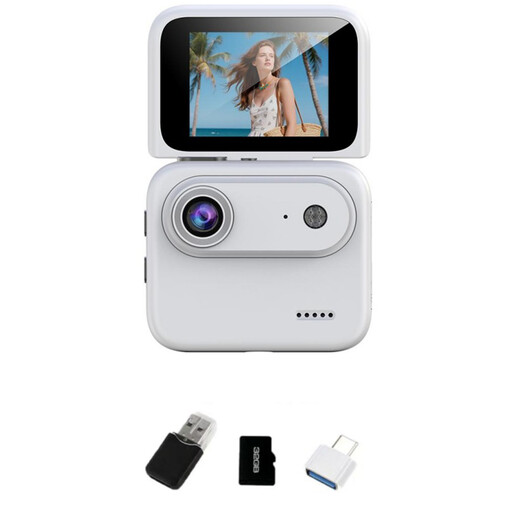 No image available
If you want to check the framing while recording, make sure you can see the flip-up display clearly from where you’ll be sitting.
4K; 32 GB TF card storage; 2-inch flip-up display; 143° wide-angle lens; built-in image stabilisation.
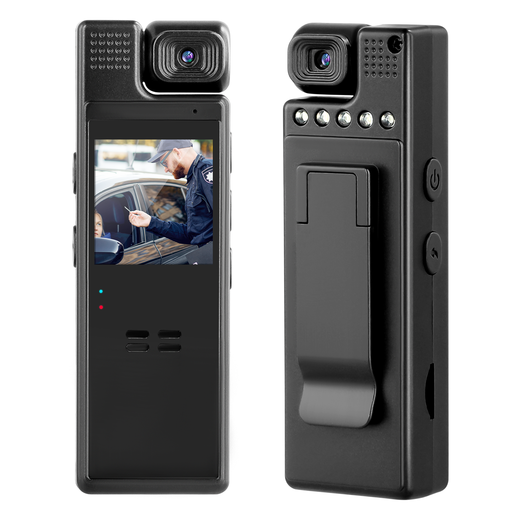 No image available
If you want to change the camera angle at your painting desk, check whether you can position the lens as needed for your setup.
1080p video; manually rotatable 180° lens; rear clip.
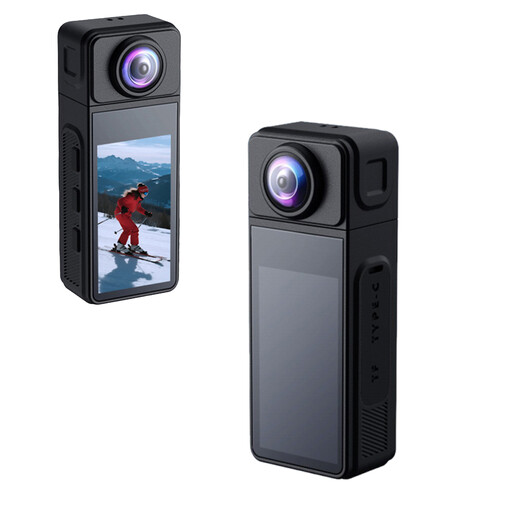 No image available
If you want to adjust the viewing angle, check how the rotating lens can be positioned in your particular setup.
2K video; 270° rotating wide-angle lens; magnetic housing; electronic image stabilisation. A microSD card isn’t included, according to the product description.
No, resolution alone isn’t enough. Check how large the miniature appears in the framing you plan to use, and whether the subject and your hand stay in focus at the intended distance. A practical guide by Tangible Day also highlights camera and lighting position; it isn’t a comparison test of the models mentioned here.
Set up the camera and lighting with a real miniature, then try your usual brush movements. Check the framing and shadows. If you’re recording without a computer, also test the power supply and storage for the session you have planned.
It depends on the lens and the setting you choose. At its closest focus setting, the distance between the front of the Sony SEL30M35 lens and the subject is 2.4 cm, according to Sony Germany. So check at your painting desk whether there’s enough room for your hand and lighting with the framing you want.
Under § 22 KunstUrhG, consent is generally required if images of other people are to be distributed or shown publicly. § 23 sets out exceptions, which depend on the circumstances of each case; the Federal Ministry of Justice and the Federal Office of Justice list these provisions in the text of the law. This doesn’t mean that a video showing only your miniature automatically requires permission.