If you can’t reliably judge small crochet stitches on your camera display from where you’re working, a separately positioned monitor with focus-assist tools can make it easier to check the preview. Viewing distance, available space and a compatible HDMI signal are key. If you can see the framing and focus clearly on your camera display, that may be enough. You only need a recording function if you also want to record externally, as well as on your camera.
Who can benefit from a camera monitor?
If you film crochet stitches up close
If you want to check small stitches, a more visible preview and focus-assist tools can help you judge whether the focus is spot on. Fotonomaden reports that an additional 6-inch monitor made it easier to assess focus in macro shots; this was not a test with crochet videos.
If you film alone at your crochet table
If you crochet and film at the same time, position the screen so it doesn’t get in the way of your hands or your work. The screen size, mount and cable routing all need to suit the space available.
If you want to keep using an HDMI camera
If you’re adding a monitor to your existing set-up, the camera output, recording mode, monitor input and power supply all need to be compatible. Depending on your camera settings, the image may or may not appear on the camera display at the same time.
What should you look for when buying?
When filming at your crochet table, the main things to consider are checking fine details, finding a monitor that works with your camera signal, keeping your set-up unobtrusive and ensuring the screen is easy to see in changing light.
| What to look for |
What to check |
Who should pay particular attention? |
| Focus on small stitches |
Check the panel resolution and HDMI input format separately; consider peaking or image magnification, as well as your viewing distance. |
If I want to check fine stitches in the image, I need a preview that makes it easy to judge the focus. Around 29% of consumers put checking focus first. |
| Camera connection and signal |
Check that the camera’s HDMI port, cable connector, resolution and frame rate in your planned recording mode are compatible with the monitor input. |
If I want to connect my existing camera, its live image in the recording mode I plan to use needs to be compatible with the monitor. Around 29% of consumers prioritise signal and connection compatibility. |
| Space and mounting |
Plan the screen position, mount and cable routing around your actual workspace; check what’s included with the specific version. |
If I’m filming at my crochet table, the screen should be easy to see without getting in the way of my hands or my work. Around 24% of consumers prioritise a set-up that fits their table well. |
| Lighting and exposure |
Check how easy the screen is to read in your intended location and whether the model has the tools you need, such as a histogram, zebra or false colour. |
If the light in my workspace changes, I want to be able to check the preview and exposure. Around 18% of consumers prioritise control over lighting and exposure. |
Common misconceptions
-
‘4K input’ doesn’t automatically mean a 4K panel
According to the manufacturer, the Portkeys PT5 II can display 1920 × 1080 pixels on its panel, even though the device accepts a 4K UHD signal up to 30p. Input format and native panel resolution are two different specifications.
Compare the two figures separately, and check the frame rate of the HDMI signal too.
-
HDMI alone doesn’t guarantee camera control
For the camera control described for the Atomos Shinobi II, Atomos specifies an additional USB connection and compatible camera settings, as well as HDMI.
Only rely on camera control if it’s supported by your camera model and the connection method you plan to use.
Depending on the control function you want, you may need an additional compatible cable.
-
A battery and power adapter aren’t included with every version
The NEEWER F700 is available with different battery bundles; according to the manufacturer, the Atomos Shinobi II doesn’t have a built-in battery.
Before buying, check the power options and what’s included with the version you’ve chosen for your stationary set-up.
-
A preview monitor doesn’t automatically record
SD card recording is a feature of this specific model, the Blackmagic Video Assist 5" 3G; it isn’t something you get simply by using an HDMI preview.
Choose a recorder only if you also want to record externally, and check that the supported format is compatible with your camera.
External recording may require a suitable storage device.
Relevant brands and models to consider
Portkeys
The PT5 II is a compact example of an HDMI monitor that can be positioned close to your crochet table.
- Portkeys lists a 5-inch screen, peaking and a histogram for this model. The panel has a resolution of 1920 × 1080 pixels, and it supports input signals up to 4K UHD/30p.
- Your camera’s HDMI output and your viewing distance are still key considerations.
FEELWORLD
The FW568 PRO is a 6-inch option that sits between more compact 5-inch monitors and larger 7-inch models.
- FEELWORLD lists a Full HD panel, HDMI transmission up to 4K/60 Hz and 1,200 Nit.
- These are manufacturer specifications, not measurements taken at a crochet table; check the features of the specific version on offer.
NEEWER
The F700 is a 7-inch monitor for a preview screen positioned further away, with HDMI input and output.
- NEEWER lists a resolution of 1920 × 1080 pixels, brightness of up to 2,000 Nit, peaking and exposure tools.
- Its larger design needs a suitable spot. According to the manufacturer, versions are available without a battery, with one NP-F750 battery or with two.
Atomos
The Shinobi II combines compact preview tools with an option to control supported cameras.
- Atomos lists a 5.2-inch screen, focus magnification, peaking and power via NP-F or USB-C PD.
- According to Atomos, this model doesn’t have a built-in battery. Camera control requires a compatible camera and the additional connection designed for that purpose.
Blackmagic Design
The Video Assist 5" 3G is a different type of device for anyone who specifically wants to record externally as well as preview their footage.
- Blackmagic Design lists HDMI, focus-assist tools and SD card recording up to 1080p60 for this model.
- Its format limit and additional recording workflow set it apart from a monitor designed purely for previewing.
Joybuy monitors for previewing at your crochet table
This selection features larger HDMI monitors that can be positioned separately to preview footage at your crochet table. Before buying, check that your camera outputs a compatible signal and that the monitor has the input you need.
 No image available
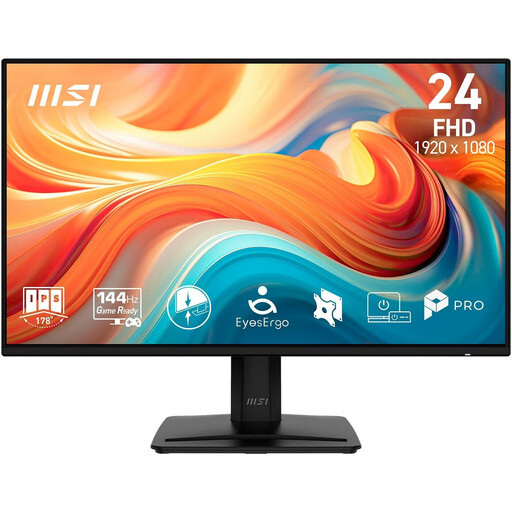
MSI PRO MP242DE E14A, 23.8-inch Full HD IPS monitor
A good option for a separately positioned preview if you have room for a 23.8-inch monitor at your crochet table and your camera outputs a compatible HDMI signal.
Full HD, IPS panel and HDMI; also has DisplayPort and VGA.
View at Joybuy
 No image available
KOORUI MB24V29FS4, 24-inch FHD IPS monitor
A separate preview option if you have room for a 24-inch model at your crochet table and your camera signal is compatible with the HDMI input.
FHD IPS panel, HDMI and VGA; VESA 100×100 mounting specification and a tilt-adjustable stand.
View at Joybuy
 No image available
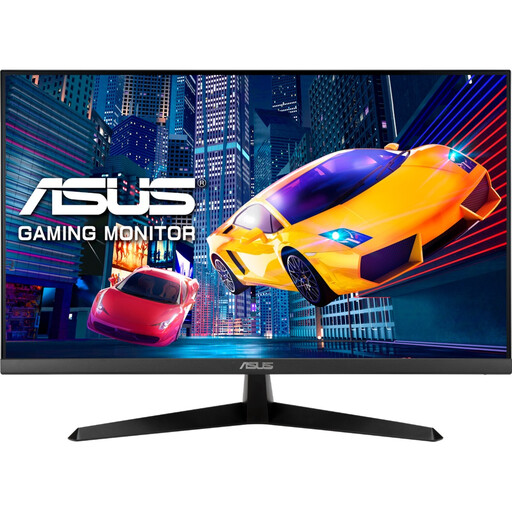
ASUS Eye Care VY279HGR, 27-inch Full HD monitor
Could work as a separately positioned preview if you have room for its larger design at your crochet table and your camera’s HDMI output is compatible.
27 inches, Full HD, IPS panel and HDMI; also has a D-Sub connection and VESA 100×100 mounting specification.
View at Joybuy
 No image available
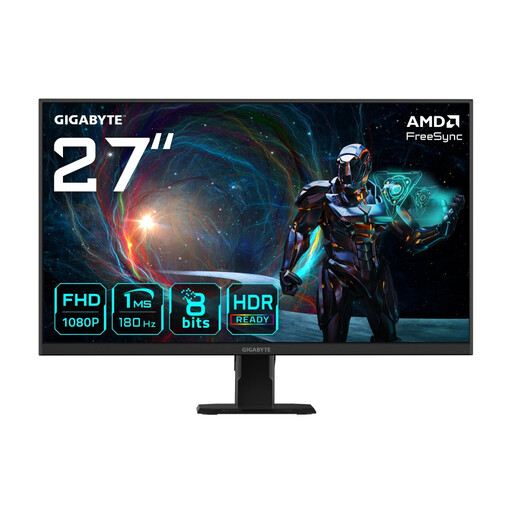
GIGABYTE GS27FA, 27-inch Full HD monitor
This 27-inch option will work as a separate preview at your workspace only if you have enough room and the camera signal is compatible with the HDMI input.
Full HD, IPS panel and HDMI 2.0.
View at Joybuy
 No image available
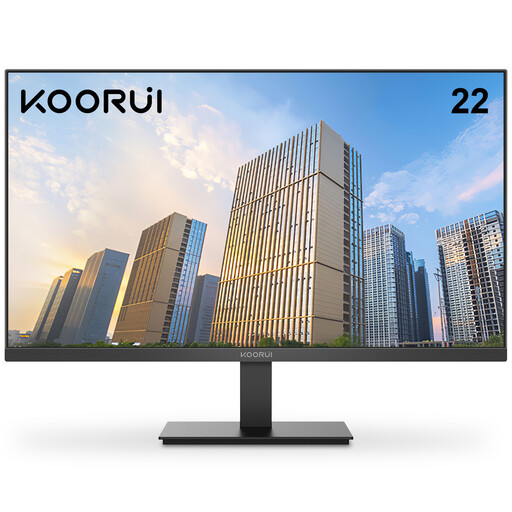
KOORUI E2212F, 22-inch FHD monitor
The smaller design of these preview options could suit you if you want a separate monitor but have less room at your crochet table than the larger models need.
22 inches, FHD resolution and HDMI connection; also has a D-Sub connection.
View at Joybuy
Frequently asked questions
Does my camera monitor need to have the same resolution as my recording?
No. Input format and native panel resolution are separate specifications. For example, according to the manufacturer, the Portkeys PT5 II accepts 4K UHD up to 30p but displays the image on a panel with a resolution of 1920 × 1080 pixels. Make sure the frame rate matches the actual output signal from your camera too.
Why does the image suddenly disappear from my camera display while I’m recording?
On some cameras, this can depend on the HDMI display, video format and recording settings. Sony documents different displays on the camera and external screen for the models listed. Check the manual for your specific model and test the recording mode you plan to use.
How should I plan the power supply for longer crochet videos?
Check the power options for the exact monitor model and what’s included with the version you’ve chosen. According to Atomos, the Shinobi II doesn’t have a built-in battery and can be powered via NP-F or USB-C PD; the F700 is available in versions with different battery bundles. Route the cables so they don’t get in the way of your work.


