For repair filming at a small desk, a compact HDMI preview monitor is a good choice if your camera outputs a suitable live image in the recording mode you want to use and you mainly need to check framing and focus. Before you buy, check the camera output, monitor input and positioning together; HDMI display behaviour can vary by camera model and settings. You only need a monitor-recorder if you also want to record externally.
Who can benefit from a camera monitor?
Filming small repair details
If screws, contacts or tool tips need to be visible in shot, a preview you can see clearly from your workstation and focus-assist tools can help. Portkeys lists peaking for the PT5 II, while FotoNomaden describes an external monitor as a useful aid for judging focus.
Filming with an HDMI camera
If you want to connect a monitor to your existing camera, check the HDMI output in the recording mode you’ll actually use. Sony Germany notes that available formats and the display behaviour when an HDMI device is connected can vary by camera model.
Filming at a cramped workbench
If you need to keep your hands free while making repairs, the screen, mount, cable routing and power supply all need to suit your work surface. Atomos specifies USB-PD power for the Shinobi II; the right mounting and cable routing will depend on your setup.
What should you look for when buying?
Compact HDMI preview monitor
A good fit if: Your camera records footage itself and you want to check framing and focus at your repair workstation.
Trade-off: There’s no additional recording function, and the HDMI signal, viewing angle and mounting still need to suit your setup.
Monitor-recorder
A good fit if: You specifically need to make a separate external recording as well as preview the image.
Trade-off: The recording format, camera signal and storage media need to be compatible with the exact device version. Blackmagic Design describes Video Assist as recording to SD cards.
| Buying criterion |
What to check |
Who it matters most to |
| HDMI live image |
Check that the supported input formats match the camera output and video mode, then test your recording workflow. |
If you want to make sure your camera outputs the live image you need while filming repairs, check the connection first; around 36% of consumers put HDMI compatibility first. |
| Focusing on small parts |
Check peaking and, where available, image magnification on the specific model; review a test recording from the position you plan to use. |
If you need small components in focus rather than your hands or tools, being able to assess detail is important; around 29% of consumers prioritise focus control. |
| Clear work surface |
Check the dimensions, mounting, line of sight, cable routing, power connection and contents of the box together. |
If you work at a cramped desk, the screen and cables shouldn’t get in the way of your hands or tools; around 21% of consumers prioritise a clear, practical setup. |
| Exposure preview |
Check the histogram, waveform or false colour, as well as how easy the display is to read under your actual desk lighting. |
If you need to assess bright work lights and dark camera components in the same shot, exposure analysis tools may be useful; around 14% of consumers prioritise exposure preview. |
Peaking and exposure displays are preview aids, not a guarantee that your recorded video will be in focus or correctly exposed. The manufacturer’s maximum display brightness alone doesn’t prove that a monitor will perform better under controlled desk lighting.
Common buying misconceptions
-
‘4K HDMI’ doesn’t automatically mean a 4K display
A monitor may accept a particular 4K signal and still have a panel with a different native resolution. Portkeys lists a 1920×1080 panel for the PT5 II and support for certain 4K signals.
Check supported input signals separately from the panel’s native resolution.
-
An HDMI port doesn’t guarantee a picture during every recording
With some cameras and settings, the HDMI display may behave differently during internal recording. Sony Germany notes that formats and display behaviour vary by model.
Test the complete workflow with your camera, using the recording format you plan to use for your repair footage.
-
Don’t assume a battery, mount or suitable cable is included
Power connections and what’s in the box vary by model and product listing. Unsuitable cable routing or a missing mount can make it harder to set up at a small desk.
Check what’s included with the specific variant against the connections on your camera and monitor, as well as your planned mounting arrangement.
-
Don’t choose a monitor-recorder without checking if you need one just to preview the image
A preview monitor and a device with built-in recording serve different purposes. You don’t need an additional recording function if your camera records footage itself and you only want to check the image.
First decide whether the camera should record the footage itself or whether you need a separate file. If recording externally, also check the format and storage media.
Key brands at a glance
Portkeys
The PT5 II is a compact HDMI preview monitor for setups where space is limited.
- Portkeys lists a 5-inch, 1920×1080 panel for this model, along with peaking and waveform. Its stated maximum brightness is 500 nit.
- Support for certain 4K UHD signals up to 30p doesn’t mean it has a 4K panel. The operating system version varies by variant, according to the manufacturer.
FEELWORLD
The F5 PROX combines a 5.5-inch preview monitor with focus and exposure displays.
- FEELWORLD lists peaking, waveform, histogram and false colour, as well as a maximum brightness of 1600 nit.
- Accessories are offered as selectable variants, so check the battery, cable and power supply for the specific listing.
Atomos
The Shinobi II is a compact preview monitor. The Shinobi range is distinct from devices designed for external recording.
- Atomos lists a 5-inch, 1920×1080 panel, 1500 cd/m², an HDMI input and USB-PD power for the Shinobi II.
- Touch focus and camera control require a supported camera. Check compatibility with your specific camera model.
NEEWER
The F500 PRO is a 5.5-inch alternative with several documented power options.
- For the product variant described, NEEWER lists 1920×1080 resolution, peaking, exposure displays and NP-F, DC and USB-C power options. The listing says an NP-F750 battery is included.
- The manufacturer’s 2000 nit brightness rating doesn’t, on its own, demonstrate an extra benefit under controlled desk lighting.
Blackmagic Design
Video Assist is a range of monitor-recorders for situations where you need to record externally as well as preview the image.
- Blackmagic Design describes built-in recording to SD cards and models with 5- or 7-inch displays.
- Supported signal and recording formats depend on the exact Video Assist version. The additional recording function isn’t needed if you only want to check the image.
Portable monitors on Joybuy
The portable monitors below may work as desk displays if their inputs match your camera’s output. Also check that the stand or mounting arrangement leaves your repair area clear.
 No image available
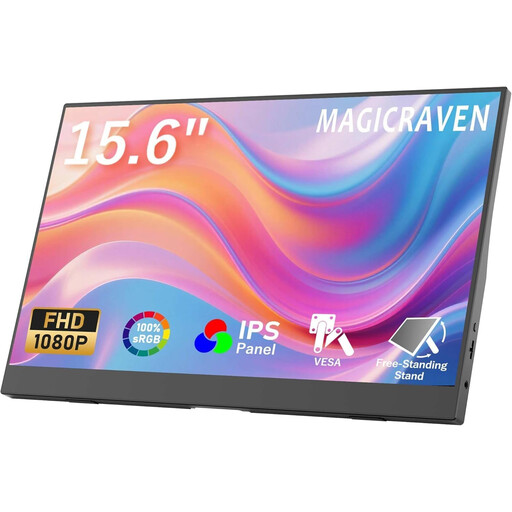
Portable 15.6-inch FHD monitor with two stands
It can provide a larger preview if you can position the screen comfortably on your desk and your camera outputs a suitable signal.
15.6 inches, FHD with 1920 × 1080 pixels, 60 Hz, IPS display and built-in speakers. Two stands are mentioned in the product title.
View on Joybuy
 No image available
Blackview SCM5, portable 14-inch FHD IPS monitor
The 14-inch format may suit a more compact setup. Check first that the inputs and signal are compatible with your camera.
FHD IPS display, 18.2 mm thin, adjustable stand and 1.5 W speaker. Described as compatible with 13- to 17.3-inch laptops.
View on Joybuy
 No image available
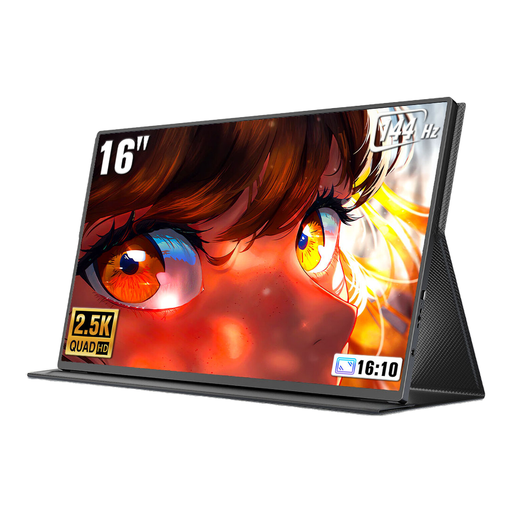
UPERFECT 16-inch QLED monitor, 2K, 144 Hz
If you want a larger image to check small details, first check how you’ll position the screen and whether it’s compatible with your camera output.
16 inches, 2560 × 1600 pixels, 16:10, 144 Hz, QLED, 450 nit, plus Mini-HDMI and USB-C according to the product title. VESA-compatible.
View on Joybuy
 No image available
ARZOPA A1, portable 15.6-inch FHD IPS monitor
The stand may make it easier to set up on your desk, as long as the screen doesn’t block your repair area and supports your camera’s output.
15.6 inches, 1920 × 1080 pixels, FHD IPS display, stand, and HDMI and USB-C connections according to the product title.
View on Joybuy
 No image available
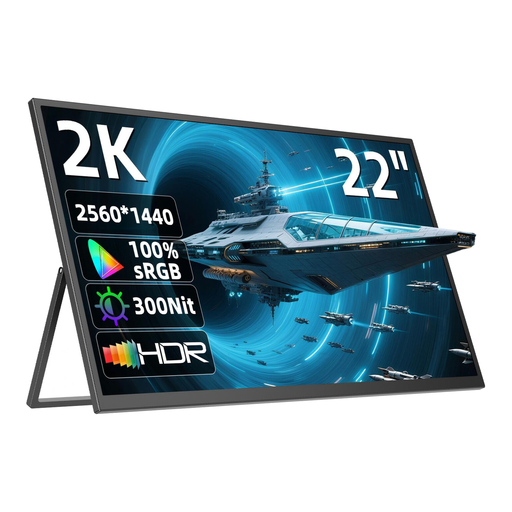
UPERFECT 22-inch QHD monitor with adjustable stand
The larger format may take up more desk space, so check that the viewing angle and available space suit your repair setup before buying.
22 inches, 2560 × 1440 pixels, QHD IPS display, stand adjustable by 180°, USB-C and Mini-HDMI according to the title and description. VESA-compatible.
View on Joybuy
Frequently asked questions
Does the camera screen have to stay on while filming?
Not necessarily. According to Sony Germany, the HDMI display on certain cameras depends on the recording format and settings. Check your camera’s manual and test the video mode you plan to use for your repair footage.
Do I need a monitor-recorder for previewing?
No, not if your camera records footage itself as intended and you just want to see the image on an additional screen. For a separate recording, the signal format and storage media must be compatible with the exact device version.
What should I check before a longer repair recording?
Set up the screen away from your work area, then test the viewing angle, mount, HDMI cable routing and power supply together. Portkeys and NEEWER list different connection and battery options; what matters is what’s included with the specific variant.


