Key brands at a glance
The product ranges listed here show different approaches to monitoring an image at your workbench; these examples do not indicate that any specific model is available.
Portkeys
The PT6 is a compact example from the manufacturer for monitoring HDMI images indoors.
- Portkeys lists a 5.2-inch panel with 1920 × 1080 pixels, as well as peaking and waveform.
- A 4K input doesn’t make the panel a 4K display. Check that your camera outputs the signal you need.
NEEWER
The F700 is an example of a larger display with exposure tools.
- NEEWER lists a 7-inch panel, along with false colour and a histogram.
- The quoted maximum brightness alone doesn’t prove an advantage for indoor filming. Make sure the power source and accessories match the product variant.
Atomos
The Shinobi II combines a compact preview with camera control that depends on the camera model.
- Atomos lists a 5.2-inch panel, peaking, waveform and USB-C camera control.
- To control the camera, you’ll need a supported model and a control connection in addition to the HDMI video signal. There’s no built-in battery.
FEELWORLD
The F6 PLUS is a manufacturer example of a compact HDMI monitor with a tilt mount and a choice of power options.
- FEELWORLD lists a 1920 × 1080-pixel panel, support for 4K HDMI inputs and a battery plate for certain battery formats.
- A 4K input doesn’t mean native 4K display. Check the exact model and variant before buying.
Blackmagic Design
The Video Assist range is worth considering if you want to record externally as well as monitor the image.
- According to Blackmagic Design, the Video Assist 5" 12G HDR records to an SD card or USB-C storage and supports Ultra HD HDMI formats up to 2160p60.
- These specifications apply to the 12G HDR version listed, not every Video Assist model. Check the signal and storage medium separately.
Monitors for a fixed preview setup
The Joybuy products below are standard monitors for a larger preview at your workbench, not monitors specifically designed for use on camera. Before using one, check that your camera outputs a suitable signal in the recording mode you plan to use and that the monitor’s input can accept it.
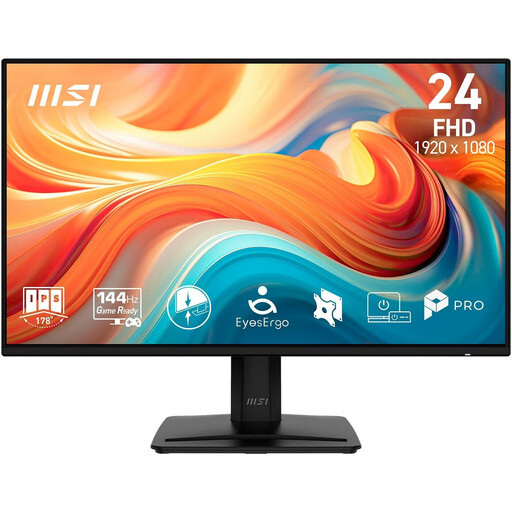 Image unavailable
MSI PRO MP242DE E14A, 23.8-inch Full HD IPS monitor
Consider it for a fixed preview at your workbench; check that your camera output and recording format match the input you plan to use.
23.8 inches; Full HD; IPS; HDMI, DisplayPort and VGA.
View at Joybuy
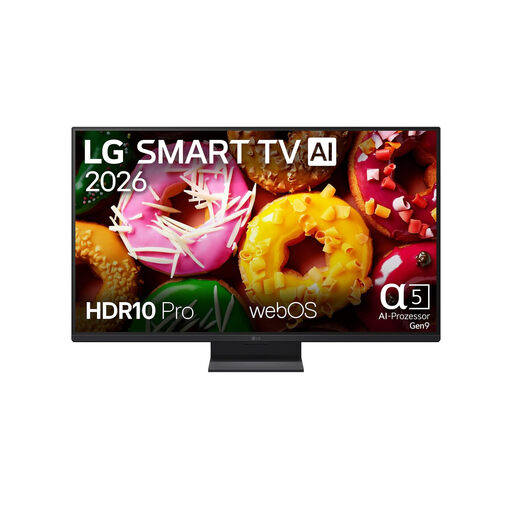 Image unavailable
LG 27LB70006LA, 27-inch Full HD smart monitor TV
If you want a larger fixed preview at your workbench, check in advance that your camera’s signal path is compatible with this specific device.
27 inches; Full HD; smart monitor TV.
View at Joybuy
 Image unavailable
acer Vero B248YGbemiqprcuzx, 24-inch business monitor
Consider it as a screen for a fixed preview; before buying, check that your camera output matches an input suitable for your recording mode.
24 inches; business monitor.
View at Joybuy
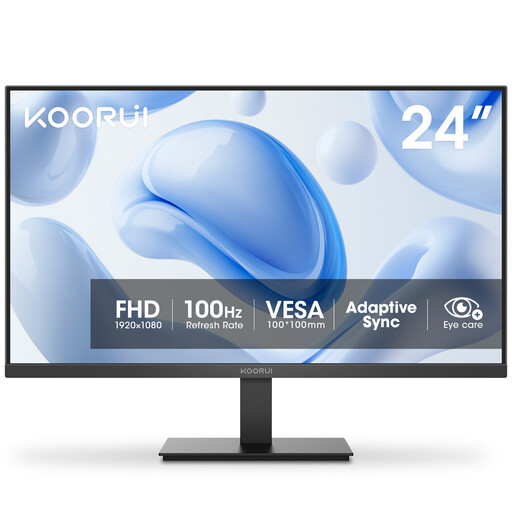 Image unavailable
KOORUI E2412F, 23.8-inch VA monitor with 100 Hz
Consider it for a clearly visible fixed display at your workbench; check that the camera signal matches the inputs and settings of this specific monitor.
23.8 inches; VA; 100 Hz; VGA and HDMI.
View at Joybuy
Frequently asked questions
Is an HDMI connection on my camera enough?
No. Also check the output format and whether a live image appears in the recording mode you want to use. Sony Germany documents that proxy, format and HDMI info settings can affect the display on certain models; you can’t assume the same applies to other cameras.
Can a camera monitor record automatically?
No. A monitor and a monitor-recorder have different functions. Atomos describes the Shinobi II as using an SD card for updates and LUTs; Blackmagic Design lists recording to an SD card or USB-C storage for the Video Assist 5" 12G HDR.
What should I plan for setup and longer use?
Position the screen so you can see it while you work, without the mount or cables getting in the way. Check that the power source and included accessories match the specific version; according to Atomos, the Shinobi II has no built-in battery. Follow the instructions for care and cleaning supplied with the model you actually buy.
What rights apply when buying online in Germany?
For consumer purchases within the EU, European Union consumer information states that there is a legal guarantee of at least two years from receipt of the goods; this is separate from a voluntary manufacturer’s warranty. For ordinary online distance purchases, there is generally a 14-day cooling-off period; the terms of the specific purchase and the applicable exceptions determine what applies.
Is the CE mark an independent quality award for the monitor?
No, it isn’t an independent quality award. According to the European Commission, by affixing the CE mark, the manufacturer declares that the relevant EU product requirements have been met; no central EU body issues a general certificate for this.


