What should you look for when buying?
First, check whether you can see the camera preview from where you work. Then consider which monitoring tools you need and how practical the setup will be, including HDMI, mounting and power.
| What matters |
What to check before buying |
Who will find this most useful? |
| Framing and detail |
Check the size, orientation and mounting from your actual working position; focus peaking can help you assess sharpness. |
If you film over a table and want to keep small steps in frame, being able to see the preview and fine details matters most. Around 36% of consumers say framing and fine detail are their main concerns. |
| Exposure and paper colours |
Compare the available monitoring tools, such as waveform, histogram or false colour, and test white balance with your lights. |
If you need to see light paper surfaces and colours clearly under your lighting, you’ll need both suitable exposure monitoring and a controlled white balance. Around 29% of consumers put exposure and paper colours first. |
| HDMI and controls |
Check the connector type, output format and camera display settings in your planned recording mode. Touch-to-focus also has additional compatibility and connection requirements. |
If your camera is difficult to reach, make sure it actually outputs the HDMI signal you need and that any control features work with your camera model. Around 21% of consumers prioritise connectivity and control from the work table. |
| Power and positioning |
Check the contents of the exact product variant against your power source, and plan the cable routing and mounting. |
If you’re filming a whole lesson, the monitor should stay powered and securely positioned throughout the recording. Around 14% of consumers focus mainly on battery life and setup. |
Joybuy products for an external preview
This selection includes HDMI screens for an external preview at your work table. Before buying, check that your camera outputs a compatible HDMI signal.
 No image available
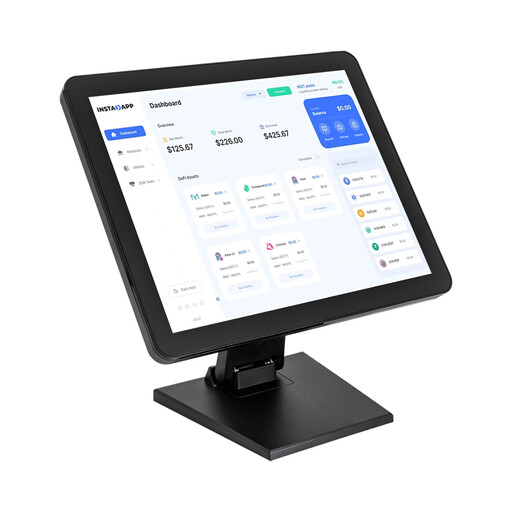
17-inch touchscreen monitor with 10-point touch
Can serve as an external preview at your work table if your camera has a compatible output.
17 inches; 1280 × 1024; adjustable angle from 0 to 90°; connections: VGA, HDMI and USB.
Joybuy
 No image available
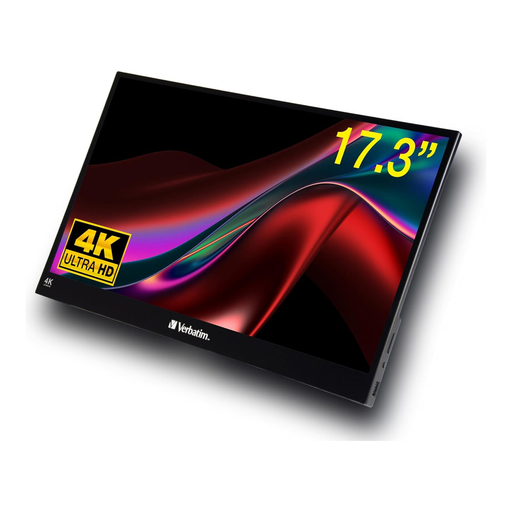
Verbatim portable touchscreen monitor, 17.3 inches
A large separate preview may suit your workspace if your camera outputs a compatible HDMI signal.
4K UHD; 17.3 inches; HDR; HDMI and USB-C.
Joybuy
 No image available
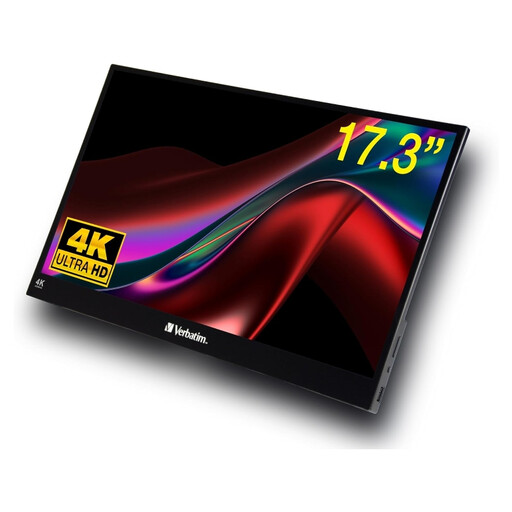
Verbatim PMT-17 portable touchscreen monitor
Suitable as a separate preview at your work table, provided the camera output and HDMI input are compatible.
17.3 inches; Full HD; connections: USB-A, USB-C and HDMI.
Joybuy
Frequently asked questions
Is an HDMI cable enough to set the focus point on the monitor?
No, HDMI alone isn’t enough for touch-to-focus on the Atomos Shinobi II. Atomos also specifies a supported camera, compatible settings and a USB connection. This is different from simply viewing an HDMI preview.
Why might one of the two displays not show an image while recording?
Whether the camera and external monitor can both display an image depends on the camera model, recording mode and HDMI settings. Sony documents different display behaviour for certain cameras, so check your specific camera in the recording mode you plan to use.
Can a field monitor correct flickering LED lights or inaccurate paper colours?
No. Sony describes flicker and banding when recording under certain artificial light sources, while Canon explains that white balance needs to be adjusted to the lighting. Test your lighting, camera settings and a short recording before the lesson.
What should I plan for setup and power?
Position the monitor securely and route the HDMI and power cables so they’re kept off your work surface. Check whether the specific bundle includes a battery, mains power supply and the cables you need; the NEEWER F700’s battery inclusion varies by offer.
What consumer rights apply when buying a monitor in Germany?
For a consumer purchase, the seller is responsible for the statutory guarantee of conformity; the European Union sets a minimum period of two years from the date you receive the goods. Online purchases generally come with a 14-day right to cancel, subject to applicable exceptions. A voluntary manufacturer’s guarantee doesn’t replace your statutory rights.


