What should you look for when buying?
Built-in camera screen
A good fit if: you can reliably check framing and focus from where you’re working.
Trade-off: You won’t need an extra monitor, battery or HDMI cable, but a small or awkwardly positioned screen can make it harder to check fine details.
Compact HDMI field monitor
A good fit if: you want to check small pieces more closely or position the live image somewhere easier to see.
Trade-off: Focus-assist tools and, depending on the model, exposure indicators give you more control, but you’ll also need to factor in mounting, cables and power. Support for a 4K input signal doesn’t automatically mean the display itself is 4K.
Larger or especially bright display
A good fit if: you work some distance from the screen, need others to see the preview too, or have strong reflections at your filming location.
Trade-off: A larger screen or a high stated maximum brightness can help in these conditions. Even when filming indoors with controlled lighting, remember to consider the space and mounting required.
At the puzzle table, your camera output, lighting and mounting need to suit the space where you’ll actually be filming.
| What you need |
What to check before buying |
Who needs this? |
| Sharp focus on small puzzle pieces |
Check the specific model’s focus-assist and magnification features; look at native display resolution separately from the supported HDMI input. |
If I need to check that hands and small pieces are in focus during a demonstration, focus assist matters more to me than a 4K specification alone. Around 36% of consumers prioritise checking fine details. |
| Exposure under artificial light |
Check which tools are available, such as waveform, histogram or false colour; take a short test shot with the lights you’ll be using to check for banding. |
If it’s hard to judge bright pieces and dark gaps, I want better control over exposure. Around 29% of consumers prioritise assessing bright and dark areas of the image. |
| A preview you can see from your workstation |
Consider screen size and viewing distance together; check the mounting, position and cable routing. |
If the camera is above or beside the table, I need a preview I can see from where I’m sitting. Around 21% of consumers prioritise a screen that’s easy to see. |
| Connections and power |
Check that the camera’s HDMI output in the video mode you’ll use matches the monitor’s supported formats; check the power source, cables and what’s included. |
If I want a straightforward table setup, the signal and power need to work without extra workarounds. Around 14% of consumers prioritise simple connections and power. |
Joybuy products for a larger preview
The following Joybuy models are larger desktop monitors with HDMI input, suited to a fixed preview position. Before buying, check that your camera output and signal format are compatible, and that your setup has enough space and power.
 No image available
Gigabyte GS27QCA 27-inch curved QHD gaming monitor
Could work as a large, fixed preview display if your camera output is compatible with the supported signal format.
27 inches; QHD at 2560 × 1440 pixels; two HDMI 2.0 inputs; VESA 100 × 100 mm.
View at Joybuy
 No image available
TCL 25G54 25-inch Mini LED Full HD monitor
A larger display for a table setup; check in advance that its HDMI input supports your camera’s live signal.
25 inches; Full HD at 1920 × 1080 pixels; stated brightness of 450 Nits; HDMI.
View at Joybuy
 No image available
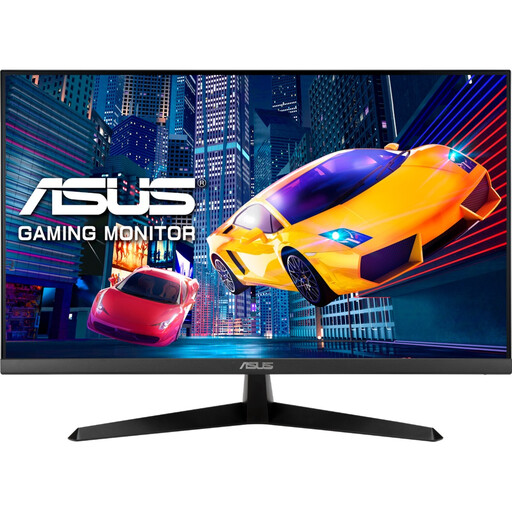
ASUS Eye Care VY279HGR 27-inch Full HD monitor
Could provide a fixed preview display, provided your camera’s HDMI signal is compatible with the monitor input.
27 inches; Full HD at 1920 × 1080 pixels; HDMI 1.4; tilt-adjustable; VESA 100 × 100 mm.
View at Joybuy
 No image available
KTC H24B9S 24-inch Full HD IPS monitor
A 24-inch display for a fixed position at the table; check that your camera signal path is compatible with the available HDMI input.
24 inches; IPS; Full HD at 1920 × 1080 pixels; HDMI and DisplayPort; tilt-adjustable.
View at Joybuy
 No image available
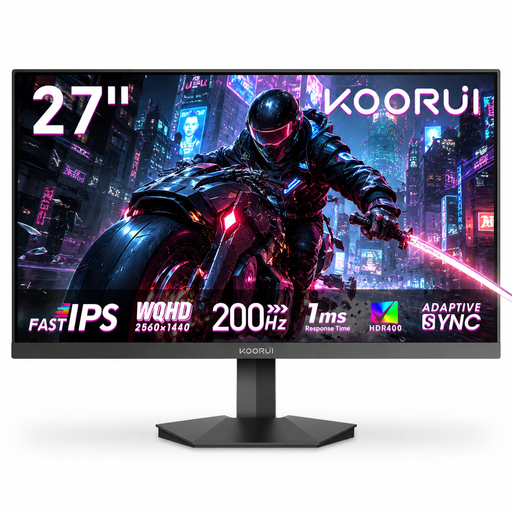
KOORUI G2721P 27-inch QHD monitor
A larger preview option for your table, if the signal format, available space and mounting suit your setup.
27 inches; QHD at 2560 × 1440 pixels; two HDMI 2.0 inputs; tilt-adjustable; VESA 75 × 75 mm.
View at Joybuy
Frequently asked questions
Is a monitor with ‘4K HDMI’ enough for a sharp 4K preview?
Not necessarily: ‘4K HDMI’ may refer to the supported input signal, not the screen’s native resolution. FEELWORLD lists 4K signal support up to 30 Hz and a 1920 × 1080-pixel panel for the LUT5. Compare both specifications with your camera’s actual output format.
Which connections and power sources should I check before setting up?
Check that your camera’s HDMI live output in the video mode you intend to use matches the monitor’s input formats. Portkeys lists NP-F battery and USB-C power options for the PT5 III; you’ll also need to plan for suitable mounting and safe cable routing.
Will a camera monitor prevent banding caused by LED or other artificial lighting?
No, a camera monitor won’t stop lights from flickering. Sony recommends checking the shutter speed in relation to your region, camera and light source. A short test shot using the lights and settings you’ll actually use can help you assess the results.
What are my rights if I change my mind or receive faulty goods when buying online?
For a typical online consumer purchase from a trader in the EU, you generally have 14 days from delivery to withdraw from the contract; exceptions and rules on return postage apply. If goods are faulty, you have statutory rights against the seller for at least two years from receipt. A voluntary manufacturer’s guarantee does not replace these rights.
What does CE marking mean on an electrical monitor?
CE marking is required only for products covered by relevant harmonised EU legislation that requires it. In those cases, the manufacturer declares that the product complies with the applicable requirements. The marking is not an independent quality seal and doesn’t confirm that the HDMI format or power supply will suit your setup.


