
Lieferung heute & morgen

Qualitätsgarantie

Willkommens-Angebote freischalten: KOSTENLOSE Lieferung | Bis zu 80 % RABATT | Kostenlose 30-Tage-JoyPlus-Testphase
App herunterladen
When your printer stops working because a cartridge is empty, an often-confusing search begins. While the model name Canon CLI-551XL is easy to find, the market presents a plethora of options that raise more questions than they answer. A wrong choice not only leads to faded prints but, in the worst-case scenario, can damage your printer or lead to higher long-term costs.
As your Joybuy Product Recommendation Officer, I'll help you navigate the common pitfalls of buying printer cartridges. We'll focus on the facts so you can make an informed decision.
The 3 Most Common Mistakes When Buying Printer Cartridges:
To avoid making the wrong purchase, you should check three essential criteria. These will help you find the right ink for your needs, whether for a Canon PIXMA MG5550 or another model.
The most important step is to ensure compatibility. The "CLI-551" designation alone is not enough. Check the exact model number of your printer (e.g., on the front or top of the device) and compare it with the compatibility list on the product packaging or in the product description. Cartridges like the canon ip7250 patronen are specifically designed for certain device series. An original cartridge guarantees that the electronic chips and design are perfectly matched to your printer.
The choice between original ink and a compatible alternative is crucial. When you buy original canon ink, you get a product developed by the printer manufacturer itself. This not only ensures smooth operation but also gives you access to specific technologies like ChromaLife100+. According to Canon, this system provides high colour stability and longevity for photo prints. Compatible cartridges (cli-551xl compatible) can be a more budget-friendly option, but the quality of the ink and chip can vary greatly.
Canon offers most cartridges in two sizes: Standard and XL.
Here are some recommendations tailored to different printing needs.
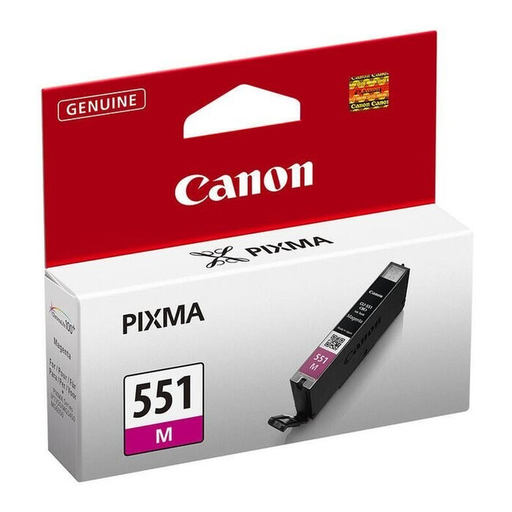
Why This Fits Their Persona: Ideal for users who only print occasionally and need to replace a single empty colour cartridge. The standard size avoids the higher initial cost of an XL cartridge, which might dry out before it's empty with infrequent use.
Buying an original Canon cartridge completely eliminates the risk of incompatibility and poor colour reproduction common with unverified third-party products.
Guarantees precise colour reproduction and seamless operation with compatible PIXMA printers. The page yield is designed for occasional print jobs.
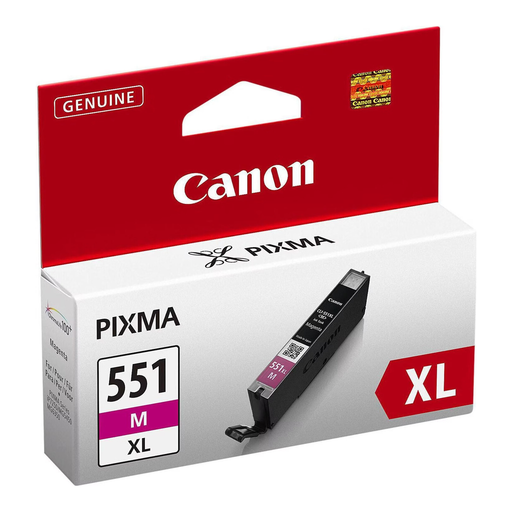
Why This Fits Their Persona: The XL capacity significantly lowers the cost per page, making it an economical solution for regular printing of documents, graphics, and reports. Fewer cartridge changes also mean fewer work interruptions.
Addresses the pitfall of low-yield cartridges by offering a high page output. This optimises long-term printing costs compared to repeatedly buying standard cartridges.
High page yield for more cost-effective printing. The ChromaLife100+ ink ensures brilliant and long-lasting colour results.
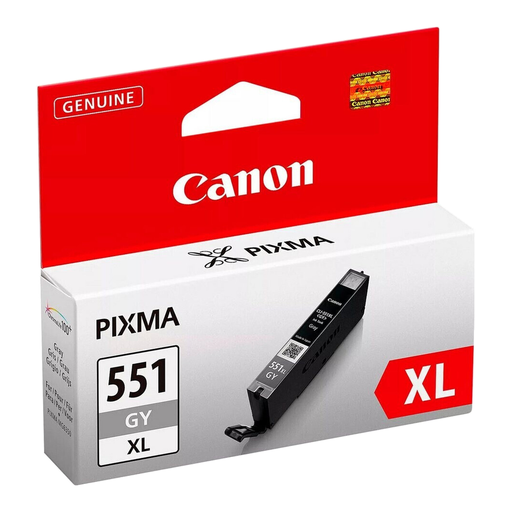
Why This Fits Their Persona: Essential for photographers using PIXMA printers with 6-colour systems. The grey ink provides superior tonal gradations, reduces graininess in shadow areas, and ensures more accurate colours in both black-and-white and colour prints.
Prevents the common photo printing issue of inaccurate colour balance or missing shadow details, which occurs when a crucial colour like grey is missing or inadequately replaced by colour mixing.
Expands the colour gamut for prints with finer tonal gradations. The XL capacity is ideal for printing larger photo projects.
We have compiled a complete, up-to-date list of products that fully meet these strict selection criteria and quality standards.
Although they are often used in the same printer, they have different functions. The PGI-550 cartridge contains pigmented black ink, which is optimised for razor-sharp, smudge-proof text on plain paper. The CLI-551 cartridges (Cyan, Magenta, Yellow, Black, Grey) contain dye-based ink, which is primarily designed for high-quality colour printing on photo paper and ensures vibrant colours.
An unopened cartridge in its original packaging generally has a shelf life of about two years from the production date. Once installed in the printer, it is recommended to use the ink within six months. This prevents the ink from drying out in the printhead and ensures consistent print quality.
No. Canon PIXMA printers that use individual CLI-551 series cartridges are equipped with an intelligent system. You can replace only the specific colour that is actually empty. This is efficient, reduces waste, and saves money, as you don't have to discard ink that hasn't been used up.