
Lieferung heute & morgen

Qualitätsgarantie

Willkommens-Angebote freischalten: KOSTENLOSE Lieferung | Bis zu 80 % RABATT | Kostenlose 30-Tage-JoyPlus-Testphase
App herunterladen
When your printer's warning light comes on, a daunting search often begins. The market for Canon printer cartridges is vast, and choosing the right ink can quickly become complicated. The wrong choice not only leads to frustration but also to unnecessary costs. This guide will help you navigate the most common pitfalls and make an informed decision when you need to buy Canon ink.
Before you add a new cartridge to your shopping cart, you should be aware of the typical traps that often lead to a bad investment.
A few simple but essential checks are all it takes to avoid these mistakes. These parameters are your compass for selecting the right printer cartridges for Canon printers.
The most important factor is the exact model number of your cartridge. This number ensures that the cartridge physically fits into the printer and that its chip is recognised by the device's software. You can find this number in several places:
Searching for your printer model along with the term "printer cartridge" will also provide the correct cartridge designations.
You will find two main types of cartridges on the market:
The decision depends on your priorities: guaranteed system stability and print quality (Original) or a potentially lower purchase price with variable result quality (Compatible).
Many Canon cartridges are available in a standard and an XL version.
For anyone who prints more than just a few pages per month, a high-yield XL cartridge is almost always the more economical choice.
Different cartridges are suitable for different requirement profiles. Here are some recommendations tailored to specific user groups.
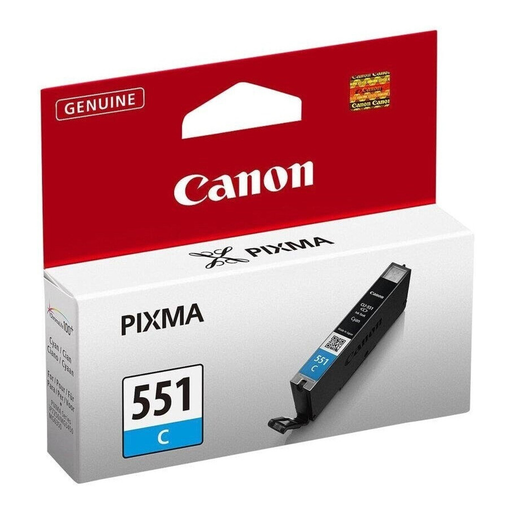
Why This Fits Their Persona: Ideal for users who only occasionally print documents or graphics. A standard cartridge is sufficient here and prevents a large amount of ink from drying out unused.
By choosing an original cartridge, the compatibility trap is avoided. The printer is guaranteed to recognise the cartridge, and the print quality is consistent from the start.
Guaranteed compatibility with a wide range of Canon PIXMA printers. The ink is designed for reliable performance and colour accuracy.
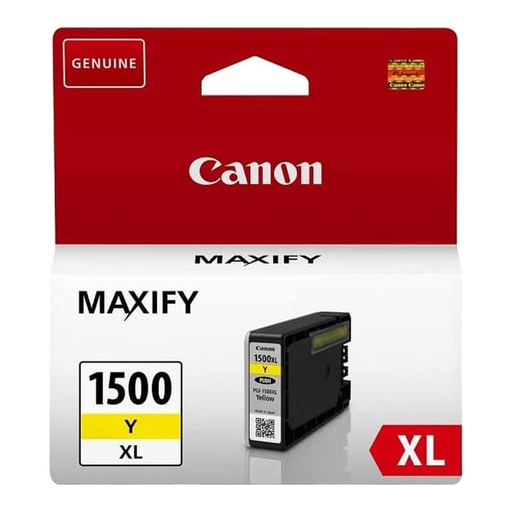
Why This Fits Their Persona: For home office users who print regularly, cost-effectiveness is key. This XL cartridge for the MAXIFY series is designed for high-volume printing and a low cost per page.
It solves the standard vs. XL dilemma by offering a high page yield of up to 935 pages, according to the manufacturer. This significantly lowers printing costs and reduces the frequency of replacements.
High yield for a better cost-performance ratio. The pigment-based ink (DRHD) is smudge- and highlighter-resistant, ideal for documents.
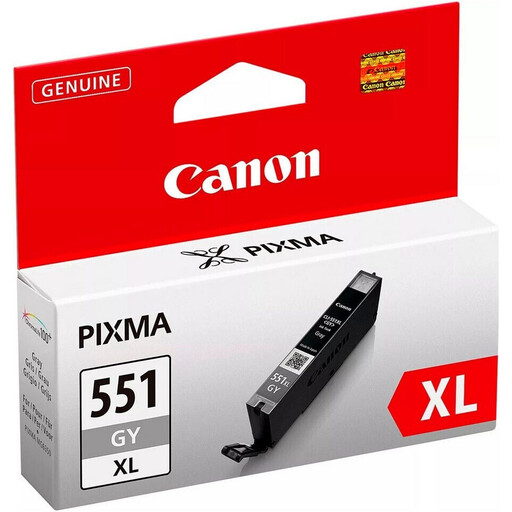
Why This Fits Their Persona: Anyone printing high-quality photos needs precise colour gradations. This special grey ink is designed for PIXMA series photo printers and improves detail reproduction in shadow areas and for black-and-white prints.
It bypasses the cheapest price fallacy. Inexpensive alternatives cannot replicate the special formulation of this ink, which would lead to visible quality loss in demanding photo prints.
Enhanced tonal gradations for professional photo quality. According to Canon, the ChromaLife100+ system ensures long-lasting prints.
We've compiled a complete, up-to-date list of products that fully meet these strict selection criteria and quality standards.
Unopened and sealed Original Canon Cartridges generally have a shelf life of about two years from the manufacturing date. You can find the exact date on the packaging. Once installed in the printer, the cartridge should be used within six months to prevent the ink from drying out and clogging the printhead. Printing regularly (at least once a week) helps keep the ink flowing.
If your printer does not recognise a new colour ink cartridge, check the following points:
Yes, most modern Canon PIXMA printers use individual ink tanks for each colour (e.g., Cyan, Magenta, Yellow, Black). This is a major advantage, as you only need to replace the colour ink cartridge that is actually empty. This saves money and reduces waste compared to older combo cartridges, where the entire unit had to be replaced even if only one colour was used up.