
Lieferung heute & morgen

Qualitätsgarantie

Willkommens-Angebote freischalten: KOSTENLOSE Lieferung | Bis zu 80 % RABATT | Kostenlose 30-Tage-JoyPlus-Testphase
App herunterladen
A flashing warning light on your printer usually signals the same problem: the ink is out. The subsequent search for the right Canon printer cartridges can quickly become overwhelming. Given the multitude of model numbers, the choice between original and third-party products, and varying ink volumes, it's often difficult to make the right choice. This guide is designed to help you find the perfect cartridge for your Canon printer and your specific needs—objectively and to the point.
To avoid misprints, compatibility issues, or unnecessarily high costs, you should consider three key aspects.
The type of cartridge you choose has a direct impact on price and print results.
Many cartridges for Canon Pixma models are available in two sizes: Standard and XL.
The crucial factor for compatibility is the cartridge number. Every Canon printer uses a specific series of cartridges. You can find the correct designation either on the old cartridge, in your printer's manual, or on the inside of the printer cover. Common series include Canon PG-510XL, Canon CLI-571XL, or PGI-520BK. Using the wrong cartridge number will inevitably lead to the printer not recognising the cartridge.
Here you will find a selection of cartridges for different applications and printer models, based on their specific features.
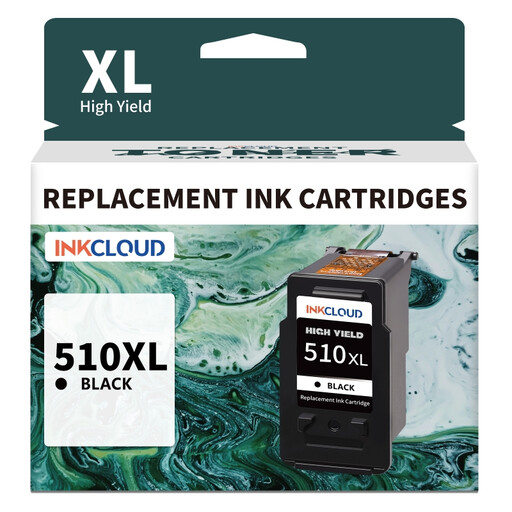
What Makes It Stand Out This remanufactured cartridge from inkcloud is designed as a cost-effective replacement for the Canon PG-510 series. By reusing the housing of an original cartridge, it helps reduce plastic waste while also being easy on your budget.
Advantages
Who It's For This cartridge is a great choice for home users and students who primarily print text documents, homework, or drafts and want to keep costs down. Anyone looking to buy a Canon PG-510XL affordably will find a functional alternative here.
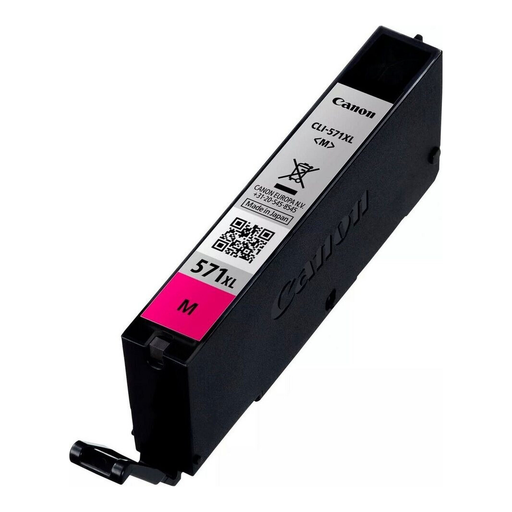
What Makes It Stand Out As an original Canon CLI-571XL ink cartridge, it delivers vibrant and long-lasting colour prints when used with Canon's ChromaLife100 system. The XL fill volume of 11 ml is specifically designed for printing photos and colour-intensive graphics.
Advantages
Who It's For This cartridge is aimed at hobby photographers and users who value high quality and colour accuracy in their prints. The XL capacity makes it ideal for those who regularly print colour photos or graphics.
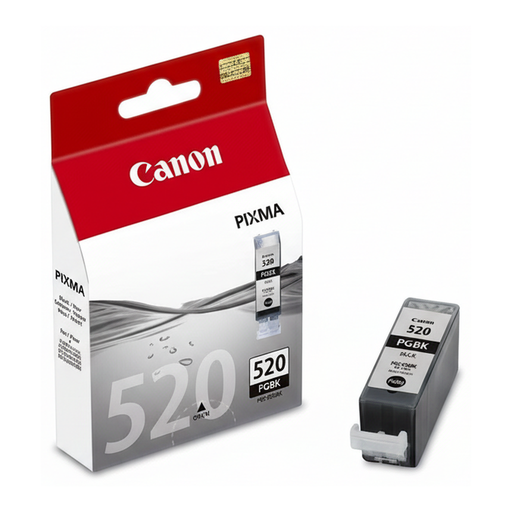
What Makes It Stand Out The Canon PGI-520BK is an original pigment ink specially developed for razor-sharp and smudge-proof text printing. It is the standard choice for many tried-and-true Canon PIXMA printers and consistently delivers reliable results for everyday office and home use.
Advantages
Who It's For Users in home offices or small businesses who regularly print documents and depend on reliable performance and professional-looking text. Even though users often search for a compatible PGI-520BK, the original offers the highest level of security in terms of performance and printer integrity.
The products presented here cover common use cases, but the variety of Canon printers is vast. If the right cartridge for your model isn't here, you can find more options in our assortment.
Discover our entire selection and find the right model for your needs: View All Printer Cartridges
Reputable third-party manufacturers design their cartridges to be compatible with the specified printer models. However, printer manufacturers like Canon point out that using non-original inks may potentially affect the printer's warranty. It is advisable to check your device's warranty terms and rely on products from established suppliers.
In their sealed original packaging, ink cartridges generally have a shelf life of about 24 months. They should be stored in a cool, dry place away from direct sunlight. Once installed in the printer, it is recommended to use the ink within six months to prevent the printhead from drying out.
The XL ink cartridges label indicates a higher ink fill volume compared to the standard version. With an XL cartridge, you can print significantly more pages. This typically results in a lower cost per page, making it an economical choice for anyone who prints regularly or in large volumes.