
Lieferung heute & morgen

Qualitätsgarantie

Willkommens-Angebote freischalten: KOSTENLOSE Lieferung | Bis zu 80 % RABATT | Kostenlose 30-Tage-JoyPlus-Testphase
App herunterladen
An empty ink tank always seems to happen at the worst possible moment. Whether for important home office documents, school projects, or colour photos, a reliable printer depends on the right consumables. However, finding the right cartridge can be overwhelming. This guide is designed to provide clarity and help you find the perfect Original Canon printer cartridges for your device. We will focus on objective criteria like compatibility, page yield, and pack sizes to provide you with an informed basis for your decision.
Before you buy Canon ink, there are a few fundamental aspects to consider to avoid misprints and compatibility issues.
Each Canon printer cartridge series is designed for specific printer models. Using an incompatible cartridge may result in the printer failing to recognise it. You can usually find your cartridge's model number directly on the old cartridge (e.g., PGI-35, CLI-581), in your printer's manual, or on the inside of the printer cover. Making the correct match is the most critical step for a successful purchase.
Canon offers its PIXMA ink cartridges in various capacities. The choice depends on your individual printing volume.
For printers that use separate ink tanks for each colour, the question arises whether to buy individually or in a Canon Multipack. If you regularly use both Canon black ink and Canon colour ink, a multipack can be a more cost-effective and convenient solution. It ensures you always have all the necessary colours in stock and often provides a price advantage over buying them individually.
Based on common use cases and printer models, we have compiled a selection of original cartridges.
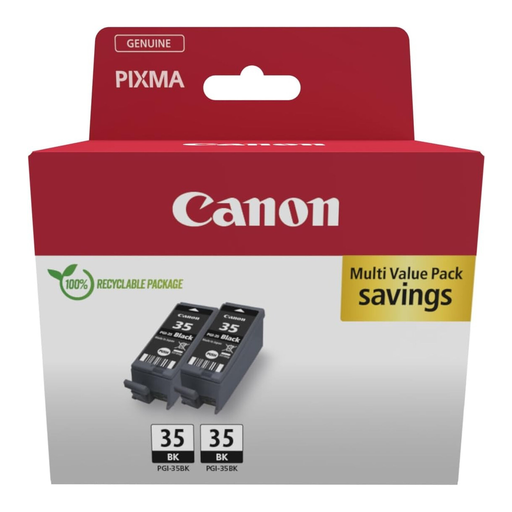
Why It Stands Out This twin pack, containing two black PGI-35 series ink cartridges, is designed for creating text documents. The original Canon ink ensures sharp, crisp text. The twin pack format offers a convenient supply for users with a high volume of text-only document printing.
Pros
Who It's For Users of compatible Canon PIXMA G-series printers who frequently print text-based documents like reports, invoices, or manuscripts and value having a stock of black ink.
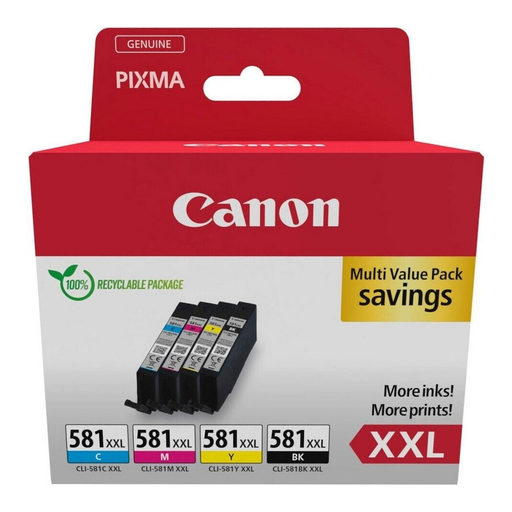
Why It Stands Out This Canon Multipack contains four XXL size cartridges: Black, Cyan, Magenta, and Yellow. It is a comprehensive solution for users who print both documents and high-quality colour photos and want to optimise printing costs through the high-capacity cartridges.
Pros
Who It's For Owners of compatible PIXMA printers in home offices or families who have high and mixed printing needs and are looking for an economical solution to replace all colour and black inks.
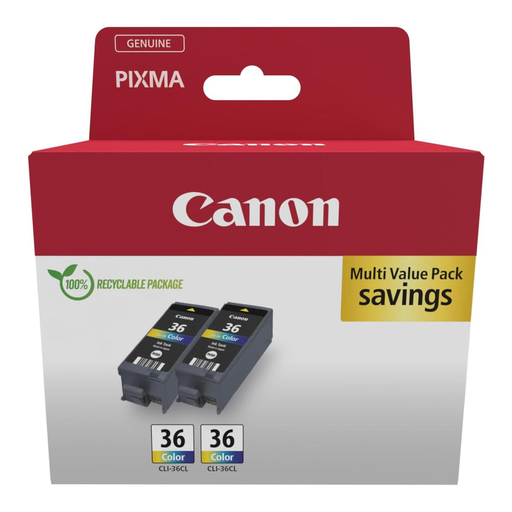
Why It Stands Out The CLI-36 colour cartridge was developed specifically for Canon's mobile printers. This twin pack ensures that high-quality colour prints are possible even on the go. It combines Cyan, Magenta, and Yellow inks into a single cartridge.
Pros
Who It's For Users who own a compatible mobile Canon printer (e.g., PIXMA iP100, iP110, TR150) and need a reliable solution for printing colour documents and photos away from the office.
If the models featured here don't match your printer, you can find a wider selection in our main category. There, you can search specifically by your device's model number or your cartridge number.
Discover Our Full Range of Inkjet Cartridges
1. Why should you use original Canon printer cartridges? Original cartridges for Canon printers are precisely engineered by the manufacturer to match the specific hardware. This ensures full compatibility and consistent print quality. The ink and the printhead work together as a system, which is designed for reliable performance.
2. How do I find the right cartridge for my Canon printer? The most reliable way is to read the model name on the old cartridge. Alternatively, you can find this information in your printer's manual, on a sticker inside the device, or on the manufacturer's support website, where you can enter your printer model.