If you want to show costume photos without a laptop, first check whether the specific projector offers a suitable way to play your image files – having a USB port alone doesn’t prove that it can. In a room with ambient light, brightness becomes more important; if space is limited or changes from one venue to another, consider the projection distance and image correction. Manufacturers list different features, but this doesn’t guarantee that every file will work in every room.
Which solution is right for you?
USB slideshow without a laptop
You want to play costume photos locally and keep connections to a minimum at the venue. What matters is a suitable, documented playback method – not just a USB port. BenQ describes the GP100 as having a USB reader and explains how to play images from a USB stick using VLC and QS02.
Showing photos with ambient light
You can bring an external playback device and need a clear picture in a brighter room. Compare manufacturers’ brightness specifications, taking your planned image size and the lighting conditions into account. Epson lists 4,100 lumens for the EB-FH54, while Acer gives the Vero PL3510ATV a rating of 5,000 ANSI lumens in standard mode.
Setting up in different venues
You need to adjust the projector, distance and image alignment for different event spaces. Zoom and image correction may help with planning; also check that the available space suits your desired image size. Acer lists a 1.3x zoom and four-corner correction for the Vero PL3510ATV.
What should you look for when buying?
Photos stored locally, played on the projector
A good fit if: you want to present without an additional playback device wherever possible. BenQ describes the GP100’s USB-A port as a reader and explains how to play images using VLC and QS02.
Keep in mind: test your files, storage device and the controls before the event.
Presenting with an external playback device
A good fit if: ambient light is your biggest challenge and you can display photos from a compatible laptop or mobile device. Epson lists Full HD, 4,100 lumens, AirPlay 2 and Miracast for the EB-FH54.
Keep in mind: wireless sharing doesn’t prove that the projector can run a slideshow from a USB stick on its own. Test the connection and playback device in advance.
Setting up with limited space
A good fit if: you can’t position the projector freely. Acer lists a 1.3x zoom and four-corner correction for the Vero PL3510ATV.
Keep in mind: set-up features don’t confirm that local photos can be played. Check the playback method separately.
| Consideration |
What to check before buying |
Who is it important to? |
| Local files |
Check whether the specific model plays your image files from the storage device you plan to use, and how to control the slideshow. |
If you want to show costume photos without a laptop, a reliable playback method matters more than a port alone. Around 36% of consumers prioritise local playback. |
| Room lighting |
Compare brightness figures only when they use the same relevant unit and operating mode; take image size and ambient light into account. |
If you’re projecting in a room that isn’t completely dark, a clear picture is especially important. Around 29% of consumers prioritise visibility in ambient light. |
| Set-up |
Measure the projection distance and decide on your desired image size; check the zoom and correction features for the specific model. |
In a small or changing event space, it’s important that the image size and alignment work with the space available. Around 21% of consumers prioritise set-up. |
| Purchase and running costs |
Consider whether you’ll need a playback device or accessories; check what’s included if you’ll be transporting the projector. |
If you’re weighing up the total cost, including any accessories you need, it helps to decide in advance what you already own and what you’ll actually need. Around 14% of consumers prioritise purchase and running costs. |
Common buying and planning mistakes
-
Assuming a USB port guarantees photo playback
A port on its own doesn’t tell you whether the projector can recognise your image files or play a slideshow as you’d like.
Test the USB stick you plan to use with your own photos, and check the controls on the actual device before the event.
Brands to consider
BenQ
If you want to play local images on the projector, the GP100 is worth considering if you plan to use its documented playback method.
- BenQ Germany lists native 1080p, 1,000 ANSI lumens and a USB-A port identified as a reader for the GP100. BenQ also describes how to play images from a USB stick using VLC and QS02.
- These details don’t guarantee that every file, storage device or event space will be suitable. Test your slideshow in advance.
Epson
The EB-FH54 could be a good presentation option if you’ll be showing photos from a compatible external playback device.
- Epson lists Full HD, 4,100 lumens, AirPlay 2 and Miracast for the EB-FH54.
- The product specifications don’t confirm that it can run a slideshow from a USB stick on its own. Epson marks the EB-FH52 as no longer available on its German product page.
Acer
The Vero PL3510ATV could be an option if brightness ratings and flexible image alignment matter for your event space.
- Acer lists native 1920 × 1080 pixels, 5,000 ANSI lumens in standard mode, a 1.3x zoom and four-corner correction for this model.
- The manufacturer’s specifications don’t confirm that it can play local photos from a USB stick. Plan for your playback device and specific set-up separately.
Joybuy products
The projectors below offer options for mobile presentations and flexible set-ups. If you plan to use a USB stick, check in advance whether the specific model can play your photos directly as a slideshow.
 No image available
Aurzen Tri-Fold DLP Mini Projector, 4K Supported, Gray
If your photos are on a compatible mobile device, the described screen mirroring without a Wi-Fi network may be useful. Test the connection and image display before the event.
The title mentions USB-C support and ToF autofocus. It also lists a 5000mAh battery and a battery life of up to 1.5 hours; plan for a power supply if your presentation will run longer.
Joybuy
 No image available
XGODY N7 Cine Smart Projector, 1000 ANSI Lumens, Native 1080P, White
For a set-up with limited distance, the description specifies 60 inches at 1.33 m. Check that this works for your room and the image size you want.
Specifications include native 1080p, 1,000 ANSI lumens, USB and HDMI ports, autofocus, keystone correction and a 90° rotatable gimbal. A USB port alone doesn’t confirm that your photos can be played directly.
Joybuy
 No image available
XBJ H8 Portable LCD Home Projector, 1080P Support, 560 Lumens
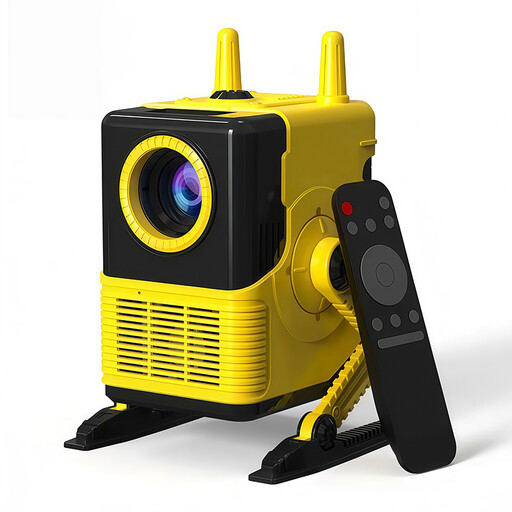
If you plan to use an external playback device, the listed HDMI and USB ports are useful to know about when planning your connections. Check that photos can be displayed through your chosen device.
The product title lists 1080p support, a 1500:1 contrast ratio and 560 lumens. Set-up features include four-point keystone correction, 2.4G/5.8G Wi-Fi and Bluetooth 5.0.
Joybuy
 No image available
ULTIMEA Nova C40 Android TV 4K Projector, 600 ANSI Lumens, 1080P Full HD
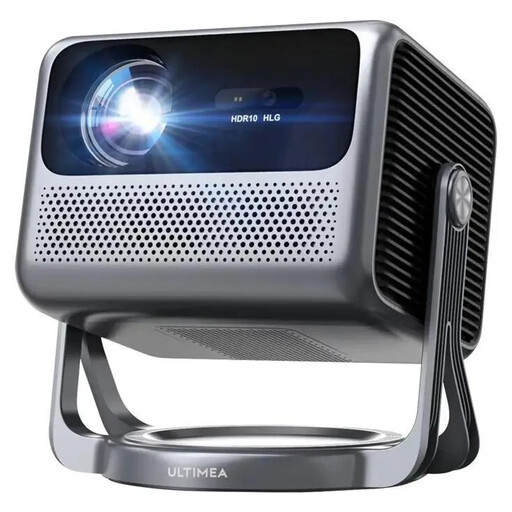
For flexible positioning, the description lists a 90° gimbal, autofocus and 6D keystone correction. Check that the set-up will work at your event space.
The title lists 600 ANSI lumens and 1080P Full HD. USB and HDMI ports are mentioned in the description; check in advance that your chosen playback device can display your photos through them.
Joybuy
 No image available
2026 Projector, USB Stick Compatible, 180° Rotation, Black
The product title mentions USB stick compatibility. Before the event, check whether this also means it can play your specific image files directly as a slideshow.
Set-up features include 180° rotation, automatic image correction and digital zoom from 50% to 100%. The stated image size ranges from 50 to 200 inches.
Joybuy
Frequently asked questions
Is a USB port enough to play costume photos directly?
No. The port alone doesn’t confirm that the projector can play your photos. BenQ explicitly describes the GP100’s USB-A port as a reader and explains how to play images from a USB stick using VLC and QS02. Even so, test your storage device and files before the presentation.
What should I check before setting up at the venue?
Measure the available distance and decide on your desired image size. Check the focus and alignment using your photos: Acer lists zoom and four-corner correction for the PL3510ATV, while BenQ gives the GP100 a throw ratio of 1.2.
What is the online purchase cancellation period, and will I need accessories?
The Verbraucherzentrale states that online purchases generally have a 14-day cancellation period from the date the contract is concluded or the goods are received; the statutory requirements and exceptions apply. Also check whether you’ll need accessories for your use: BenQ lists the GP100’s carrying case as optional.
What about CE marking and disposing of an old projector?
According to information from Your Europe, CE marking is required only when the relevant harmonised EU rules require it for the product in question. The German Federal Environment Ministry says that old electrical equipment must be taken to an authorised collection point or returned to an authorised take-back provider.


