What should you look for when buying?
The approximate proportions refer to consumers transferring and monitoring a cassette at a small desk; each figure represents their most important purchase consideration.
| Purchase consideration |
What to check before buying |
Who is it important to? |
| Spotting recording errors |
Make a test recording; check the level meter and waveform for clipping. |
When transferring a tape, I don’t want to judge errors by ear alone; around 29% of consumers put checking the recording first. |
| Isolation at your workspace |
Check the closed-back design and fit; consider potential heat or pressure during longer sessions. |
When background noise makes quiet sections difficult to hear, passive isolation matters to me; around 22% of consumers prioritise this. |
| Connections and cable routing |
Identify the headphone output and the plug you need; consider the cable length and route across your desk. |
At a small workspace, I want the sockets, adapters and cable route to work together; around 21% of consumers put connections and space first. |
| Fit and replacement parts |
Try the fit for yourself if possible; look for replacement earpads for the exact model version. |
For longer listening sessions, I want a comfortable fit and suitable replacement earpads; around 14% of consumers give this priority. |
| Checking recordings afterwards in a quiet environment |
Choose a semi-open design only if the room is quiet enough; check the cable and storage options. |
If I mainly check finished files in a quiet setting, less isolation may be acceptable; around 14% of consumers prioritise this type of review. |
Headphones to choose from at Joybuy
The following Joybuy headphones are described as suitable for audio playback. For each model, check that the connection and design listed are compatible with your monitoring equipment and cassette transfer setup.
 No image available
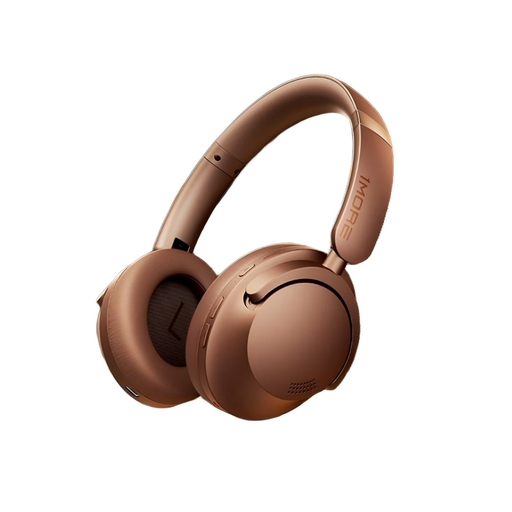
1MORE HQ51 SonoFlow Pro Global Mocha Brown
Described as over-ear headphones for audio playback; check that the connection suits your monitoring equipment.
The product description lists 40 mm drivers and ANC.
View at Joybuy
 No image available
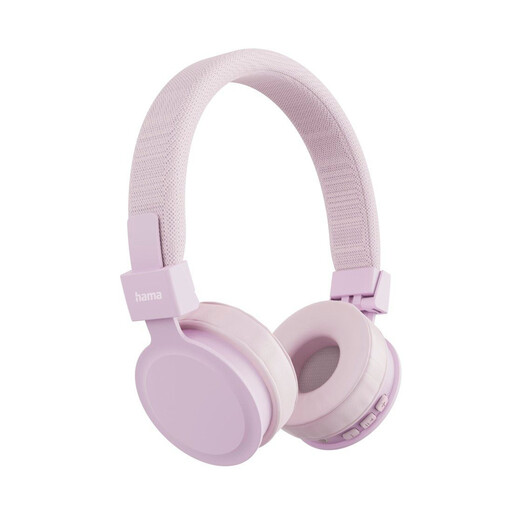
Hama Freedom Lit III Bluetooth On-Ear, Pink
This foldable on-ear model is described as coming with a 3.5 mm audio cable for wired use; check that the plug matches your monitoring output.
Bluetooth 5.4; the product information lists up to 15 hours of playback.
View at Joybuy
 No image available
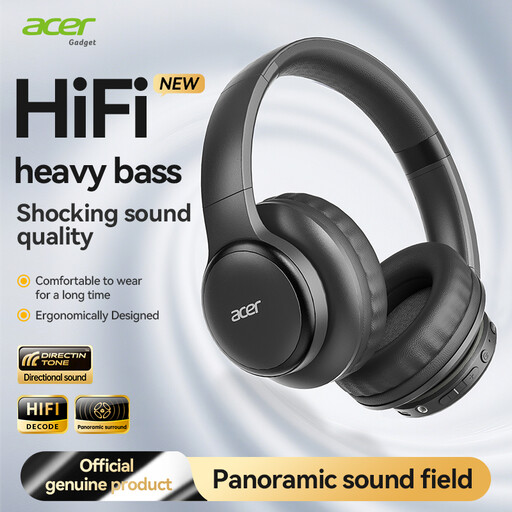
Acer OHR559 OWS Wireless Headphones
This model is described as portable and foldable. Before using it for a cassette transfer, check that its intended connection is compatible with your monitoring equipment.
The product information lists Bluetooth 5.3 and large drivers.
View at Joybuy
 No image available
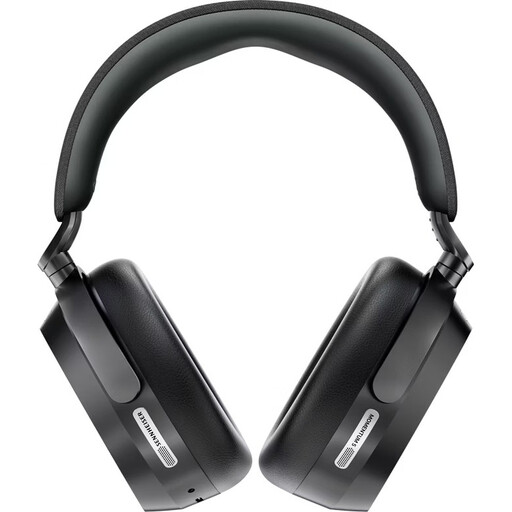
Sennheiser Momentum 5 Wireless Over-Ear, Closed-Back, Black
The closed-back over-ear design and wired listening via the listed 3.5 mm audio cable may suit your monitoring setup; check your device’s socket.
The product information lists Bluetooth 5.4 and up to 57 hours of battery life.
View at Joybuy
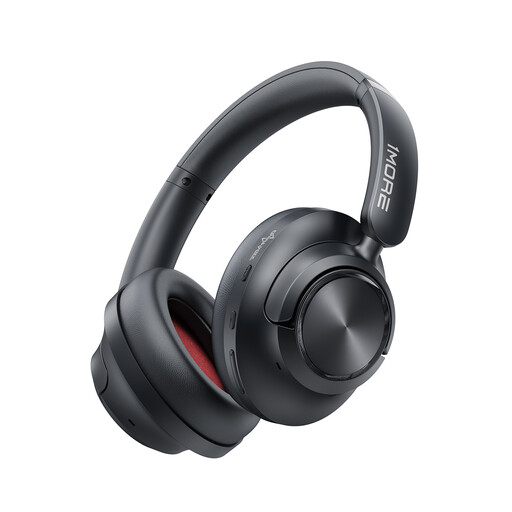 No image available
1MORE SonoFlow MAX (Upgraded HQ51) HQ60 Over-Ear Headphones
The product description lists optional wired listening via USB-C. Before buying, check that this connection works with your monitoring equipment.
The product information lists 50 dB ANC and up to 105 hours of battery life.
View at Joybuy
Frequently asked questions
Can I connect the headphones directly to my cassette recorder?
Yes, provided the recorder has a suitable headphone output and the plug or adapter fits. For digitising a tape, Audacity’s guide recommends connecting a line output on the deck to a suitable line input, rather than to the computer’s microphone input.
Where should I monitor the recording?
It depends on your deck and interface. With an interface that offers stereo direct monitoring, you can listen to the input signal directly through its headphone output. Check that your specific device has this feature and the right output.
How can I check that a cassette is transferring without clipping?
Start with a test recording and check the level meter and waveform for clipping. For the test recording described in its guide, Audacity suggests aiming for peaks around −6 dB. If clipping occurs, lower the recording level and test again.
What should I check if I’m transferring several cassettes?
Check the condition of the playback deck. According to Audacity, deposits on the tape head can reduce treble and increase noise. Choose replacement earpads to match the model version; the listed set for the HD 280 PRO is for versions from 2016 onwards.
Should I simply turn the volume up for quiet sections of a cassette?
Not without limit: the World Health Organization notes that volume and listening time affect hearing exposure, and recommends lower levels and listening breaks. The right headphone design can reduce background noise, so you don’t have to keep turning up the volume.


