Identify cables at a glance
If you have several similar charging cables on your desk, the priority is a label that’s easy to see on the cable itself. Check the label shape and make sure the specific material is approved for the intended use.


When labelling charging cables, the right label shape matters more than the printing method alone. A flag label or a wrap-around label specifically designed for cables can be attached directly to the cable. If you want to print without a smartphone, choose a handheld label maker with a cable mode. For app-based designs, consider a Bluetooth device, but check separately that the label material is suitable for cables. Brother Germany lists specific flag-label and cable-tape features for certain models and materials – these do not automatically apply to every device or tape from the same brand.
If you have several similar charging cables on your desk, the priority is a label that’s easy to see on the cable itself. Check the label shape and make sure the specific material is approved for the intended use.
If you want to label individual cables at your desk, check the keyboard, display, cable mode and compatible tape together when choosing a handheld device.
An app can be a good choice for designing text and layouts. However, you’ll need to use a smartphone or computer, along with compatible rolls or tapes.
A good fit if: You want to label individual charging cables without a smartphone. Brother Germany lists a QWERTZ keyboard and flag printing for the PT-H110.
Things to consider: The specific tape must also be suitable for wrapping around a cable. According to Brother Germany, the TZe-FX231 is designed for flag labels and wrapping. COMPUTER BILD notes that the PT-H110’s display is not backlit.
A good fit if: You want to design labels on a smartphone or computer. Brother Germany lists Bluetooth and USB connectivity for the P-touch CUBE Plus, while Nelko describes smartphone app-based design for the P21.
Things to consider: You’ll need a mobile device or computer, and should also check whether the label material you choose is designed for cables.
A good fit if: You want to label lots of cables, connectors or curved wires. Brother Germany lists cable and connector features for the PT-E110, while DYMO specifies flexible nylon labels for certain Rhino models.
Things to consider: Check the model and material as a compatible combination: the nylon labels specified for Rhino devices are not interchangeable with LetraTag tapes.
| What you need | What to check before buying | Who is this important to? |
|---|---|---|
| Secure fit and readability on the cable | Check whether the label is suitable as a flag or wrap-around label, the tape family and the space available on the cable. | If I want to tell cables apart right at the cable end, the shape and suitable material matter. Around 36% of consumers put clear, easy-to-read cable labels first. |
| Use without a smartphone | Check the keyboard layout, display and whether a cable mode is specifically listed. | If you want to enter individual labels directly on the device, look for straightforward text entry without an app. Around 29% of consumers prioritise use without a smartphone. |
| App-based design | Check the supported connection and the exact compatible tape or roll format. | If I want to design text and layouts on a smartphone or computer, the right way to operate the device is key. Around 21% of consumers prioritise app-based design. |
| Consumables | Check compatible cable tapes, what’s included and the availability of replacement supplies. | If you want to label more cables and buy compatible labels as needed, remember to factor in consumables too. Around 14% of consumers put ongoing material costs first. |
Whether a label is suitable for wrapping depends on more than the printer model. For example, Brother specifies this use for the TZe-FX231 tape.
First decide on the label shape you need, then check that the material and printer model are compatible.
DYMO specifies flexible nylon labels for certain Rhino models, while the LetraTag 100H is designed for LetraTag labels.
Check the full device and material names before you buy.
The label supplied with a device may not be the right material for your charging cables. For cable labelling, consider the device and suitable consumables together.
Check what’s included and which replacement materials are compatible before choosing a device.
Some P-touch models offer app-free input or cable-labelling features; the specific options vary by model.
The LetraTag range and Rhino devices use different label families.
The M110/M120/M150/M200/M220/M221 range includes portable thermal label printers.
The P21 is a label printer operated via a smartphone app, designed for smaller organisational labels.
The brand offers thermal label printers such as the B1 and lists cable labels as a separate material category.
The products below are Bluetooth or app-based printers. Phomemo lists a cable label compatible with the M110; for the other devices, check whether the specific tape or roll is designed for cables.
 No image available
App controls are a good fit if you want to design labels on a mobile device. The Phomemo EU shop lists a cable label that’s compatible with the M110.
The product name states that a label roll is included. Check whether this roll is suitable for your intended use on cables.
 No image available
This Bluetooth device is worth considering if you want to design labels using an app. Before using it on charging cables, check that the material you choose is designed for this purpose.
The satin ribbon is sold separately; a label roll is listed as part of the standard package.
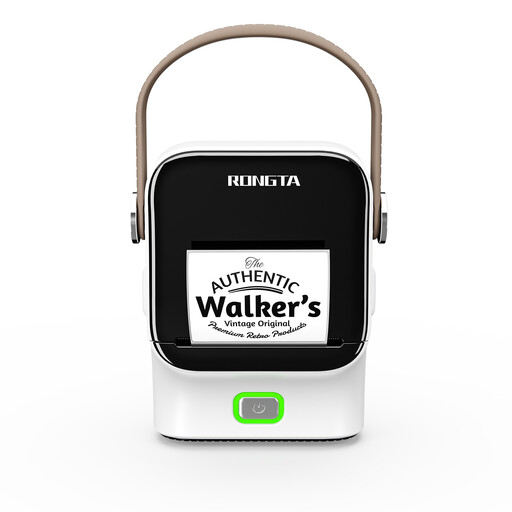 No image available
This model is designed for mobile, app-based labelling. Before buying, check the specific label material and whether it’s suitable for charging cables.
The product name lists NFC recognition and a 1500 mAh battery.
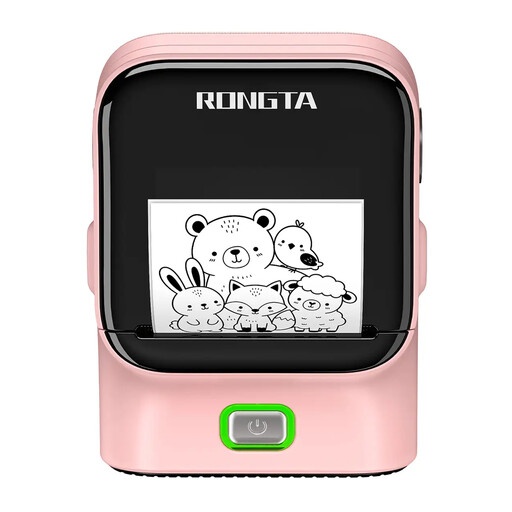 No image available
Bluetooth and USB are the connection options listed in the product name. For cable labelling, check separately whether the label material you choose is designed for this purpose.
The product name lists thermal printing, 203 DPI and a print speed of 50 mm/s.
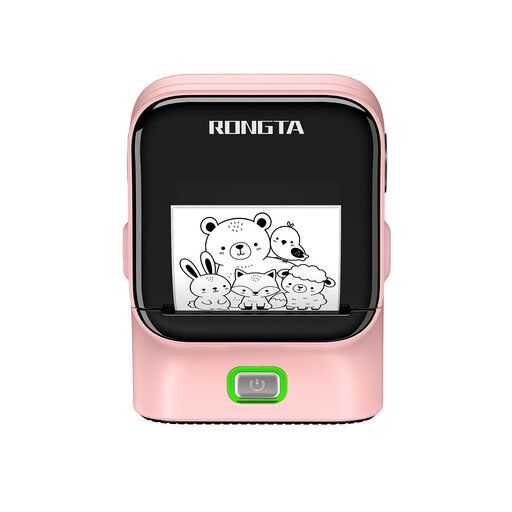 No image available
This model is listed as supporting Bluetooth and USB connections. For charging cables, check the compatible material and whether it’s suitable for the cable’s circumference before buying.
The product name lists NFC recognition.
Check the stated use for the specific tape: Brother Germany lists the TZe-FX231 for both flag labels and wrapping. A device’s flag-printing feature does not replace checking that the material you use is designed for the shape you need.
The specified material families are different: DYMO lists its flexible nylon label for certain Rhino models, while the LetraTag 100H is designed for LetraTag labels. Check the full device and cassette names before buying.
Check that the tape is compatible with your device and test the label on one of your own cables first. DYMO notes that friction, temperature and liquids can affect how long labels last; this doesn’t allow for a general guarantee of their lifespan.
The Verbraucherzentrale distinguishes between your statutory rights against the seller and a voluntary guarantee. If a product is faulty, you may first be entitled to ask for it to be repaired or replaced, depending on the circumstances of your case.
The Federal Ministry for the Environment notes that old electrical appliances must not be put in household waste and that used batteries must be returned separately. According to the Federal Network Agency, CE marking requirements apply to products covered by the relevant EU harmonisation legislation; a CE mark says nothing about whether a label is suitable for charging cables.