People responsible for shared charging cables
You want to identify cables quickly and need a legible label that stays on a round cable which is handled frequently. Brother describes flexible tape for wrapping around cables or creating flags.


For frequently used, ready-made charging cables, a flexible tape designed specifically for cables is a natural choice, either wrapped around the cable or used as a flag. The key is to make sure the tape is compatible with the device. A label maker that can be used on its own and has cable templates may be useful when different people need to label cables. Heat-shrink tubing is only suitable if its diameter and heat application method are right for the specific cable.
You want to identify cables quickly and need a legible label that stays on a round cable which is handled frequently. Brother describes flexible tape for wrapping around cables or creating flags.
If different people need to print names or responsibilities, a device with a keyboard and cable templates can make it easier to use without an additional app. Brother lists these features for the PT-E110; DYMO also describes the Rhino 4200 as having a QWERTZ keyboard.
If you want to identify lots of cables consistently, match the text length, label shape and material to the cables in question. The heat-shrink tubing specifications given by Brother apply only to the specific HSe material and the conditions it is designed for.
| What you need | What to check before buying | Who it matters to |
|---|---|---|
| Stays in place and remains legible on the cable | Check that the material is designed for cables, and compare the cable diameter, the desired text length and the compatible cassette. | If I want to label a round cable clearly, I make sure the tape and device are suitable for the job. In this scenario, around 36% of consumers prioritise secure attachment and legibility on the cable itself. |
| Easy for everyone to use | Check the keyboard layout, cable templates, memory function and power requirements. | When different people will be using it, I want to create labels without a complicated process. Around 29% of consumers particularly value quick, straightforward operation. |
| Consistent labelling for lots of cables | Decide in advance what information to include on the label, then match the available space, format and compatible materials to your needs. | If lots of similar cables need to be identified, I want to use a consistent system for names or responsibilities. Around 21% of consumers put consistent identification first. |
| Consumables and running costs | Check cassette compatibility, tape length, whether tape is included and the power supply required for the exact model. | For regular use, I want to be able to plan for suitable tape and any other supplies I need. Around 14% of consumers focus primarily on keeping material and running costs manageable. |
Tape may fit the device but still not be designed for the way you want to attach it to a round cable.
Before buying, check the specific tape, compatible devices and suitable width.
Labels that are not suitable for the job can lead to extra material being wasted.
Diameter and application instructions vary according to the specific tubing material. The tubing also has to be fitted using heat.
Check that the diameter and heat application method are suitable for the cable and can be used safely. Otherwise, a suitable adhesive cable label may be a better option.
You may need suitable heat-shrink tubing and appropriate equipment to apply heat.
An identification label will not fix cable damage or replace any workplace inspection that may be required.
Keep labelling and safety checks separate. Do not cover up visible damage.
Brother offers label makers and specialist tapes for different types of cable labelling.
The Rhino 4200 is a QWERTZ label maker for cable and other technical labelling.
NIIMBOT offers cable labels and materials for cable management.
LabelWorks may be an alternative worth looking into if you already have a compatible device and suitable tape.
The following Joybuy products are listed as label printers. Before buying one for charging cables, check that the specific material you want to use is designed for cables and compatible with the device.
 No image available
If you are considering using it for charging cables, first check that it is compatible with tape specifically designed for cables; no such material combination is described here.
 No image available
For cable labelling, check whether the intended material is suitable for cables and can be used with this model.
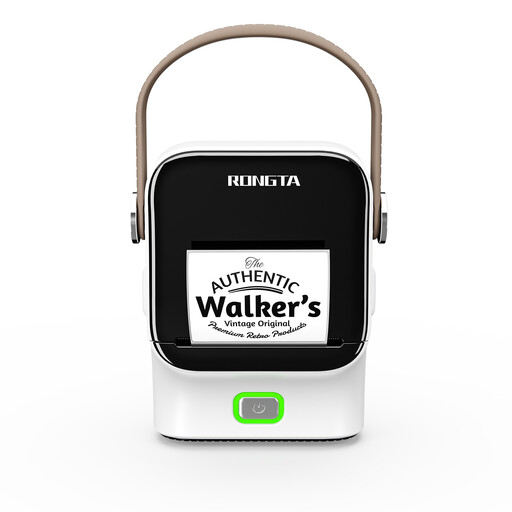 No image available
Before using it to label charging cables, check that the cable material you want to use is compatible with this printer; no specific cable tape combination is described.
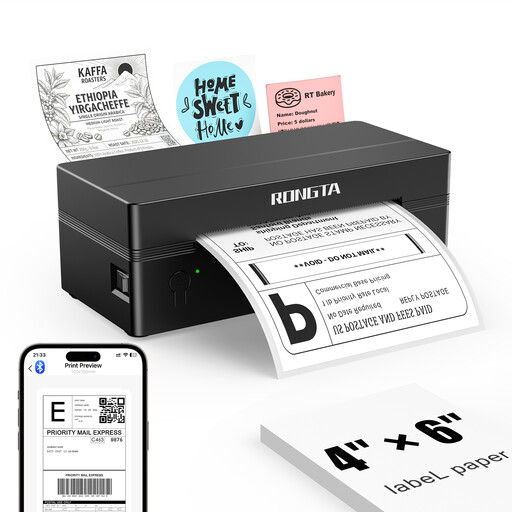 No image available
This model is described as a shipping label printer. If you want to use it for charging cables, be sure to check that the material is suitable and compatible with the device.
 No image available
This device is only suitable for charging cables if a material specifically designed for cables is compatible with the model; no such combination is described here.
First check whether the material is specifically designed for round cables. Brother describes TZe-FX for wrapping around cables and creating flags; being suitable for flat surfaces does not automatically mean a label is suitable for a charging cable too.
For suitable flexible cable tape, Brother describes two options: wrap the tape around the cable, or position it centrally and stick the two halves together to create a flag. Choose the text and position so that the plug and condition of the cable remain visible.
Check which tape cassettes are compatible, how much tape you are likely to use and the power supply required for the specific model. The Brother PT-E110 datasheet lists six AAA batteries or an optional mains adaptor; neither is included, according to the datasheet.
No. Organisations covered by the relevant requirements must still meet their obligations for safe electrical equipment and inspections. The German Social Accident Insurance (DGUV) advises that the applicable regulation can be obtained from the relevant accident insurance provider. An organisational label does not certify that an inspection has taken place.
A label will not fix a fault. For cables used at work, the DGUV recommends checking for damage such as crush marks or exposed conductors, and removing visibly damaged equipment from use. For workplace equipment covered by its rules, DGUV Regulation 3 also sets out how identified faults must be dealt with.