Fans of dark, story-driven games
If dark game scenes are your priority, VESA’s DisplayHDR tiers and specific model details, such as those provided by MSI, can help you compare panels and HDR capabilities.


For dark, cinematic adventures, a suitably specified OLED or QD-OLED monitor is a good choice. QHD IPS is an alternative if OLED isn’t essential. Compare the model’s exact VESA DisplayHDR certification, and choose a resolution and refresh rate to suit your PC or console. A monitor’s maximum refresh rate doesn’t tell you what a particular game can actually achieve. For headphones, check that the audio connection works with your setup; with OLED, also compare the care guidance and warranty terms for the specific model.
If dark game scenes are your priority, VESA’s DisplayHDR tiers and specific model details, such as those provided by MSI, can help you compare panels and HDR capabilities.
You want to choose a resolution and refresh rate that suit the output modes available on your PC or console. Samsung and Philips list these specifications for their respective models.
You want to check how to connect your headphones and use your monitor for other tasks as well. PlayStation Support explains how to select an audio output device, while Dell lists the ports on the AW3423DWF.
First, make sure the picture quality you want matches your source device’s capabilities. Then check the audio connection, care requirements and ongoing running costs.
| What to consider | What to check before buying | Who it matters to |
|---|---|---|
| Contrast and HDR | Panel type and exact DisplayHDR certification; a general HDR claim isn’t the same as a certified performance tier. | If dark game scenes are my priority, I compare the panel and the exact HDR specification. Around 36% of consumers may prioritise picture contrast when buying. |
| Resolution and refresh rate | Native resolution, refresh rate over the connection you’ll use, and the output modes actually available from your source device. | If I want a clear picture and smooth motion to suit my PC or console, I check that the monitor and output modes are compatible. Around 29% of consumers may prioritise resolution and refresh rate. |
| Headphone audio | Check whether you’ll connect your headphones to the source device or the monitor’s audio output; select the right audio output on your device. | If I’m gaming with the headphones I already own, I want to know in advance which device will output the sound. Around 21% of consumers may prioritise headphone connectivity. |
| Long-term use | For OLED, check the model’s care guidance and written warranty terms. If you use the monitor regularly, compare its energy consumption too. | If lifespan and ongoing costs are my priority, I compare care requirements, warranty and energy consumption. Around 14% of consumers may prioritise long-term use and costs. |
VESA distinguishes between certified DisplayHDR performance tiers. A general HDR claim doesn’t replace this certification.
Check the specific model’s DisplayHDR designation and certification.
LG lists 540 Hz at QHD and 720 Hz only at HD for the 27GX790B-B. Dell lists 165 Hz over DisplayPort and 100 Hz over HDMI for the AW3423DWF. These figures apply to the modes and connections specified.
Compare resolution, your preferred refresh rate and the input you’ll actually use. Also check which modes your game and source device support.
Audio can be output through different devices. OLED protection features and voluntary warranty terms vary by model, and don’t automatically mean a particular type of warranty cover.
Plan how you’ll connect your headphones, and read the connection and warranty details for the specific model.
The Odyssey OLED G8 G81SF LS27FG814SUXEN is a specific 27-inch example of a 4K QD-OLED monitor.
The MPG 271QRXDE QD-OLED is a WQHD model with a high listed refresh rate.
According to LG, the UltraGear OLED 27GX790B-B offers different refresh-rate modes.
The Evnia 27M2N5500/00 is a specific QHD IPS model in a 16:9 aspect ratio.
The AW3423DWF is a 34-inch ultrawide QD-OLED model with a 21:9 aspect ratio and a resolution of 3.440 × 1.440 pixels.
The Joybuy models featured here focus on OLED and QD-OLED displays for adventures full of detail or contrast. Check that the resolution, connections and care requirements suit your setup.
 No image available
For adventures full of detail, the 4K UHD resolution listed in the product name is worth considering. Check that it matches the output from your source device.
4K UHD, 3.840 × 2.160 pixels, OLED+, 240 Hz; 480 Hz at FHD. The product name also lists 1.300 Nits and 0,03 ms GtG.
 No image available
If you’re looking for a 16:9 OLED model for a WQHD setup, compare the listed resolution and refresh rate with your source device’s capabilities.
WOLED, WQHD at 2.560 × 1.440 pixels, 280 Hz, DisplayHDR True Black 500 and HDMI 2.1. The product description recommends keeping OLED Care Pro enabled.
 No image available
The 4K QD-OLED display could be a good fit for adventures full of detail if your PC or console supports your preferred resolution.
4K UHD, 3.840 × 2.160 pixels, 240 Hz and DisplayHDR True Black 400. Before buying, check that the audio output works with your headphone setup.
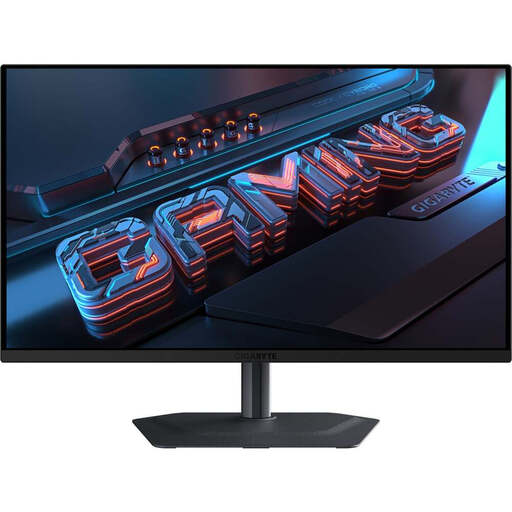 No image available
If you’re looking for a 16:9 QHD OLED model, check that the listed resolution suits your source device and the games you enjoy.
QHD at 2.560 × 1.440 pixels, QD-OLED, 240 Hz and 0,03 ms. The product name also mentions HDR and FreeSync Premium Pro.
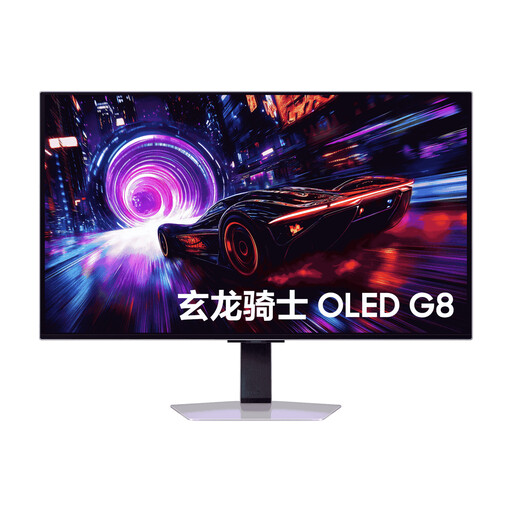 No image available
If you’re looking for a 32-inch QD-OLED model for adventures full of detail, check that the 4K resolution suits your source device.
4K QD-OLED. Check the specific refresh rate, connection and headphone audio details for the version on offer.
No, not necessarily. Check whether you can connect your headphones directly to your source device or to the specific monitor’s audio output. On PS5, you can select the output device in the audio settings; Dell lists audio connections for the AW3423DWF.
On your PS5, go to Settings, Screen and Video, then Video Output to check the current signal and the modes available with your display connected. Whether a particular game uses the mode you want also depends on the game itself.
Use the OLED care features designed for your model, and check the warranty terms, particularly those relating to burn-in. The Verbraucherzentrale notes that a manufacturer’s voluntary warranty isn’t the same as your statutory rights against the seller when goods are faulty.
For a consumer contract made online, you generally have a 14-day right to cancel; exceptions and the exact start of the cancellation period should be checked. The Verbraucherzentrale also distinguishes this right from statutory claims for faulty goods and a voluntary warranty.
The Umweltbundesamt lists EU energy labelling for electronic displays as a mandatory requirement. Also compare the energy consumption details for the specific model; an efficiency rating alone doesn’t tell you how much energy it will use in your day-to-day setup.