Novel readers who use several apps
You want to read classic novels on the go, as well as use a range of reading apps or other tablet features. Your choice will depend on where you get your books from and whether they’ll work while you’re travelling.


A compact tablet is a good fit if you want to use a range of reading apps or other media on the bus as well as read novels. If you mainly read continuous book text, a lightweight e-reader may be a better choice. Your decision should come down to the specific edition and reading source, how comfortable the device is to hold, and whether you’ve tested offline access. Onleihe’s help centre warns that offline use with Onleihe 3 does not work reliably on every device.
You want to read classic novels on the go, as well as use a range of reading apps or other tablet features. Your choice will depend on where you get your books from and whether they’ll work while you’re travelling.
You’ll be holding the device for long stretches and want to keep reading even when your connection is unreliable. Compare the weight of the specific model and test offline access with the title you plan to read.
You read e-books from a participating library. Check that the device, software, app and protected edition are all compatible.
First decide whether you need general apps as well as reading features. Then compare portability, offline access and how your specific edition is displayed.
A good fit if: you want to use a range of Android reading apps or other media on the same device as your novels.
The trade-off: A compact screen shows less of a fixed-layout PDF page at a time. Test the app and offline title before your journey.
A good fit if: you need a particular iPadOS reading app and want to use the device for other tasks too.
The trade-off: Details for the current iPad mini do not apply to older generations. Check that you can use the app you need and access your books offline.
A good fit if: you mainly read continuous novel text and don’t need general tablet apps.
The trade-off: E-readers do not offer the same range of apps and media as tablets. Onleihe compatibility depends on the model and software.
A good fit if: your edition of a classic is often a fixed-layout PDF and you need more screen space.
The trade-off: A larger screen takes up more room on a bus seat. Check a sample page, including its footnotes, and compare the weight of the specific model.
| Priority | What to check before buying | Who is this important to? |
|---|---|---|
| Portability | Check the weight and dimensions of the exact model, ideally with the case you plan to use. Try reading while seated. | If I have to hold the device for a long time on a bus seat, weight matters more to me than extra screen space. Around 31% of consumers put portability first. |
| Reading offline | Download the title you want before your journey and open it without a connection. Onleihe’s help centre describes device-specific limitations with Onleihe 3. | I want to carry on reading my borrowed novel even when my connection drops out. Around 25% of consumers prioritise offline access. |
| Access to the edition | Check that the app, edition and device software are compatible. Onleihe’s help centre says the app requires at least Android 10 or iOS 15.1; direct Onleihe access on the 5th-generation tolino shine requires software version 5.15.253009. | If I want to use particular library or classic editions, the source, app and device all need to work together. Around 25% of consumers put compatibility first. |
| Text display | Open a sample page from the edition you’ll actually be using, test the font size or PDF zoom, and weigh screen space against portability. | For a fixed-layout PDF edition with footnotes, I want to check whether I can read the page without constantly zooming in. Around 19% of consumers focus on text display. |
Onleihe’s help centre reports that downloading and then using a title offline with Onleihe 3 does not work reliably on every device.
Before your journey, open the exact borrowed title without a connection and follow the service’s guidance on online checks.
Support for a file format does not, by itself, mean that a protected library file will work. Onleihe says that protected Onleihe e-books cannot be opened on Kindle e-readers.
Check the current compatibility list for the exact model and its software version.
The screen size alone won’t tell you how your edition, including its footnotes, will look.
Open a sample page, test the zoom and weigh screen space against how easy the device is to handle on a bus seat.
Under § 64 UrhG, copyright generally expires 70 years after the author’s death. A creative translation may have its own copyright under § 3 UrhG. The Federal Ministry of Justice and the Federal Office of Justice list these provisions in the legislation.
Check the rights and terms of access for the specific text, rather than assuming that the original novel’s age tells you everything.
Depending on how you access a protected edition, purchase or borrowing terms may apply.
The Tab One ZAF00255SE is a compact Android tablet for readers who want to use other tablet apps alongside their novels.
The Galaxy Tab A11 and A11+ offer different screen sizes, from a compact option for reading to more screen space.
The current iPad mini is a compact iPadOS alternative for readers who use compatible apps.
The 5th-generation tolino shine is an e-reader alternative for readers who mainly read continuous novel text.
The Era Lite is another E-Ink option if you want to compare file formats.
This selection includes Android tablets in different screen sizes, an E-Ink tablet and a larger tablet option for reading on the bus and other uses.
 No image available
If you want to use an Android tablet alongside your novels, the Android apps mentioned in the product name and the 8.8-inch display may be relevant to you.
The product name lists Android 14 and Qualcomm Snapdragon 7+ Gen3. According to the product details, a power adapter is not included.
 No image available
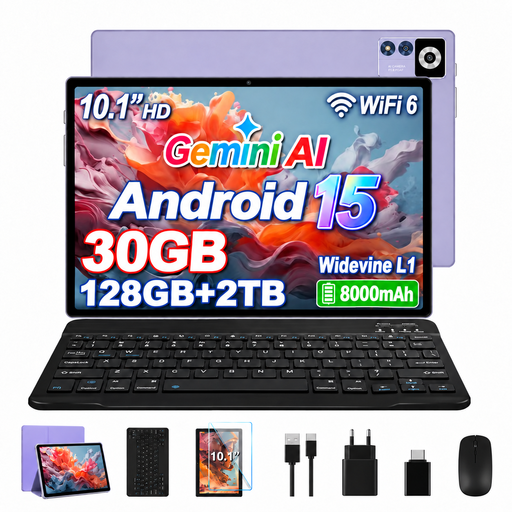
If you’d like to use an Android tablet for more than reading, this 10.1-inch model is a larger alternative to compact devices.
The product name lists a 10.1-inch IPS display with 1,280 × 800 pixels, 8 GB RAM and 22 GB virtual RAM.
 No image available
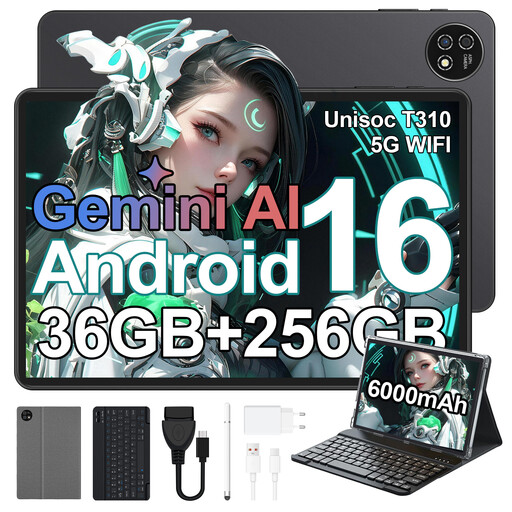
This 10.1-inch option may suit you if you want more screen space for reading. Before your journey, check that it’s comfortable to hold on a bus seat.
The product name lists Android 16, 36 GB RAM (6+30), 256 GB storage and a keyboard.
 No image available
With reading features and an E-Ink screen, this is an option to consider if you want to compare this type of device with tablets too.
The product name lists a 10.65-inch display and a protective case.
 No image available
This larger tablet is better suited to you if you value extra screen space over a device that’s easy to hold. Check the dimensions and weight of the specific model against the space available on your bus seat.
The product name lists 24 GB and 1 TB of storage.
A compatible tablet or certain e-readers may work, provided the app, software and edition are compatible. Onleihe’s help centre says the app requires at least Android 10 or iOS 15.1; direct access on the 5th-generation tolino shine is available from software version 5.15.253009. Also check your library and the specific edition.
Not reliably on every device: Onleihe’s help centre describes limitations with offline access on Onleihe 3. Connect to the app online regularly, as the service recommends, and test your borrowed title without a connection before you travel.
Sign in to the reading app or library service you need, download the specific edition and test that you can access it without a connection. This lets you check before you set off that your login, title and offline features all work with your device.
No. Under § 64 UrhG, copyright generally expires 70 years after the author’s death; creative translations may have their own copyright under § 3 UrhG. So check the rights and access terms for the specific edition.
Depending on the edition, e-books may be subject to purchase or borrowing terms. To use Onleihe, you’ll need a valid library card and login details. The Verbraucherzentrale says that, in Germany, goods ordered online generally come with a 14-day right to cancel, starting from the conclusion of the contract or receipt of the goods. Check whether any exceptions apply to your purchase.