Archive users across several floors
You need a reliable signal at your actual workstations and a working connection to the archive. So don't just check the Wi-Fi indicator on your device: also look at how the access points are connected.


You don't automatically need a new router to access archives across three floors. If your existing router works, it may make more sense to look at targeted Wi-Fi coverage instead. What matters is the signal at the actual workplace and the connection between access points; F.A.Z. Kaufkompass describes Ethernet backhaul as generally less prone to interference than a wireless connection between nodes.
You need a reliable signal at your actual workstations and a working connection to the archive. So don't just check the Wi-Fi indicator on your device: also look at how the access points are connected.
You need to decide who is allowed to view archive files. If the archive contains personal data, suitable access rules and technical safeguards are important. The German Federal Office for Information Security (BSI) also recommends keeping your router's firmware up to date.
You want to keep your existing internet setup and improve coverage only on the floors with a weak signal. The operating mode and connection method of any additional devices are key.
A good fit if: Your internet connection and router work, but some workstations have poor coverage.
Things to weigh up: A wireless repeater needs a usable connection where you place it; installing an Ethernet cable may take extra work.
A good fit if: Your current router isn't suitable for your connection type or the features you need.
Things to weigh up: Connection compatibility and Wi-Fi coverage are separate issues. You may need additional access points after replacing your router.
| Priority | What to check before buying | Who is this important to? |
|---|---|---|
| Coverage on every floor | Check the signal at your workstation and planned node locations; take existing Ethernet cabling between floors into account. | If I need to access the archive from workstations on different floors, the connection needs to work right there. Around 29% of consumers prioritise coverage at archive workstations. |
| Protected archive access | Plan separately who can use the internal network and who can open files stored on the archive device. | If I need to protect club files from unauthorised access, I want to manage network separation and file permissions separately. Around 23% of consumers prioritise access rights for archive files. |
| Connection and existing router | Check that your connection type, router model and the operating mode of any additional device are compatible. | If I want to keep using my existing router or replace it with a suitable one, the device needs to work with my connection type and current setup. Around 18% of consumers prioritise compatibility with their internet connection and router. |
| Connection to local storage | Check where the storage is located and which Ethernet ports are available; include the connection between floors in your plan. | If the archive is stored on a device in the building, I want to plan the route between my workstation and the storage too. Around 18% of consumers pay particular attention to the connection to local archive storage. |
| Effort involved in extending coverage | Work out in advance how many nodes you need, which cables are already in place and which operating mode is required. | If I only want to improve coverage in one poorly served area, I don't want to opt for a larger setup than I need. Around 12% of consumers prioritise the overall effort involved in extending their network. |
The connection between nodes and obstacles in the building affect the signal that reaches the archive workstation.
Check the signal where you plan to use the network and at the planned node locations. If available, compare using Ethernet cabling between floors to connect the nodes.
Depending on the signal, you may need more nodes or a different position for them.
Extending your Wi-Fi and getting internet access over DSL, cable or fibre are different functions.
Before removing your current router, check your connection type and the operating mode of the new devices.
You may still need a compatible modem or your existing router to connect to the internet.
A separate guest Wi-Fi network limits access to your internal network, but it doesn't determine which internal users can open individual archive files.
Plan guest access and permissions on the archive storage separately. If you store personal data, your club must consider appropriate data protection measures.
Worth considering if you need a DSL router or want to extend an existing FRITZ! network.
Deco X50 nodes are an option for extending Wi-Fi with multiple units, including behind an existing router.
The ZenWiFi XD5 is described as a multi-unit mesh system with router, access point and AiMesh node modes.
The Joybuy products below include additional Wi-Fi access points for an existing router, as well as routers for compatible connections. For an access point, check the network connection and power supply it needs; for a router, make sure it supports your connection type.
 No image available
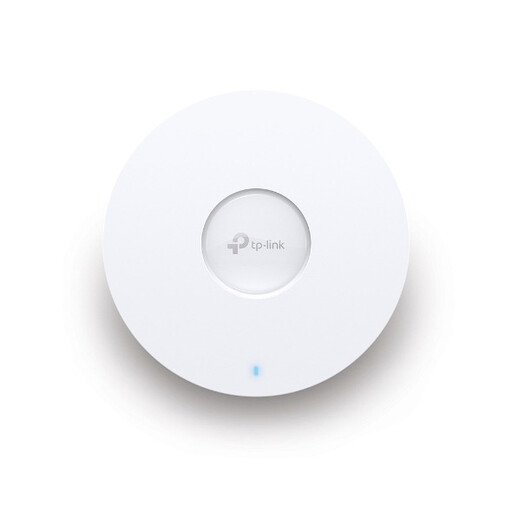
Designed as an additional access point for a poorly covered work area.
Specifications include PoE, one Gigabit port, guest access and WPA2/WPA3. According to the product description, a PoE switch or injector is required for power.
 No image available
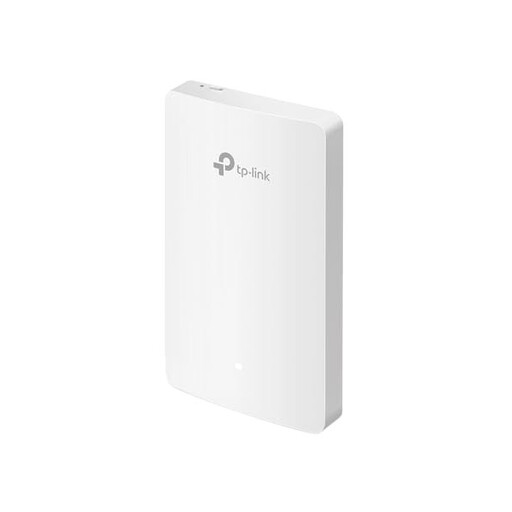
Listed as an additional access point for another location in your home.
Designed for ceiling or wall mounting. Specifications list PoE+ or, alternatively, a compatible 12 V DC power supply.
 No image available
Described as a wall-mounted access point for extending an existing network.
The title lists four Gigabit ports. The product description says it connects to an existing network.
 No image available
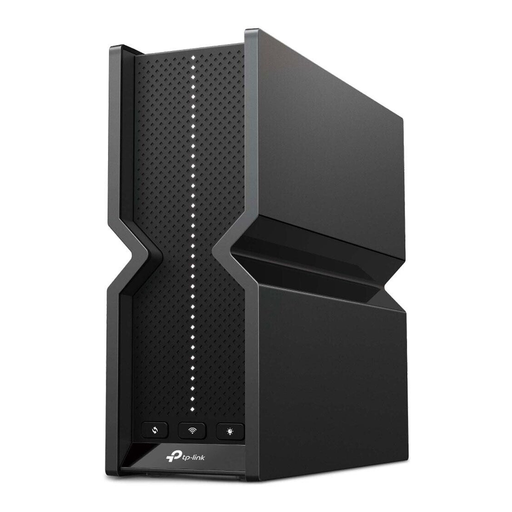
Worth considering for a home network with wired devices or local storage sharing.
The title lists four 2.5 Gigabit LAN ports; the description lists one USB 3.0 port and support for NAS devices. The setup described connects the router to a modem via Ethernet. Check which modem or router is compatible with your connection.
 No image available
Described as a router for a compatible DSL connection.
The title lists VDSL Supervectoring 35b. The product specifications list four Gigabit LAN ports and the option to extend coverage with FRITZ!Repeaters.
No. If your existing router works, a suitable Wi-Fi extension can target workstations with poor coverage. First, check whether the archive is available locally or over the internet.
Don't place a wirelessly connected node only where the connection has already dropped out: the node itself needs a usable wireless connection to the rest of the network. If suitable Ethernet cabling is available between floors, a wired connection is an option instead.
The BSI recommends keeping your router's firmware up to date. A separate guest Wi-Fi network can keep visitors off your internal network, but you'll still need to manage archive file permissions separately.
Check the cost of the complete setup, including the router, any nodes you need and possible cabling. If you use Deco behind an existing router in Access Point mode, certain gateway features aren't available, according to TP-Link. So check that the operating mode you choose supports the features you need.
Plan Wi-Fi access and permissions for individual files separately. According to the BSI, a guest Wi-Fi network can keep visitors off your internal network, but it doesn't control which authorised users can open files in the archive.