What should you look for when buying?
OLED TV
A good fit if: guests sit well off to the side and dark film scenes matter.
The trade-off: A wide viewing angle doesn’t make up for choosing the wrong screen size or failing to check for reflections in the hall.
IPS LCD TV
A good fit if: you want to keep your wide seating arrangement and a specific IPS model suits the size and lighting of the room.
The trade-off: RTINGS describes IPS as having wider viewing angles than typical VA LCD, but its native contrast may be lower.
VA LCD TV
A good fit if: you can arrange most seats to face the screen and front-on contrast is a priority.
The trade-off: With typical VA panels, changes to the picture may become noticeable sooner from seats off to the side. Assess the outer seats with the specific model.
RTINGS describes typical VA LCDs as generally having narrower viewing angles than IPS LCDs. So assess the screen with your actual seating plan rather than relying on labels such as “LED” or “QLED” alone.
| Concern |
What to check when buying |
Who is it important to? |
| Picture from the side |
Try the furthest seat and assess the viewing angle of the specific model. |
If we’re sitting off to the side, colours and picture contrast should remain as easy to make out as possible. Around 28% of consumers put viewing angle first. |
| Viewing from the back rows |
Check viewing distance, screen size and clear sightlines together. |
Faces and on-screen text should still be recognisable from the back. Around 22% of consumers prioritise screen size for this reason. |
| Playing films and sound |
Test the final file, including sound and subtitles, via USB or your planned HDMI player. |
If we’re showing our own films, the specific file and its sound need to play reliably. Around 22% of consumers prioritise playback. |
| Picture in the hall lighting |
Check for reflections and how dark film scenes look at the intended location and in the planned lighting. |
The picture should remain easy to see near windows or with the hall lights on. Around 17% of consumers put this first. |
| Overall cost and effort |
Check installation, the sound solution you’ll need and the EU energy label for the models you’re considering. |
If we also need to plan for installation and running costs, the overall outlay matters. Around 11% of consumers prioritise this consideration. |
TV selection at Joybuy
This selection includes 4K smart TVs in a range of screen sizes and with different screen technologies. Check your seating plan and the planned screening to see which size and viewing angle will suit your club room.
 No image available
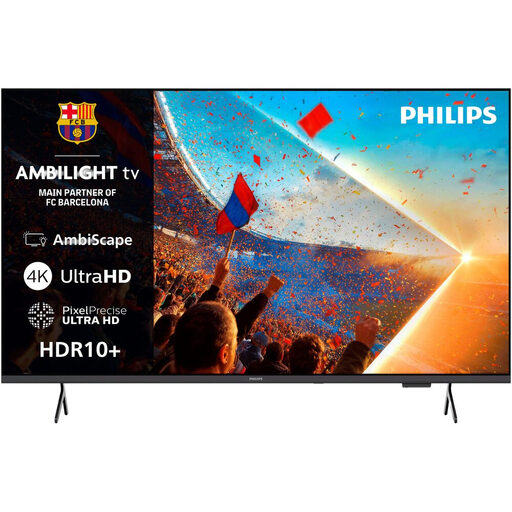
Philips 55PUS8001, 55-inch, 4K UHD, Ambilight smart TV
An option if a 55-inch screen suits the viewing distance and available space in your club room.
Listed features include 4K UHD, HDR10+, Titan OS, three HDMI and two USB ports, plus a 20-W audio output.
View at Joybuy
 No image available
TCL 75Q7D PRO, 75-inch, 4K SQD Mini LED
Worth considering as part of your size comparison if a 75-inch screen suits the viewing distance and installation space.
The product title lists Google TV, anti-reflection, Dolby Vision IQ and Dolby Atmos. Check how the picture looks in your venue’s lighting.
View at Joybuy
 No image available
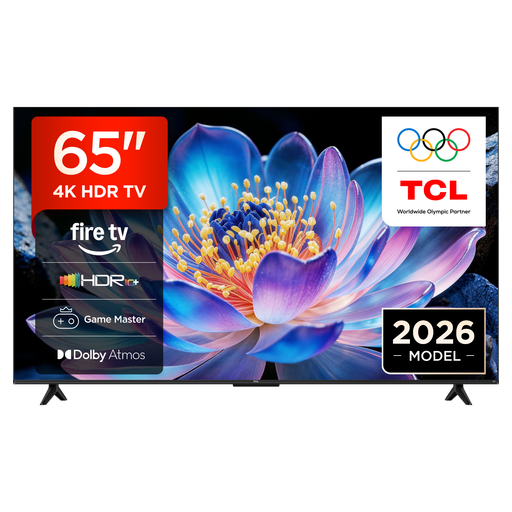
TCL 65V6D, 65-inch, 4K UHD smart TV
A 65-inch option if the screen size and viewing distance work for your club room.
The product details list Fire TV, HDR10+, Dolby Atmos and HDMI 2.1.
View at Joybuy
 No image available
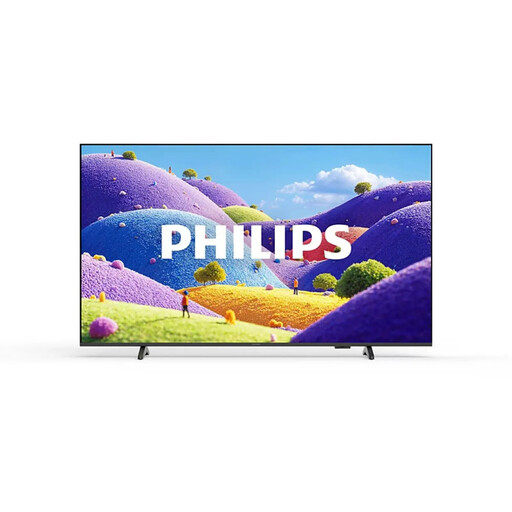
Philips 75PUS7061/12, 75-inch, 4K UHD LED smart TV
A larger screen could be a good fit if it suits the viewing distance and the space available for installation.
The product details list HDR10+, Titan OS, three HDMI and two USB ports. Check the viewing angle and playback of your film file separately.
View at Joybuy
 No image available
LG OLED77G67LW OLED evo AI G6, 77-inch, 4K smart TV
OLED is one option to consider for wide seating rows, but check the outer seats and whether a 77-inch screen will suit your hall.
Listed features include an anti-reflection display, four HDMI inputs and three USB ports. The product description says a wall bracket is included but a table stand isn’t. Check the planned installation and that the wall can support it.
View at Joybuy
Frequently asked questions
Is a USB port enough to play our anniversary film?
No. A USB port alone doesn’t guarantee playback. The file format, video and audio codecs, and subtitles if applicable, all need to be compatible with the specific TV. Before the event, test the complete final file using your planned USB stick or a prepared HDMI player.
How should we choose the TV’s size and location?
Check the screen from the furthest and rearmost seats you’re planning to use. Take into account the viewing distance, whether on-screen text is legible, windows, lights and clear sightlines in the actual hall layout.
What running costs and service terms should we check?
The EU energy label shows the model’s energy consumption in kWh/1,000 h. Your actual electricity costs will depend on factors including how long you use the TV and your electricity tariff. Also check delivery, installation and warranty terms. The minimum two-year legal consumer guarantee explained by Your Europe cannot automatically be assumed to apply to a purchase made by a club as a legal entity.
Can we simply show anniversary films at a club event?
Not just because the club owns the film file or doesn’t charge admission. Under § 15 UrhG, whether a screening is public depends, among other things, on the personal relationships between those attending. § 52 para. 3 UrhG requires the rights holder’s consent for the public screening of a film. If the film includes music, check the relevant rights and whether you need to register the event with GEMA. Whether a specific event is public and which rights already apply to films you’ve made yourself will depend on the circumstances.


