Before choosing a TV for an anniversary film, test the original files, including their sound, on the exact model you’re considering. A USB port alone doesn’t guarantee playback. Choose a screen size and sound setup to suit the room and seating, compare energy consumption, and check whether you need permission from the rights holders to show a film publicly.
Who is this guide for?
Clubs with finished film files
If you want to play anniversary films directly from local storage, the file system and video and audio codecs must be compatible with the specific TV. LG Germany and Sony Germany highlight that USB playback limitations vary by model.
Clubs with lots of viewing positions
If you have several seating areas, make sure the screen size suits the room and where the TV will go. The German Environment Agency notes that energy consumption increases with screen size.
Clubs planning sound for a group
For everyone to hear a film clearly, test both the soundtrack in the original files and the planned sound setup. A picture on its own doesn’t confirm that the audio codec is supported; LG Germany highlights this in its guidance on USB playback.
What should you look for when buying?
First check that the original files play, then consider screen size and positioning, followed by the sound setup and energy consumption of the specific model.
| What matters |
What to check before buying |
Who is this important to? |
| Playing films from local storage |
Check the file system and video and audio codecs on the exact model; test all the original files with sound. LG Germany and Sony Germany note that supported formats vary by model. |
If I need to rely on the film files we already have, I want to test the picture and sound from start to finish before the event. This is the main concern for around 33% of consumers. |
| Visibility around the room |
Match the screen size to the seating, viewing angles and available space; compare the energy label for each specific model. The German Environment Agency notes the link between screen size and energy consumption. |
With lots of seats or people sitting further away, I want a screen that suits the room without overlooking where the TV will go. Around 27% of consumers prioritise viewing positions and screen size. |
| Sound for the group |
Test the original files with their soundtracks and, if you plan to use an external sound system, check the connection you’ll use on the specific model. |
If several people need to hear the film, I want to try the sound setup with the original files in advance. Around 27% of consumers say group sound is their main concern. |
| Purchase and running costs |
Plan the complete setup, including any playback and sound equipment you may need; compare the energy labels of suitable models to check their consumption. |
If I need to keep an eye on the cost of the complete screening setup, running costs matter as well as the TV itself. Around 13% of consumers put total costs first. |
What mistakes should clubs avoid?
-
Assuming “USB” or “MP4” guarantees compatibility
The file extension, file system, and video and audio codecs are separate things to check. A compatible file extension alone doesn’t mean the film will play with sound.
Check the format specifications for the exact model and play all the original files from start to finish before you buy or hold the event.
If the files don’t play directly, converting them or using an external playback device could mean extra preparation.
-
Choosing the biggest screen without planning for the room
The screen size and positioning need to suit the seating. According to the German Environment Agency, energy consumption also rises as screen size increases.
Decide where people will sit and where the TV will go, then compare the energy labels of suitable models.
-
Assuming the club’s purpose means film rights don’t need checking
Under § 52 Abs. 3 UrhG, showing a film publicly requires permission from the rights holders. Whether a specific event counts as public depends on the circumstances.
Before a public screening, check who holds the film rights and what permissions you need. This rule doesn’t apply as a blanket statement to every private film screening.
Which brands can help you choose?
LG
The LG OLED65B59LA is a 65-inch OLED option to consider if you can control the lighting in the room.
- LG lists 4K OLED, Dolby Vision and webOS 25 for this model.
- According to LG Germany, the file extension and codec must be compatible for USB playback. Test your club’s actual files on the specific model; manufacturer information isn’t an independent comparison.
Samsung
The GQ65QN92FATXZG is a 65-inch Mini LED option where the room’s lighting may be a factor in your choice.
- Samsung lists “Glare Free” and Quantum Mini LED Pro for this model.
- This manufacturer information doesn’t prove superior performance in a club setting or confirm that your specific film files will play.
Sony
The BRAVIA 5 K65XR52BP.CEI is another 65-inch Mini LED option. Sony offers model-specific guidance on checking USB files.
- Sony describes this version as a Mini LED, 4K TV.
- According to Sony, supported file formats can depend on the model and software updates. You’ll still need to test the original files; manufacturer information isn’t an independent performance test.
Philips
The 65PUS8600/12 is a 65-inch QLED option with Ambilight as an extra feature beyond film screenings.
- Philips lists 4K QLED, Ambilight and Titan OS for this model.
- The product information doesn’t confirm that your club’s specific files will play with sound. The stated picture effects are manufacturer claims.
TVs at Joybuy
This selection includes TVs with a range of screen sizes and features for club film screenings. You’ll need to check that your local film files play with sound on each specific model.
 No image available
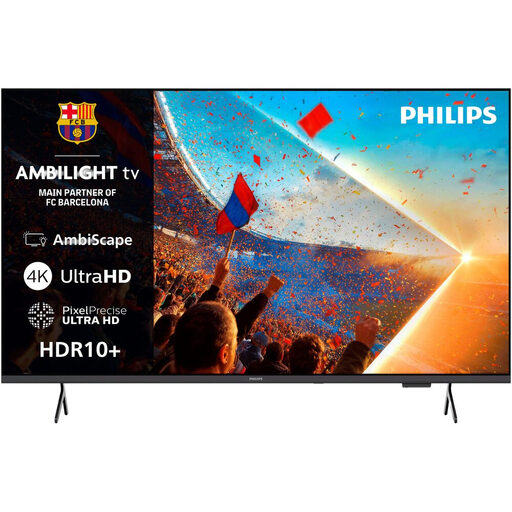
Philips 55PUS8001 4K UHD Ambilight Smart TV
If a 55-inch screen suits your room, this model’s clearly stated size gives you a useful starting point when planning the seating.
55 inches; 4K UHD; 3-sided Ambilight.
View at Joybuy
 No image available
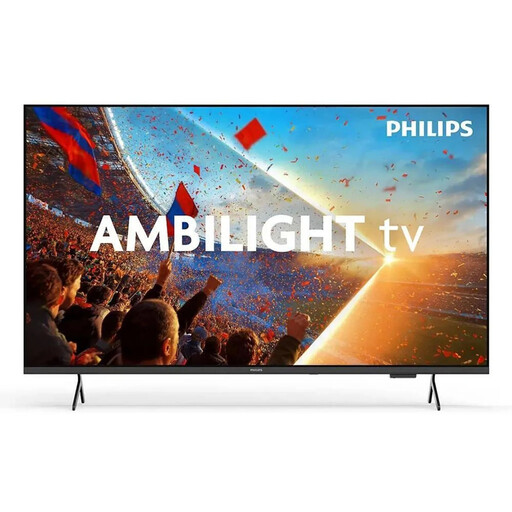
Philips 43PUS8001/12 4K QLED Smart TV
If a more compact screen suits the space, the stated 43-inch size gives you a clear reference point when planning the room.
43 inches; 4K QLED; 3-sided Ambilight.
View at Joybuy
 No image available
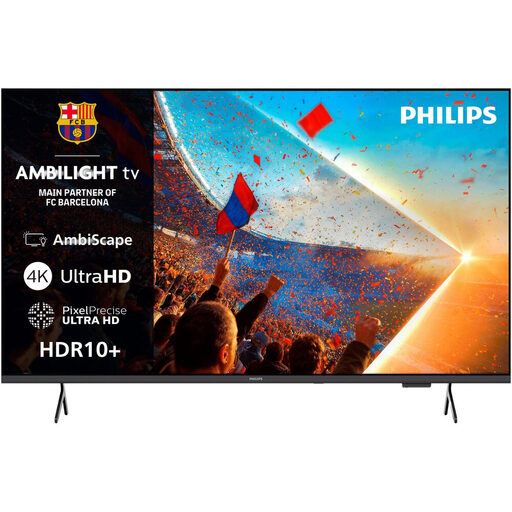
Philips 65PUS8001/12 4K UHD LED Ambilight TV
If your seating calls for a larger screen and there’s room for it, this 65-inch model is worth considering alongside its placement and energy consumption.
65 inches; 4K UHD; LED; Ambilight.
View at Joybuy
 No image available
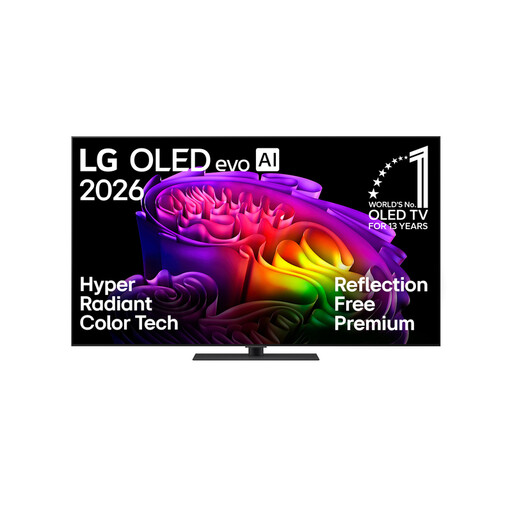
LG OLED65G66LS OLED evo AI G6
If a 65-inch OLED suits your planned setup, take the room’s lighting into account when choosing.
65 inches; 4K OLED; Smart TV.
View at Joybuy
 No image available
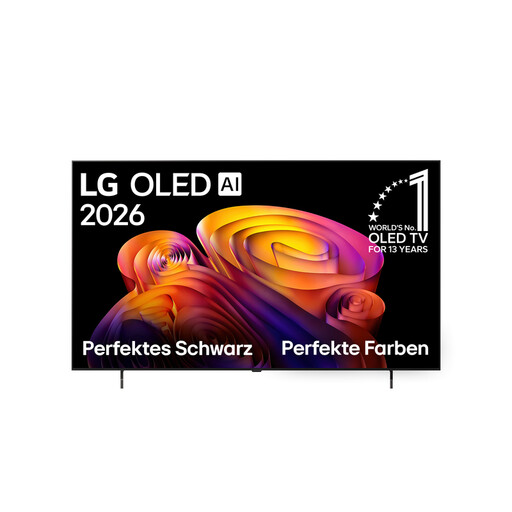
LG OLED65B68LA 4K OLED Smart TV
If 65 inches suits your room and seating plan, compare this OLED model’s stated picture and sound formats with the needs of your screening.
65 inches; 4K OLED; Dolby Vision; Dolby Atmos.
View at Joybuy
Frequently asked questions
Is a USB port enough to play our anniversary films?
No. Check the file system and video and audio codecs on the specific model, and play the original files from start to finish in advance. LG Germany and Sony Germany note that format limitations vary by model.
What can we do if a film plays with a picture but no sound?
First check whether the specific TV supports the file’s audio codec. LG Germany lists an unsupported codec as one possible cause of problems when playing local files. You should also test the sound setup planned for the event.
What costs should we budget for beyond the purchase price?
Allow for any stands or mounting, playback equipment and sound equipment you may need. You can compare the energy information on the EU energy labels for specific models; the German Environment Agency notes the link with screen size.
Does a club need permission to hold a public film screening?
Under § 52 Abs. 3 UrhG, showing a film publicly requires permission from the rights holders. For the specific event, the club must check whether it counts as public and who holds the film rights. This rule doesn’t apply as a blanket statement to every private film screening.
Is a manufacturer’s guarantee the same as your statutory rights?
No. The consumer advice centre distinguishes between your statutory rights against the seller and a voluntary guarantee. The rights that apply to a specific club purchase should be checked against the sales contract and the buyer’s status.


