What should you look for when buying?
Start by checking the platform and control scheme for the specific game. Then decide whether wireless or wired works best for your seating position, available ports and power requirements.
| What matters |
What to check before buying |
Who will find this most important? |
| Platform and game compatibility |
Check the exact platform and model version, then find out which controller setups the game supports. |
If my main concern is making sure my controller and co-op game work with my console, compatibility is my top priority. Around 36% of consumers put platform and game compatibility first. |
| Enough controls for two players |
Check the player count and control scheme, and find out whether individual Joy-Con are supported. |
If we need to check whether our existing controllers are enough for two players, having the right number of controls matters most to me. Around 29% of consumers prioritise whether they need an additional full controller. |
| Connection in your gaming space |
Compare the specified wireless or USB connection with the ports available, and plan the cable route if you choose a wired controller. |
If we’re playing in a shared bedroom, I want to arrange the seating and connection so there isn’t an annoying cable running across the gaming area. Around 21% of consumers prioritise the connection in a limited gaming space. |
| Charging and accessories |
Check the power source, charging method and what’s included with the exact model. |
If I want to keep extra costs and the hassle of charging under control, I pay particular attention to the power source and any accessories I’ll need. Around 14% of consumers prioritise charging, batteries and potential ongoing costs. |
Controllers available at Joybuy
This selection includes Joy-Con for Switch 2 and full gamepads for Nintendo Switch, Switch 2, PS5 and Xbox, as well as compatible Windows PCs.
 No image available
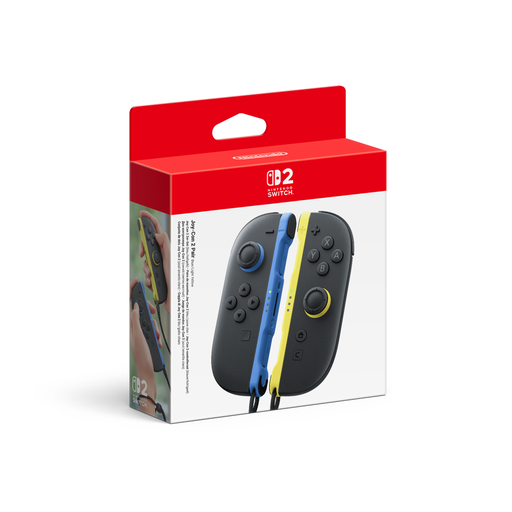
Nintendo Switch 2 Joy-Con 2 (2-piece set, Blue/Light Yellow)
For Switch 2 co-op games where the game supports using individual Joy-Con separately.
The set includes one Joy-Con 2 (L) and one Joy-Con 2 (R). Using them individually depends on the game.
View at Joybuy
 No image available
Nintendo Switch Pro Controller (Black)
An option for Switch co-op games where each player needs a full gamepad.
Before buying, check that the specific game and console you’re using support this controller.
View at Joybuy
 No image available
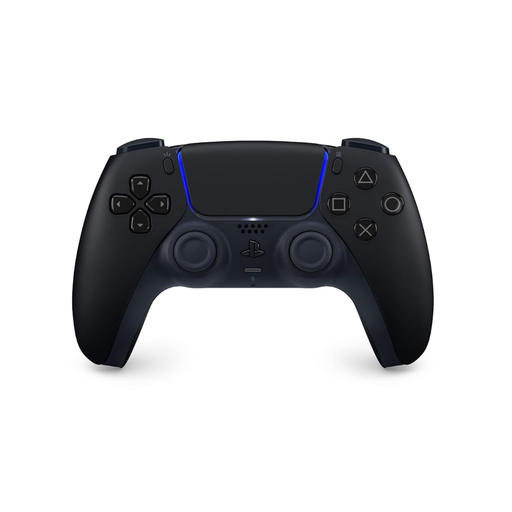
PlayStation DualSense Wireless Controller (Midnight Black, incl. USB cable)
For PS5 co-op games where another player needs a full DualSense controller.
The product title specifies the Midnight Black colour and an included USB cable. Special features depend on the game.
View at Joybuy
 No image available
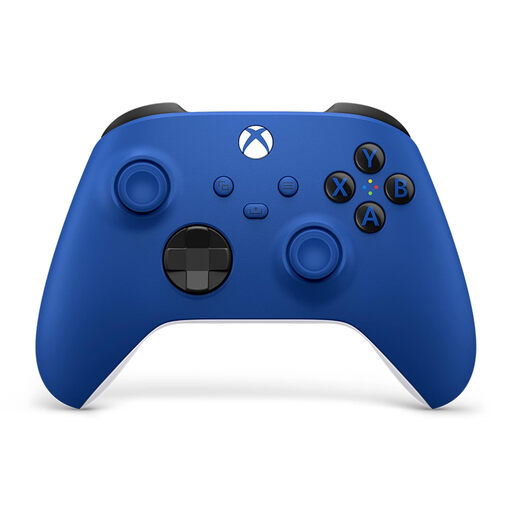
Xbox Wireless Controller (Shock Blue, Xbox One/Xbox Series X/S/PC)
For co-op on Xbox or a compatible Windows PC when each player needs a full gamepad.
The product title lists Xbox One, Xbox Series X/S and PC as compatible platforms.
View at Joybuy
 No image available
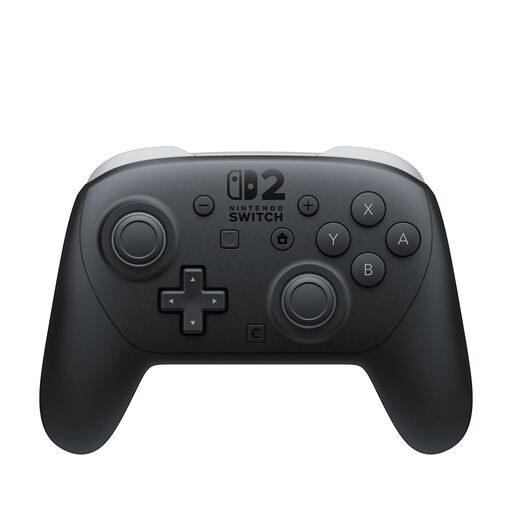
Nintendo Switch 2 Pro Controller
For Switch 2 co-op games where each player needs a full gamepad.
Check the controller requirements for the specific game before choosing this model.
View at Joybuy
Frequently asked questions
Do we always need a second full controller for two players?
No, not for every Switch or Switch 2 game. A left and a right Joy-Con can be used individually if the game supports that multiplayer setup. Check the controller requirements for your specific co-op game.
Do Joy-Con 2 work with the original Nintendo Switch?
No. Nintendo designed Joy-Con 2 for Switch 2. Original Switch Joy-Con can connect wirelessly to Switch 2, but can’t be attached to the console.
How do I charge Joy-Con 2 after playing?
Nintendo lists charging them while attached to Switch 2, or using a Joy-Con 2 charging grip, sold separately. According to Nintendo, to charge them on the console, it must be connected to the AC adapter and switched on or in sleep mode.
What are your rights if you buy a faulty controller online in Germany?
When you buy from a business seller, you’re generally entitled to a legal guarantee of at least two years from the date you receive the goods, as Your Europe explains for goods bought in the EU. This is separate from any voluntary manufacturer’s warranty. Most online purchases also generally come with a 14-day cancellation period; the Verbraucherzentrale explains that conditions and exceptions may apply in individual cases.
How should I dispose of old controller batteries or rechargeable batteries?
The German Environment Agency recommends not putting used batteries and rechargeable batteries in household waste. Instead, take them to a retailer’s collection point or a local authority collection point.


