Co-op sessions on a wide sofa
When several people are playing at once, those sitting at either end should still get a clear picture. RTINGS.com highlights wide viewing angles as an important consideration when seats are spread far apart.


When other players are sitting to the side, picture quality from the outermost seat should matter more than the maximum refresh rate when choosing a gaming TV. OLED is one option; according to RTINGS.com, IPS LCDs typically offer wider viewing angles than VA LCDs, usually with lower native contrast. 120 Hz and VRR only matter if your gaming device, connection and game support them.
When several people are playing at once, those sitting at either end should still get a clear picture. RTINGS.com highlights wide viewing angles as an important consideration when seats are spread far apart.
Here, game mode and picture output that suits your gaming device and game are key. RTINGS.com identifies low input lag as an important gaming feature; a high frame rate is only useful if your setup supports it.
If you also use the TV in a bright room and for long gaming sessions, consider reflections, how it handles static images and the space available. The European Commission’s energy label provides information for SDR and HDR content.
First, check what the picture looks like from the outermost seat. Then compare the gaming features you can actually use and how well the TV suits your room and setup.
| What matters to you | What to look for when buying | Who it matters most to |
|---|---|---|
| Picture quality from seats at the sides | Check the viewing angle of the specific model; if possible, assess the picture from the outermost seat. | When other players are sitting at either end of the sofa, I want to be able to make out colours and dark areas of the picture from there too. Side-on picture quality would be the top buying priority for around 36% of consumers. |
| Responsiveness and picture output | Consider game mode and input lag; check that 120 Hz, VRR and the right HDMI input are compatible with your gaming device and game. | For a game that needs quick inputs, I want the TV and the frame rate it can actually display to suit my gaming device. Responsiveness while gaming comes first for around 29% of consumers. |
| Room lighting and long sessions | Check for reflections where you plan to put the TV; with OLED, consider the protective features and how you use static images. | During long gaming sessions in a bright living room, I want to keep reflections and persistent on-screen displays in mind. Room lighting and extended use would be the main concern for around 21% of consumers. |
| Size, space and energy use | Check the viewing distance, whether split-screen game displays will be easy to read and the stand dimensions; compare the energy labels of similar models. | When the screen is split, I need game displays that are easy to read, enough space for the TV and a clear idea of its running energy costs. Size, space and energy use would be decisive for around 14% of consumers. |
The name of a lighting or colour technology alone doesn’t tell you how much the picture changes when viewed from the edge of the sofa.
Check the panel type and side-on picture quality for the exact model and screen size.
A TV’s maximum refresh rate doesn’t mean every gaming device and game can output at that rate.
Check the output supported by your gaming device and game against the TV’s game mode and the right connection.
Protective features can reduce the risk from static images, but there’s no evidence that they eliminate it completely.
Consider how you use games with persistent on-screen elements and check the guidance for the specific model.
A large screen needs to suit your seating and available space. Energy use and installation can also be worth considering when planning your setup.
Check your seating arrangement and the stand dimensions, and compare the information on EU energy labels.
Remember to factor in electricity use and any installation costs too.
The German-market OLED65C69LB and OLED65C57LA are OLED TVs with gaming features.
The 55OLED810/12 combines OLED with Ambilight and advertised gaming features.
The BRAVIA 8 II K-65XR8M2 is a documented OLED option for playing together and other home cinema uses.
The OLED GQ65S90FATXZG, listed for the German market, is another option with a specified high refresh rate.
The Joybuy models featured here are large-screen TVs with gaming features. If you’ll be sitting to the side, check the picture quality of the exact model variant from the outermost seat.
 No image available
The large screen could be a good fit for playing together, but check the picture from the seats at the sides too.
The product description lists 4K, HDMI 2.1, 144 Hz and VRR.
It also mentions anti-reflection technology and peak brightness of up to 2,000 Nits.
 No image available
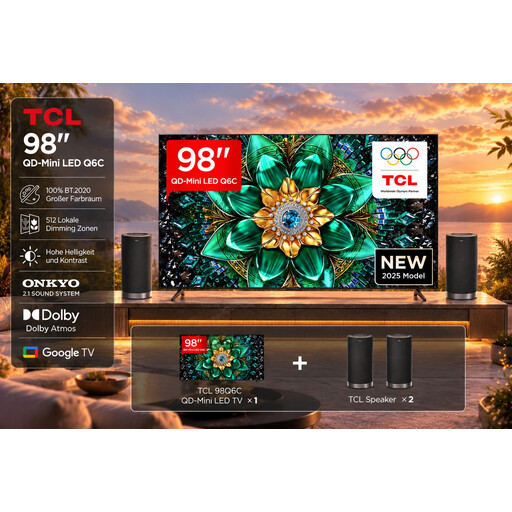
This set pairs a large-screen TV with a speaker set. Check that the screen size and setup will work in your room.
The product description lists 4K, 144 Hz, VRR, Game Master Mode and HDMI 2.1.
 No image available
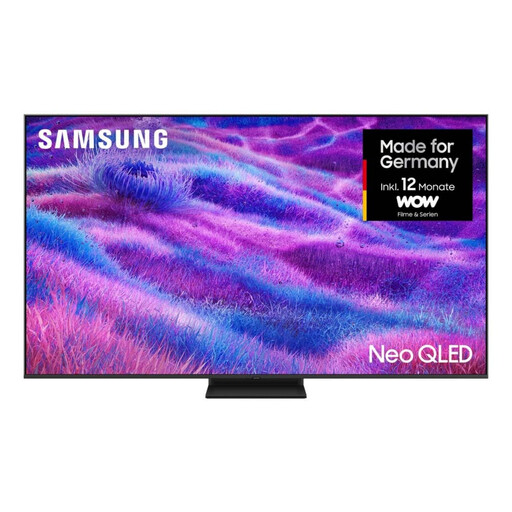
The 85-inch version is a large-screen option for playing together. Check that the screen size suits your viewing distance and available space.
The product description lists a 120 Hz refresh rate and four HDMI ports.
 No image available
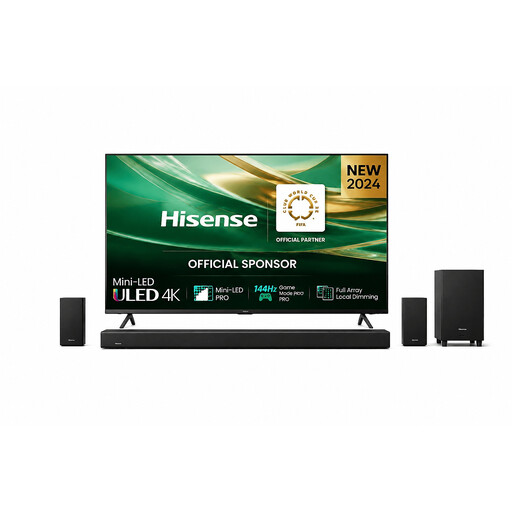
According to the product name, this set includes a 75-inch TV and a soundbar. Check that both will fit your setup.
The description lists 144 Hz, VRR and ALLM. It also specifies horizontal and vertical viewing angles of 178°; this is a product claim, not an independent measurement.
 No image available
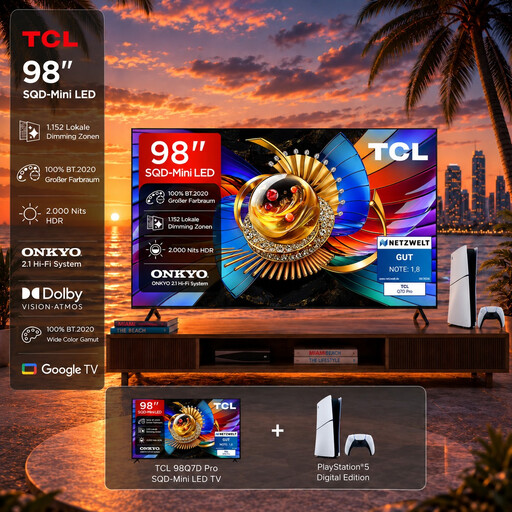
According to the product name, this bundle includes a 98-inch TV and a PlayStation 5 Slim Digital Edition. Check that the screen size and included console suit your needs.
The description lists 4K, 144 Hz, VRR and four HDMI 2.1 ports.
No. You can only use the advertised maximum refresh rate if your gaming device, connection and game support the corresponding picture output. First check the game mode, the frame rate actually supported and, if relevant, VRR.
Match each device to a port that supports the features it needs. For the Sony K-65XR8M2, Sony specifies VRR for HDMI 3 and 4, and eARC for HDMI 3, so plan your cabling accordingly.
Avoid leaving static game displays on screen for longer than necessary, and follow your model’s screen protection guidance. LG describes features that help reduce image retention, not eliminate it completely.
The European Commission’s EU energy label provides information for SDR and HDR content; actual energy use also depends on how you use the TV and your electricity tariff. According to Your Europe, when you buy from a trader, you’re entitled to a legal guarantee of at least two years from the date you receive the goods. This is separate from any additional manufacturer’s warranty.