
Lieferung heute & morgen

Qualitätsgarantie

Willkommens-Angebote freischalten: KOSTENLOSE Lieferung | Bis zu 80 % RABATT | Kostenlose 30-Tage-JoyPlus-Testphase
App herunterladen
Anyone looking for compatible HP printer cartridges and toner will usually want to reduce ongoing printing costs without compromising on everyday performance. For families, students, home-office users and small businesses, however, price is not the only deciding factor. A cartridge must match the specific printer model, the required colour and the intended print volume.
HP uses model series such as 912XL, 953XL, 117A, 203X and 207A. These designations are not interchangeable. Even printers from the same brand may require different cartridge or toner series. Before buying, you should therefore compare the model number shown in the printer menu, user manual or on the old cartridge.
XL printer cartridges usually indicate a higher yield within the same series. This does not necessarily mean that several cartridges are included. An individual product might, for example, contain only one magenta printer cartridge. Always check the contents and distinguish between an individual cartridge, colour set and multipack.
With toner cartridges, a chip can be important for recognition, toner-level monitoring and communication with the printer. A product such as HP 207A toner with chip is therefore appealing to buyers who want a straightforward installation. Even so, you still need to check the specific printer model, as firmware versions and device series can vary.
Do not search only for “compatible HP ink cartridges”. Combine your search with the full model designation of your device. Examples:
These examples do not replace checking the relevant product page. Model lists may vary depending on the specific version and configuration.
Colour printers generally require black as well as cyan, magenta and yellow. A cyan printer cartridge, magenta printer cartridge or yellow printer cartridge is often available as an individual product. This can be useful if only one colour has run out. For regular printing, a set of four may be more convenient.
Also check whether the product page states “1 Cyan”, “1 Magenta” or a complete set. This helps you avoid accidentally ordering just one individual colour.
Page yields usually refer to standardised printing conditions and a specific coverage level. Photos, colour-intensive presentations and full-page graphics use considerably more ink or toner than simple text documents. So do not compare only the unit price. Also consider:
With laser printers, you should also check whether the drum and toner are separate components. A toner cartridge is not automatically a drum unit.
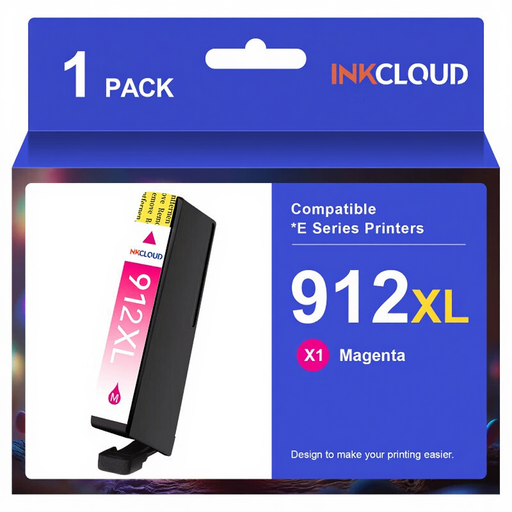
Why this product suits the profile: The individual 912XL magenta cartridge is ideal for buyers whose HP OfficeJet 8020, 8022, 8024 or 8025 only needs this colour replacing.
The model list and the identification as an individual magenta cartridge make it easier to match the product to your device and required colour.
The XL version and individual purchase option allow you to order exactly what you need when not all colours run out at the same time.
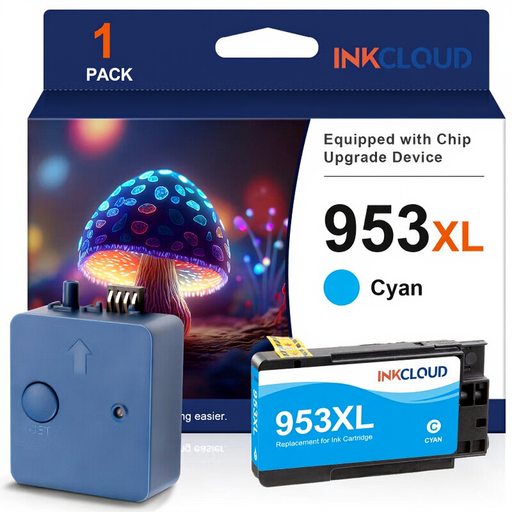
Why this product suits the profile: The four-cartridge set is aimed at users who regularly print colour documents and want to keep black, cyan, magenta and yellow in stock together.
The product description specifies an extensive model list, four-cartridge contents and a chip system. Check these details against your printer model before buying.
Stated yield: up to 2,000 pages for black and up to 1,600 pages per colour cartridge. Actual figures depend on the print content.
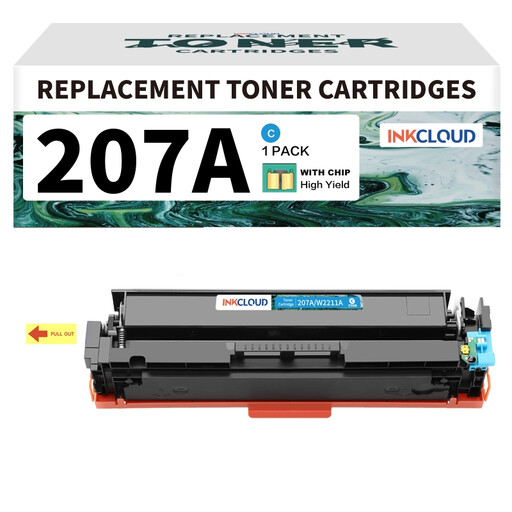
Why this product suits the profile: The cyan toner cartridge is designed for specific HP LaserJet Pro models and, according to the product description, features a pre-installed chip.
The chip addresses a common concern about printer recognition. Matching the exact M255, M283 or compatible device series remains essential.
LaserJet toner is suitable for text-focused office printing. According to the supplier, the chip supports recognition and toner-level monitoring.
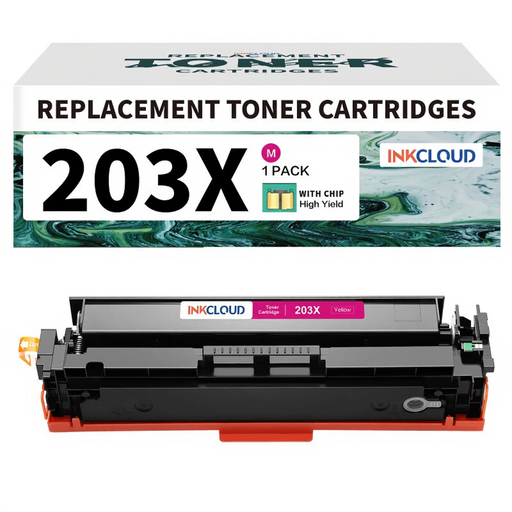
Why this product suits the profile: This compatible HP toner cartridge is aimed at users of colour laser devices such as the M254dw, M255dw or M281fdw who regularly print colour documents.
The product name specifies both the 203X and 203A references, along with the associated HP printer series. This reduces the risk of confusing them.
Smudge-resistant documents typical of laser printing and a separate colour option. Before ordering, check whether your device requires 203X or 203A.
We have put together a complete, regularly updated list of products that fully meet these strict selection criteria and the safety regulations applicable in the EU.
Before installation, remove the protective film or transport lock without touching the contacts, chip or nozzles. Insert the cartridge into the matching colour slot until it clicks into place. After insertion, it may be useful to print a test page or align the print head.
When handling toner, switch off the printer and follow the instructions in the user manual. A toner cartridge must not be opened or dismantled. Keep ink and toner out of the reach of children. Store replacement products in a dry place, protected from direct sunlight and away from strong sources of heat.
This depends on the individual product, chip and printer model. Check the supplier’s information about printer recognition and compare the model list. For sensitive office devices, it is advisable to confirm compatibility specifically for the installed device series before buying.
Service life depends on page yield, printing frequency, colour coverage and storage. XL printer cartridges can extend replacement intervals when you print more frequently. However, photos and full-page colour documents use more ink than standard text pages.
The purchase price may be lower than that of original products. For a fair assessment, however, you should compare yield, contents and the price per expected page. With colour laser printers, cyan, magenta, yellow and black must be considered separately.