
Lieferung heute & morgen

Qualitätsgarantie

Willkommens-Angebote freischalten: KOSTENLOSE Lieferung | Bis zu 80 % RABATT | Kostenlose 30-Tage-JoyPlus-Testphase
App herunterladen
If you are looking for compatible Inkcloud printer cartridges and toner, you will usually want three things at once: reliable compatibility, predictable printing costs and straightforward installation. However, your choice only makes sense if the model number, printing technology and features match your printer exactly. A cheap cartridge with the wrong identification can be unusable and lead to error messages or unnecessary returns.
The name shown on the printer is not always enough to make the right choice. The key detail is the consumable number, such as HP 953XL, HP 912XL, HP 207A, HP 415A, HP 117A, Canon 510XL or Brother TN-3600XL. Even within the same series, individual printer models may use different cartridges.
Before buying, you should therefore:
Colour printers often use cyan, magenta, yellow and black separately. If you only need cyan toner, magenta toner, yellow toner or black toner, you can replace the individual cartridge as required. For regular colour printing, however, a multipack may be more convenient.
One example is the INKCLOUD-953XL offer, which includes one black cartridge plus one each in cyan, magenta and yellow. According to the product description, the black cartridge delivers up to 2,000 pages, while each colour cartridge delivers up to 1,600 pages. The actual yield depends on the print coverage and print settings.
XL printer cartridges generally contain more ink than standard versions from the same series. However, this does not allow a fixed page yield to be assumed. The decisive factors are the fill volume, coverage, paper size and how the cartridge is used.
With toner, you should also check whether a toner cartridge with chip is included. A chip can support communication with the printer and the display of toner levels. However, it does not replace the need to check that the cartridge is intended for your specific printer model.
First, look for the combination of printer model and consumable number. For HP printer cartridges, for example, HP 953XL, HP 912XL, HP 207A, HP 415A or HP 117A may be relevant. Canon printer cartridges include options such as Canon 510XL/511XL or CRG 054H. For Brother printer cartridges, the TN-3600XL designation may be relevant.
The term “compatible” means that the product is not an original product made by the printer manufacturer. Depending on the offer, the cartridge may be newly manufactured or remanufactured. With remanufactured printer cartridges, an existing casing is reused and reconditioned.
Ink cartridges are used in inkjet printers, while toner cartridges are used in laser printers. The two types are not interchangeable. So check the following:
An integrated chip is an important feature, particularly for many laser cartridges and newer printer models. Check whether the offer explicitly states “with chip”. The contents should also be clearly specified: a product page stating “1 Cyan” refers to one cyan cartridge, while a multipack may contain several colours or units.
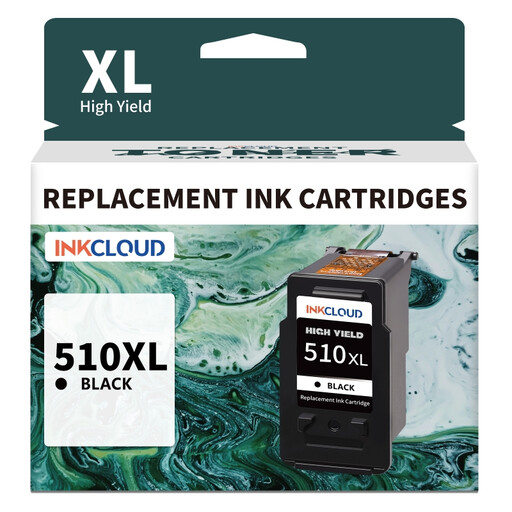
Why this product suits this profile: This remanufactured black cartridge is designed for various Canon Pixma models, including MP495, iP2700 and MX410, and is suitable for everyday text documents.
The specific model list and 510XL/511XL designation make it easier to check compatibility before buying.
A reused cartridge casing, black ink and direct replacement installation for compatible Canon Pixma devices.
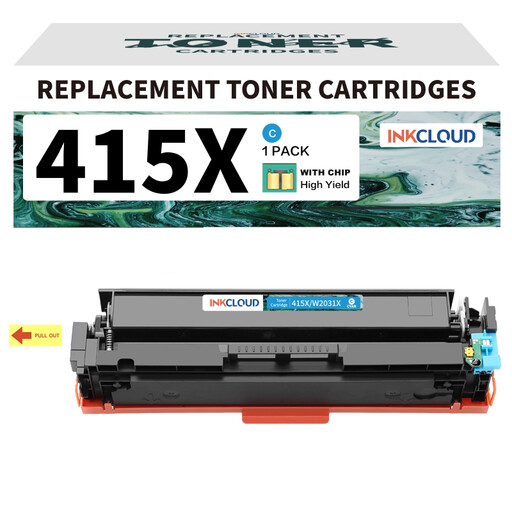
Why this product suits this profile: The cartridge is listed for HP M479fdw, M454dw, M454 and W2030A systems and, according to the product information, has a pre-installed chip.
The product designation, colour and chip specification are listed separately, so you can compare them with the printer menu.
A cyan toner cartridge with chip and clearly defined compatibility with several HP LaserJet models.
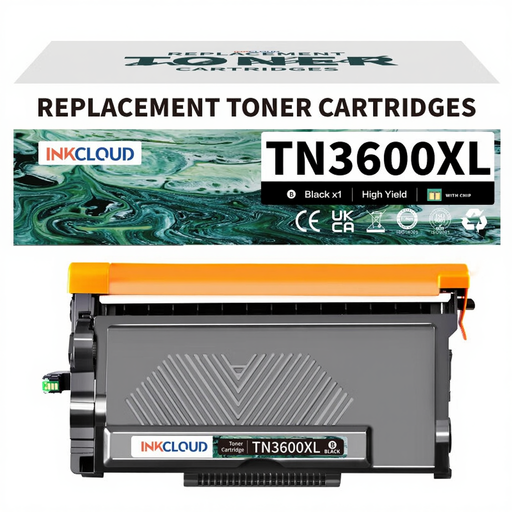
Why this product suits this profile: This XL black toner cartridge is aimed at users of the Brother L5210DN, L5710DW, L5710DN and L6710D models who print documents regularly.
The stated printer series, colour and XL version help rule out a cartridge that only looks similar.
XL black toner with an integrated chip, designed for use in several Brother laser printers.
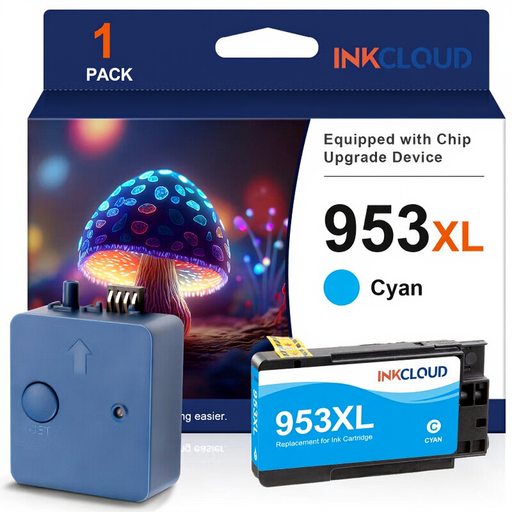
Why this product suits this profile: The set contains black, cyan, magenta and yellow cartridges and is listed for numerous HP OfficeJet Pro models, including 7720, 7740, 8710 and 8740.
The complete range of colours and extensive model list make it easier to check the contents and compatibility.
Four individual XL colour cartridges and, according to the product description, an up-to-date chip system for compatible printers.
Before replacing a cartridge, switch off the printer or prepare it according to the operating instructions. Remove protective films immediately before installation and, with toner cartridges, avoid touching either the imaging drum or electrical contacts. For ink cartridges, it is advisable to run an alignment procedure or test print after installation.
Store cartridges and toner in a cool, dry place away from direct sunlight. Toner cartridges should be stored in accordance with the product instructions. If you come into contact with ink or toner powder, follow the relevant safety information provided with the offer and by the printer manufacturer. Empty cartridges should be disposed of through the designated return or recycling channels.
We have put together a complete, regularly updated list of products that fully meet these strict selection criteria and the safety regulations applicable in the EU.
This depends on the printer model, cartridge series and chip used. Before buying, check whether the offer specifies an up-to-date chip version or compatibility with the firmware currently installed. This does not guarantee compatibility with every future update.
The yield depends on the fill volume, page coverage, document type and print settings. Any stated page yield should therefore be treated as a reference value. For frequent text printing, XL cartridges may be more economical; if you print less often, a smaller cartridge may be sufficient.
They can be an alternative to newly manufactured compatible cartridges. The casing is reused and reconditioned. The key considerations remain the specific model compatibility, contents, colour and stated yield. This allows you to buy printer cartridges at a low price without losing sight of the technical specifications.