
Lieferung heute & morgen

Qualitätsgarantie

Willkommens-Angebote freischalten: KOSTENLOSE Lieferung | Bis zu 80 % RABATT | Kostenlose 30-Tage-JoyPlus-Testphase
App herunterladen
The cost of original equipment manufacturer (OEM) printer cartridges can quickly strain the budget for a home office or personal use. Compatible printer cartridges offer a cost-effective alternative, but the market is confusing and full of pitfalls. Buying uninformed not only risks poor print results but, in the worst-case scenario, can even damage your device.
As your Joybuy Product Recommendation Officer, I'm here to help you identify the common marketing traps and make an informed decision. We'll focus on the facts so you can find affordable printer cartridges that work reliably.
The 3 Most Common Problems When Buying Alternative Cartridges:
To avoid these problems, you should look beyond just the price and pay close attention to technical specifications. Three features are of key importance.
Every modern printer cartridge has a chip that communicates with the printer. It transmits information like the ink level and confirms compatibility.
Look for products that explicitly advertise an "up-to-date chip" or an "advanced chip system." Such chips are designed to remain compatible with future printer firmware updates. This minimises the risk of your printer rejecting the printer cartridge alternative after an update.
The page yield figure (e.g., "prints up to 2,000 pages") is a key indicator of cost-effectiveness. Cartridges labelled "XL" or "XXL" offer a high page yield and are often the more economical choice for high-volume printing.
Instead of just comparing the purchase price, you should calculate the cost per page. A slightly more expensive XL cartridge that prints twice as many pages as a standard one is the more affordable option in the long run. Reputable suppliers base their page yield claims on industry standards (based on 5% page coverage).
There are two types of alternative cartridges on the market:
Both options can offer high quality, provided the manufacturing process is subject to strict controls. Remanufactured cartridges are often considered the more eco-friendly option, as existing casings are reused.
Based on these objective criteria, we have selected a few products for typical use cases.
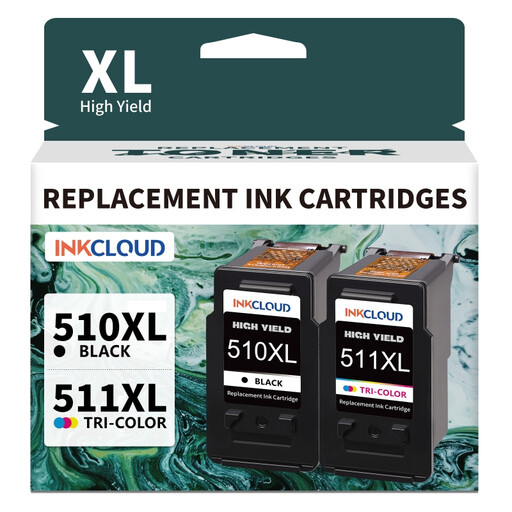
Why it's a match: Ideal for Canon Pixma users who primarily print documents and are looking for a highly cost-effective and eco-friendly solution. The combination of one black and one colour cartridge covers basic needs.
As a remanufactured product, it's based on an original casing, which ensures a precise fit. The professional refilling process with quality-tested ink prevents clogging and poor print quality.
Excellent value for money and a resource-friendly approach by reusing original components.
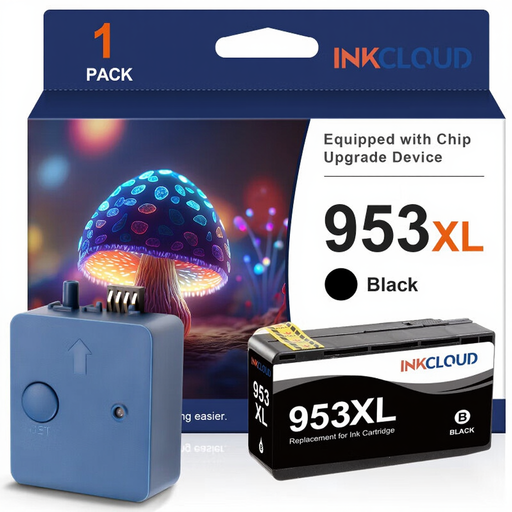
Why it's a match: Designed for HP OfficeJet Pro users with high print volumes. The XL capacity is ideal for printing numerous text documents, invoices, or reports and significantly lowers the cost per page.
The explicitly mentioned "advanced chip system" ensures reliable detection by the printer and protects against incompatibility from firmware updates. The XL capacity is designed for high page yield.
High reliability and a large page yield make this HP 953XL compatible cartridge an economical choice for high-volume users.
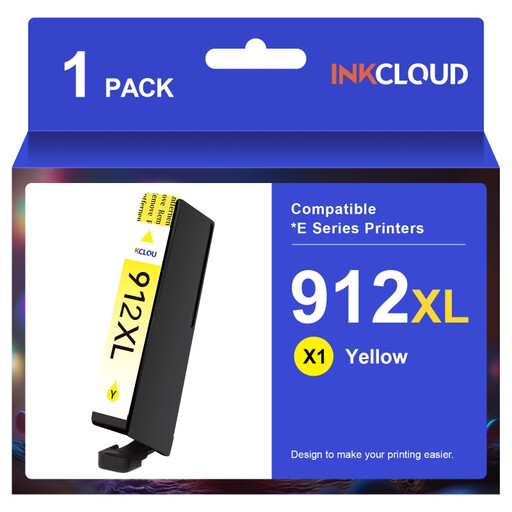
Why it's a match: For users who regularly print colour graphics, presentations, or photos and value vibrant colours without wanting to pay the high price for original ink cartridges for HP printers.
The cartridge undergoes strict quality checks to ensure consistent performance and colour vibrancy. This prevents the issue of faded or inaccurate colours that occurs with low-quality ink.
Enables professional-looking colour prints at a fraction of the OEM cost, with high reliability for common HP Officejet models.
If you want to buy affordable printer ink for your specific printer model, you can find more products that meet our selection criteria in our complete overview.
No, the manufacturer's statutory warranty is generally not affected by the use of compatible or remanufactured cartridges. A manufacturer can only refuse a warranty claim if they can prove that the damage to the printer was directly caused by the third-party cartridge. With quality products, this risk is minimal.
A compatible cartridge is a complete new-build replica of the original, made by a third-party manufacturer. A remanufactured cartridge is an empty original cartridge that has been professionally cleaned, refilled with new ink, and technically refurbished. Both can be excellent alternatives when high quality standards are met.
First, check that you have completely removed any protective film or cap. Try removing the cartridge and reinserting it firmly until it clicks into place. Sometimes, restarting the printer can also help. If the problem persists, ensure you have purchased the exact cartridge model for your printer.